
Cloud-side autonomous work
Clark Agent runs in Clark’s cloud on its own computer, so it can keep working for hours after you close the tab.
Clark Labs offers two AI agents: Clark Agent for autonomous browser-based work in the cloud, and Clark Code for coding tasks on your own machine. It also provides an OpenAI-compatible Clark Platform API for developers.
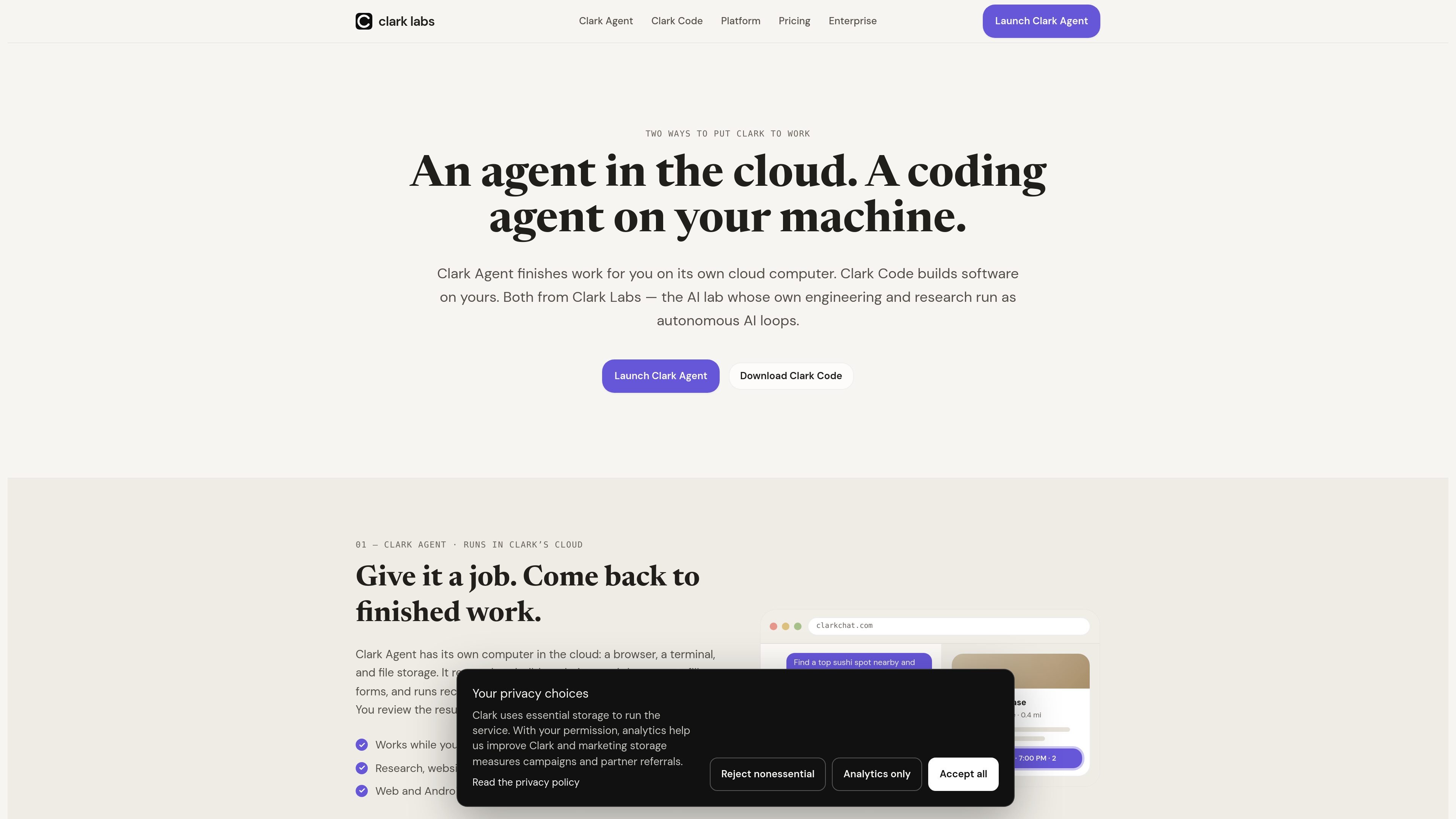
Clark Labs builds two related products: Clark Agent, an autonomous computer-use agent that runs in Clark’s cloud, and Clark Code, an AI coding agent that runs on your machine. Together they cover two common workflows: delegating browser-based tasks to a cloud computer, or pairing with a repository on a local or remote development environment.
Clark Agent is designed for jobs that can run while you are offline, including research, bookings, documents, forms, and recurring workflows. Clark Code is aimed at software work on a real codebase, with support for reading, editing, running tests, and carrying project memory across sessions. The site also offers the Clark Platform, an OpenAI-compatible API gateway for teams and developers who want to use Clark models or route frontier models through a single interface.
Clark Agent runs in Clark’s cloud on its own computer, so it can keep working for hours after you close the tab.
It can use a real browser, terminal, and files to research, build websites and documents, fill forms, and handle recurring workflows.
The product returns work as inspectable artifacts with cited sources, so you can review findings instead of treating the output as a black box.
Clark Code reads, edits, and runs code in your real repository on your machine or over SSH, rather than in a cloud sandbox you do not control.
It keeps a persistent memory of project architecture, conventions, and prior decisions, which reduces repeated setup across sessions.
The Clark Platform exposes an OpenAI-compatible API gateway, letting apps call Clark Agent or route to frontier models through the same interface.
Use Clark Agent for research, comparison shopping, form filling, bookings, and other browser-based errands that can continue while you are away from the screen.
Use Clark Code when you need an assistant that can read a repository, make edits, run tests, and keep track of project decisions across sessions.
Use the Clark Platform when you want one OpenAI-compatible API to call Clark Agent or route requests to frontier models in your application.
Use Clark Labs engagements when your organization wants an on-site team to install the same loop-based approach for product development, research, testing, or recurring operations.
Use Clark Agent for recurring monitoring or reporting jobs that should run on a schedule and return results for human review.
Clark Agent runs in Clark’s cloud with its own browser, terminal, and file storage. You give it a task, let it work, and review the finished result when it is done.
Clark Code runs on your own machine, or on a remote host over SSH. It reads, edits, and runs your real repository, and it is available as a native desktop app for macOS, Windows, and Linux.
Yes. The pricing page describes individual plans, focused Coder and BYOK options, and seat-based team plans with shared credits and organization billing controls.
Yes. The platform page describes Clark as an OpenAI-compatible gateway, with official SDKs in TypeScript, JavaScript, Python, Rust, and Zig.
The source says Clark Agent is available on the web and Android now, with iOS coming soon. Clark Code is available on macOS, Windows, and Linux, with Linux also packaged as .deb and .rpm.

ByteAsk is a terminal-first AI coding agent for C and C++ that edits repositories and verifies changes with the real compiler, debugger, sanitizers, and tests before showing a diff. It offers a free tier plus paid plans, with editor connectors and zero-retention handling described in the source.

CreateOS Sandbox is an isolated compute environment for running code and agent workloads inside Firecracker micro-VMs. It is designed for workflows that need machine-level isolation, private networking between sandboxes, and programmatic control through SDK, CLI, or MCP.

Ghost è un assistente AI da terminale per chattare, generare codice ed eseguire task da riga di comando. Include modelli gratuiti, supporta Linux, macOS e Windows, ed è open source.

Devin is an AI coding agent and software engineer that helps developers and engineering teams plan and execute complex software tasks. It is available through desktop, cloud, JetBrains, and CLI surfaces, with plans for individuals, teams, and enterprises.

Codex Plugins bundle reusable skills, app integrations, and MCP servers into workflows you can install in the Codex app or use from Codex CLI. They help extend Codex with connected-service tasks, reusable instructions, and shared team workflows.

hob is an independent workspace for coding agents that keeps agent sessions, terminals, history, and follow-up work organized around the tools and providers you already use. It is aimed at developers who want local control over routing, history, and workspace structure rather than a bundled model stack.