
Drop-in API compatibility
Use an existing OpenAI-compatible client against `cocore.dev/v1` with a `cocore-...` key. The site says the standard chat/completions shape, streaming, and tool calls work without code changes.

co/core is a cooperative for AI inference that pools member-owned Macs to run open models. It supports OpenAI-compatible clients and lets Mac owners contribute compute through a macOS app.
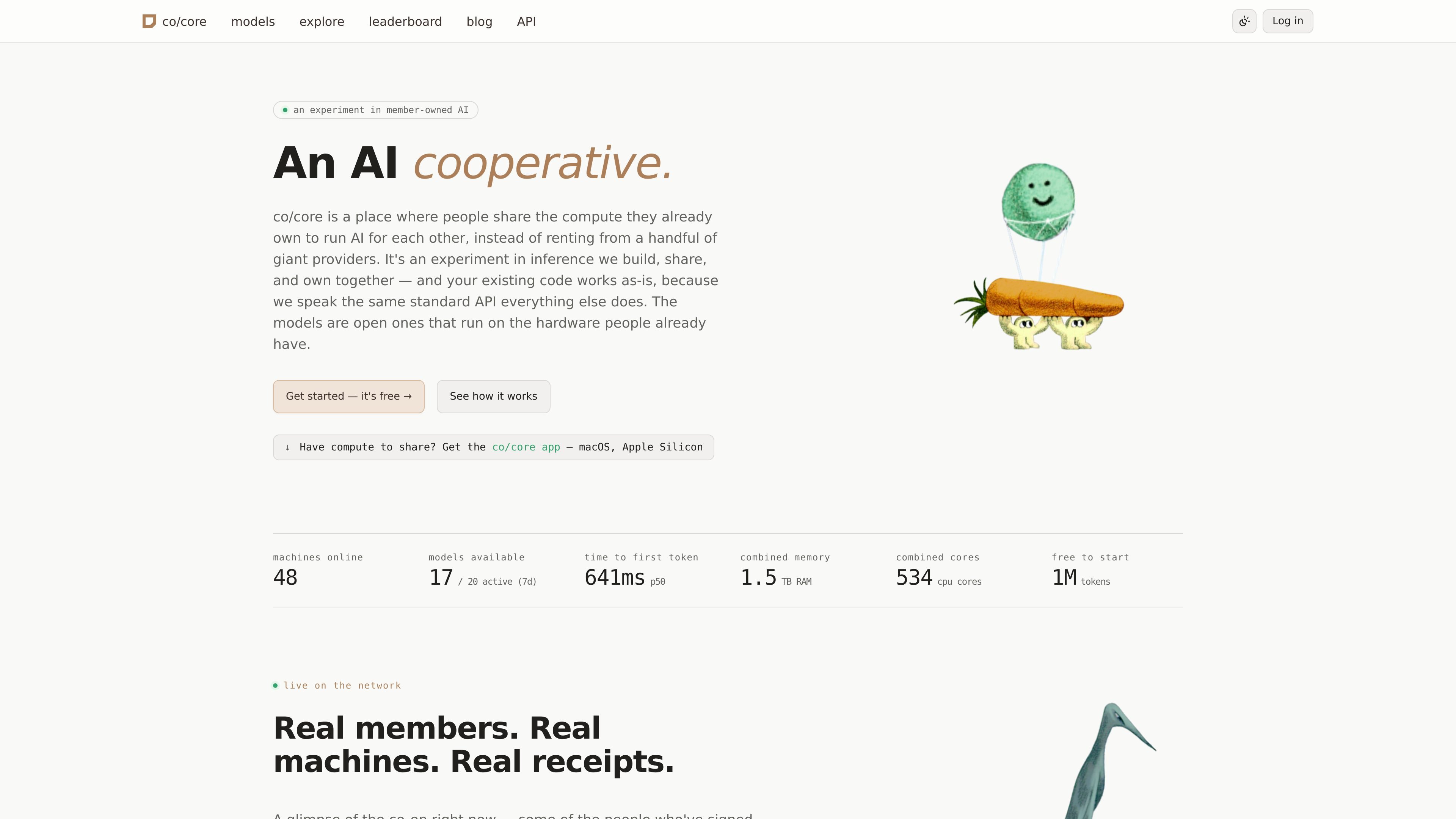
co/core is a cooperative for AI inference built around member-owned Macs. Instead of sending every request to a large cloud provider, it pools compute from people who already have the hardware and routes jobs to those machines to run open models for each other.
The service presents itself as an experiment in infrastructure that is built, shared, and owned together. It exposes an OpenAI-compatible API, so existing client code can point at `cocore.dev/v1` and keep using the usual chat and streaming workflow while the network handles the inference.
The public pages also emphasize transparency. Each job writes a signed receipt, the records are designed to be verifiable on their own, and the protocol is framed as an open standard that others could use to run a different exchange with different rules.
For contributors, co/core offers a macOS app for Apple Silicon that turns an idle Mac into part of the network. Members can pick models, keep the app running in the background, and receive credits for the work their machine performs, with settlement and member payouts described in public records.
Use an existing OpenAI-compatible client against `cocore.dev/v1` with a `cocore-...` key. The site says the standard chat/completions shape, streaming, and tool calls work without code changes.
Request jobs are routed to member-owned compute instead of a single cloud provider. The product positions this as pooled AI inference across Macs people already own.
Each job produces a signed, public receipt that can be verified against the published spec and signer identity. The site emphasizes that the record can be checked without calling co/core again.
The system describes an open standard for inference requests and post-job records. That allows a different exchange to read and write the same records with its own rules.
Members can install the macOS app, sign in, pick models, and let their Mac run jobs while they are not using it. The app is described as self-updating and not requiring Terminal use.
Developers with existing OpenAI-compatible code can swap the base URL and API key, then continue using the same chat/completions and streaming flow against co/core.
People with an Apple Silicon Mac can install the app, choose a model or two, and let the machine contribute compute while they are not using it.
Users who want more transparency around inference can rely on signed receipts and public settlement records rather than a black-box cloud bill.
Anyone interested in alternative AI infrastructure can use the open records and open standard to understand how the exchange works or potentially run a different exchange with the same data model.
It is a cooperative for AI inference where members pool the Macs they already own to run open models for one another.
The site says you can point an existing OpenAI-compatible client at `cocore.dev/v1` and use a `cocore-...` API key. It describes streaming, tool calls, and the usual chat/completions shape as working without code changes.
The network is designed to run open models on member-owned Macs, and the site highlights an app for macOS on Apple Silicon.
The public pages show a free-to-start network and a pricing page that currently returns Not Found, so no paid plan details are visible in the provided source.
The site describes both sides of the network: people can use the co-op's inference network, or they can install the app, sign in, pick models, and contribute their Mac's compute while they're not using it.

AakarDev AI helps teams manage AI provider access, project-level setups, logs, and analytics from one dashboard. It supports BYOK workflows and lists providers including OpenAI, Google Gemini, Anthropic, Groq, Mistral AI, and Perplexity AI.

ByteAsk is a terminal-first AI coding agent for C and C++ that edits repositories and verifies changes with the real compiler, debugger, sanitizers, and tests before showing a diff. It offers a free tier plus paid plans, with editor connectors and zero-retention handling described in the source.

CreateOS Sandbox is an isolated compute environment for running code and agent workloads inside Firecracker micro-VMs. It is designed for workflows that need machine-level isolation, private networking between sandboxes, and programmatic control through SDK, CLI, or MCP.

hob is an independent workspace for coding agents that keeps agent sessions, terminals, history, and follow-up work organized around the tools and providers you already use. It is aimed at developers who want local control over routing, history, and workspace structure rather than a bundled model stack.

Ably Chat is a chat API platform for building custom realtime chat applications. It supports room-based messaging, typing indicators, presence, reactions, and message updates, with usage-based pricing options for different deployment stages.

Manta AI is an autonomous web app testing tool for teams that want to map application behavior, catch regressions, and generate tests without writing scripts or maintaining selectors. It works from a URL and supports plain-English test flows, run results with screenshots, and scheduled or deployment-triggered checks.