
Continuous org-wide pattern analysis
The platform evaluates 222 patterns continuously at org scope and turns structural events into engineering signals such as blockers, retry waste, cost patterns, and risk findings.

Context Mode Insight is an engineering-signal platform for AI-assisted teams that layers on top of the Context Mode plugin. It turns structural event data into role-specific views for leadership, engineering, security, finance, and operations without moving source code or prompt content off developer machines.
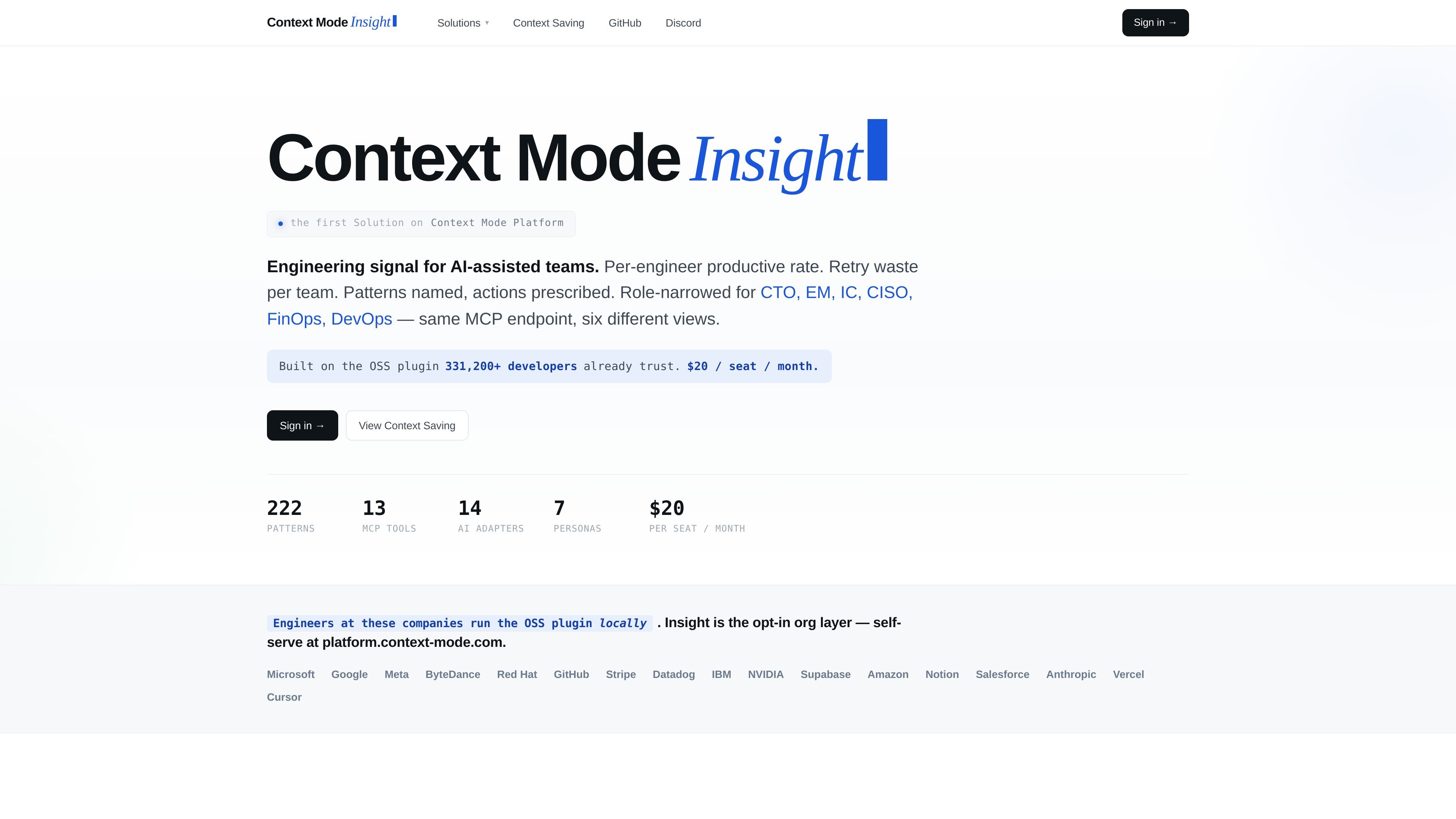
Context Mode Insight is the engineering-signal layer of the Context Mode Platform. It sits on top of the same open-source plugin that teams already run locally and forwards only structural events to an org workspace, where they are analyzed into views for engineering, leadership, security, finance, and operations roles.
The product is positioned for AI-assisted teams that want to answer questions about productivity, blockers, risk, and spend without moving source code or prompt content off developer machines. The site describes the output as role-narrowed dashboards and pattern-based findings, with a single MCP endpoint serving different audiences such as CTOs, engineering managers, individual contributors, CISOs, FinOps, and DevOps users.
The platform evaluates 222 patterns continuously at org scope and turns structural events into engineering signals such as blockers, retry waste, cost patterns, and risk findings.
One MCP endpoint serves multiple role-specific dashboards, with six narrowed views for CTO, EM, IC, CISO, FinOps, and DevOps.
The platform forwards only structural metadata from the locally running plugin, such as tool names, file paths, and error counts, while keeping source code and prompts on the machine.
The page states that the same plugin already supports 13 first-class tools and 17 AI adapters, including Claude Code, Cursor, Copilot, Codex, and Gemini CLI.
Insight stores 90 days of data with edge-cached read access and exposes a REST API for CI, Slack, and compliance pipelines.
The product is sold as a single paid tier at $20 per seat per month, billed monthly via Stripe, with cancellation from the customer portal.
Use the CTO view to summarize adoption, productive output, org health, and return on investment for board or leadership updates.
Use the EM view to identify unresolved blockers, persistent errors, and teams that need triage before standup or 1:1 prep.
Use the IC view to compare personal productive sessions, edit density, and rules-file correlation against team norms during growth or performance reviews.
Use the CISO view to review secret-shaped paths, sandboxed destructive commands, and other high-severity AI risks for audit windows.
Use the FinOps and DevOps views to trace spend, retry waste, commit quality, and release readiness across teams before sign-off or budget review.
It is an org-layer product on top of the Context Mode plugin. The page says teams already running the OSS plugin can opt in through the platform and see role-narrowed views such as CTO, EM, IC, CISO, FinOps, and DevOps.
The page describes the platform as using structural events only, such as tool names, file paths, and error counts. It explicitly says source code and prompt content do not leave the machine.
Pricing is shown as $20 per seat per month. The page says there is one tier, billed monthly via Stripe, with no free tier, no trial, and no annual plan.
The source says the same plugin is already used locally and that onboarding takes a single command. It also says the platform is accessed as an opt-in org layer at platform.context-mode.com.
The page includes REST API support for CI, Slack, and compliance pipelines, and it also mentions email support with a 24-hour SLA.

Rectify is an all-in-one SaaS operations platform that combines session replay, monitoring, support, code scanning, roadmaps, and changelogs. It is aimed at founders and product teams, especially non-technical SaaS teams working with AI-assisted development.

PromptScout tracks how ChatGPT, Gemini, Google AI Overviews, and Perplexity mention your brand or competitors, then pairs those results with source analysis and website audits. It helps teams decide what to fix in content, positioning, or site readiness next.

Sleek Analytics is a privacy-friendly web analytics tool with real-time visitor tracking, Core Web Vitals, and revenue attribution. It helps site owners understand traffic and conversions without cookie banners or a heavy setup.

ClawTick is an AI agent automation platform for scheduling jobs from the CLI, dashboard, or REST API. It is aimed at developers and teams running LangChain, CrewAI, webhook, or custom agent workflows that need monitoring, alerts, and logs.

OpenFlags is an open-source, self-hosted feature flag platform for modern JavaScript teams. It supports local evaluation, targeted rollouts, and controlled launches while keeping flag data in your own infrastructure.

Skills Janitor is a GitHub-hosted set of slash commands for auditing, tracking, and managing Claude Code and OpenAI Codex skills. It helps users find duplicates, broken links, and unused skills, then clean them up with self-contained commands.