
On-demand convention delivery
Serves 27 TypeScript conventions from a hosted MCP server so agents request only the rule they need instead of carrying a large prompt block.

convention.sh is a hosted MCP toolkit for coding agents that serves TypeScript conventions on demand. It helps tools like Claude Code, Codex, Cursor, and Amp follow a shared set of rules without relying on bulky prompts or stale copies.
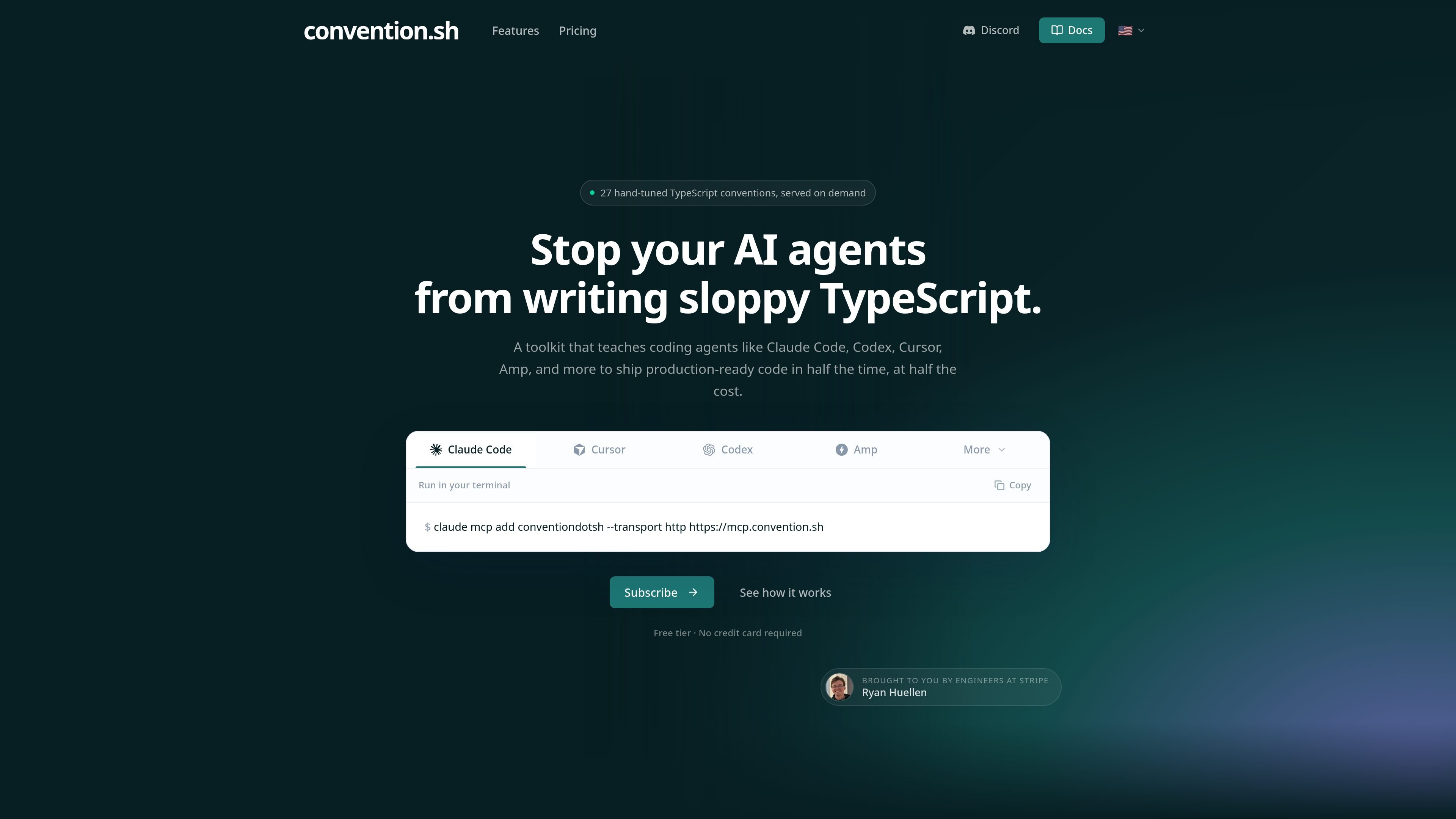
convention.sh is a hosted toolkit for coding agents that delivers TypeScript conventions through the Model Context Protocol. The site positions it as a way to help agents like Claude Code, Codex, Cursor, and Amp produce cleaner TypeScript without packing every rule into every prompt.
The product centers on 27 hand-tuned conventions that are served on demand. Instead of relying on a static wiki or manually copied guidance, agents fetch the convention they need when they need it, which the site says reduces token usage and keeps the rules current across machines.
Serves 27 TypeScript conventions from a hosted MCP server so agents request only the rule they need instead of carrying a large prompt block.
Teaches agents to follow specific TypeScript practices such as strict typing, avoiding `any`, validating untrusted input with Zod, and preferring discriminated unions over optional fields.
Integrates through the Model Context Protocol, which the site says works with Claude Code, Codex, Cursor, Amp, and other MCP-capable tools.
Keeps the convention library on the server, so updates ship centrally and agents see new rules on the next request without PRs or redeploys.
Provides a terminal-based setup example and a hosted MCP endpoint, which indicates the product is meant to fit into an agent workflow rather than a separate editor UI.
A developer using an MCP-capable agent can connect to convention.sh and have the agent request TypeScript guidance as it works through a task.
A team that wants its agents to follow a shared TypeScript style can rely on a centrally hosted convention library instead of maintaining copies in multiple repos.
A workflow that needs to limit context bloat can fetch only the relevant rule at the moment it is needed, rather than pasting a long policy document into every prompt.
A commercial project can start on the free tier for personal evaluation and then move to a paid plan when the work becomes commercial.
An engineering setup that uses several agents can point each MCP-capable tool at the same hosted source of conventions.
It provides a hosted MCP endpoint that coding agents can query for conventions on demand, so setup is centered on connecting an MCP-capable agent such as Claude Code, Codex, Cursor, or Amp.
The site says it works with any agent that speaks MCP, including Claude Code, Codex, Cursor, and Amp.
The pricing page describes a free tier for personal, non-commercial projects and paid Pro and Team plans for commercial use.
The homepage describes the conventions as living on a hosted MCP server and being updated centrally, which means agents pick up new rules on the next request without local redeploys.
The public pages do not list detailed setup limits, team workflow steps, or migration requirements beyond the MCP-based flow and pricing tiers.

AakarDev AI helps teams manage AI provider access, project-level setups, logs, and analytics from one dashboard. It supports BYOK workflows and lists providers including OpenAI, Google Gemini, Anthropic, Groq, Mistral AI, and Perplexity AI.

CreateOS Sandbox is an isolated compute environment for running code and agent workloads inside Firecracker micro-VMs. It is designed for workflows that need machine-level isolation, private networking between sandboxes, and programmatic control through SDK, CLI, or MCP.

Trigger.dev chat agent is a durable AI chat backend for developers building stateful conversations that can survive refreshes, crashes, and long-running turns. It connects with the AI SDK `useChat` flow and runs on managed infrastructure with no timeout on a turn.

ByteAsk is a terminal-first AI coding agent for C and C++ that edits repositories and verifies changes with the real compiler, debugger, sanitizers, and tests before showing a diff. It offers a free tier plus paid plans, with editor connectors and zero-retention handling described in the source.

Codex Plugins bundle reusable skills, app integrations, and MCP servers into workflows you can install in the Codex app or use from Codex CLI. They help extend Codex with connected-service tasks, reusable instructions, and shared team workflows.

hob is an independent workspace for coding agents that keeps agent sessions, terminals, history, and follow-up work organized around the tools and providers you already use. It is aimed at developers who want local control over routing, history, and workspace structure rather than a bundled model stack.