
Spec-driven execution
The product installs a durable plan as the source of truth, with explicit acceptance criteria and validation gates so long tasks can be resumed and verified instead of abandoned midstream.

Deep Work Plan is a repository-level workflow for AI coding agents that turns a codebase into a structured, resumable execution environment. It helps teams run long-horizon tasks with explicit plans, validation gates, and repository-specific instructions.
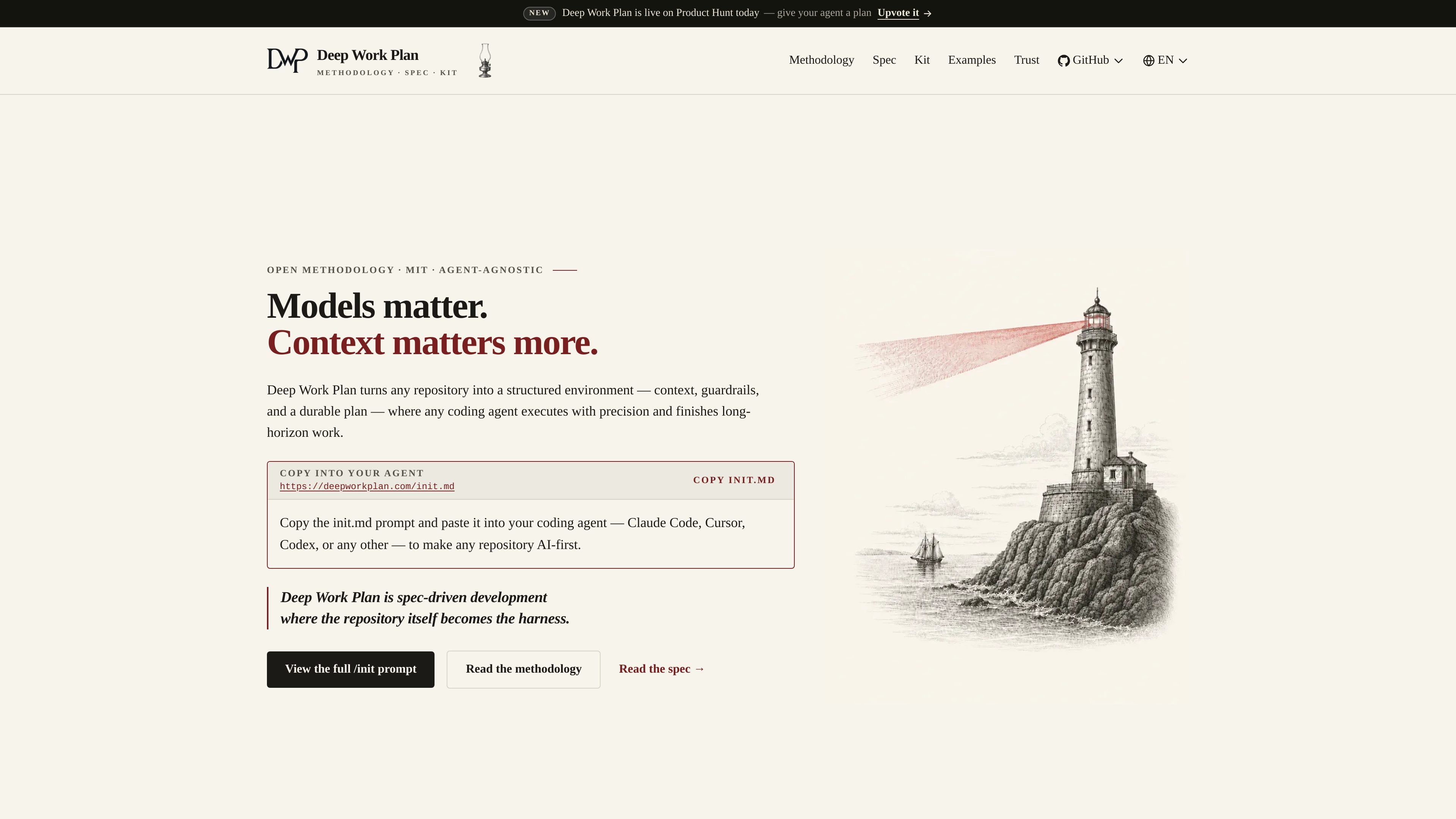
Deep Work Plan is a repository-level workflow for AI coding agents that turns a codebase into a structured execution environment. Its core idea is that context, guardrails, and a durable plan matter more than the model alone when work spans many files, many decisions, or many sessions.
The product combines a methodology, a specification, a kit, and agent adapters. In practice, you start with an `/init.md` prompt, let the agent inspect the repository’s real stack, and generate repository-specific artifacts such as `AGENTS.md`, categorized `docs/`, `.agents/`, and a gitignored `.dwp/` workspace for plans and drafts.
Deep Work Plan is aimed at long-horizon coding tasks such as migrations, refactors, and new subsystems, where a plan needs to survive context overflow and remain verifiable. The site also presents it as agent-agnostic: the same Markdown-based methodology can run in supported tools including Claude Code, Cursor, Codex, and others.
The product installs a durable plan as the source of truth, with explicit acceptance criteria and validation gates so long tasks can be resumed and verified instead of abandoned midstream.
Onboarding inspects the repository’s real manifests, folder layout, and CI to infer the stack and generate repository-specific artifacts instead of a generic template.
The kit creates or installs repository artifacts such as `AGENTS.md`, `docs/`, module-level docs, `.agents/`, and `.dwp/` so the repository itself carries the operating instructions.
The skill pack includes the core router plus sub-skills such as create, execute, refine, resume, status, verify, onboard, and author, each exposed through thin commands.
Support for multiple agents is presented through adapters and presets, including Claude Code, Cursor, OpenAI Codex, GitHub Copilot, Gemini, OpenCode, Windsurf, and Cline.
A verification command produces an objective pass/fail conformance report, which lets teams check whether a repository is Deep Work Plan-conformant after setup and after later plans.
Use Deep Work Plan when an agent needs to carry a large change across many files, keep decisions explicit, and resume later without losing the plan.
Use it to onboard a repository into an AI-first workflow by generating repository-specific instructions, docs, and validation hooks from the real codebase.
Use it when a team wants the same planning and execution method across multiple agents, while still adapting to the repository’s actual stack and commands.
Use the verification command after setup or after a plan to check whether the repository and its plans conform to the specification.
Use the kit’s author and addon concepts when a repository needs to grow its own reusable skills, agents, or dependency-upgrade routines.
Deep Work Plan is designed to help AI coding agents handle long-horizon work inside a repository by keeping plans, acceptance criteria, and validation gates explicit and resumable.
The source describes the product as agent-agnostic and shows adapters for Claude Code, Cursor, OpenAI Codex, GitHub Copilot, Gemini, OpenCode, Windsurf, Cline, and others.
The homepage says you paste the /init.md prompt into an agent, which then reads the methodology and spec and adapts the repository by generating artifacts such as AGENTS.md, docs/, .agents/, and .dwp/.
The methodology and kit describe a repository-first workflow: the repo becomes the harness, plans live in gitignored .dwp/, and progress can be resumed from git-backed state.
The pricing page is not available from the collected sources, so pricing details are not published in the evidence provided.

ByteAsk is a terminal-first AI coding agent for C and C++ that edits repositories and verifies changes with the real compiler, debugger, sanitizers, and tests before showing a diff. It offers a free tier plus paid plans, with editor connectors and zero-retention handling described in the source.

CreateOS Sandbox is an isolated compute environment for running code and agent workloads inside Firecracker micro-VMs. It is designed for workflows that need machine-level isolation, private networking between sandboxes, and programmatic control through SDK, CLI, or MCP.

hob is an independent workspace for coding agents that keeps agent sessions, terminals, history, and follow-up work organized around the tools and providers you already use. It is aimed at developers who want local control over routing, history, and workspace structure rather than a bundled model stack.

Manta AI is an autonomous web app testing tool for teams that want to map application behavior, catch regressions, and generate tests without writing scripts or maintaining selectors. It works from a URL and supports plain-English test flows, run results with screenshots, and scheduled or deployment-triggered checks.

SonOf connects to your repo and PM tool, audits the codebase and surrounding product context, and turns approved work into shipped tickets with senior engineering review. It is aimed at founders and engineering leaders who need backlog help without hiring a full team immediately.

Ghost è un assistente AI da terminale per chattare, generare codice ed eseguire task da riga di comando. Include modelli gratuiti, supporta Linux, macOS e Windows, ed è open source.