
AI upscaling
Increase resolution up to 8x, with support for image enhancement workflows that aim to recover detail rather than only resize the file.

EnhanceCraft is a browser-based AI image toolkit for upscaling, restoring, and editing photos. It helps creators, photographers, marketers, and businesses process images quickly, with batch workflow support and API access on paid plans.
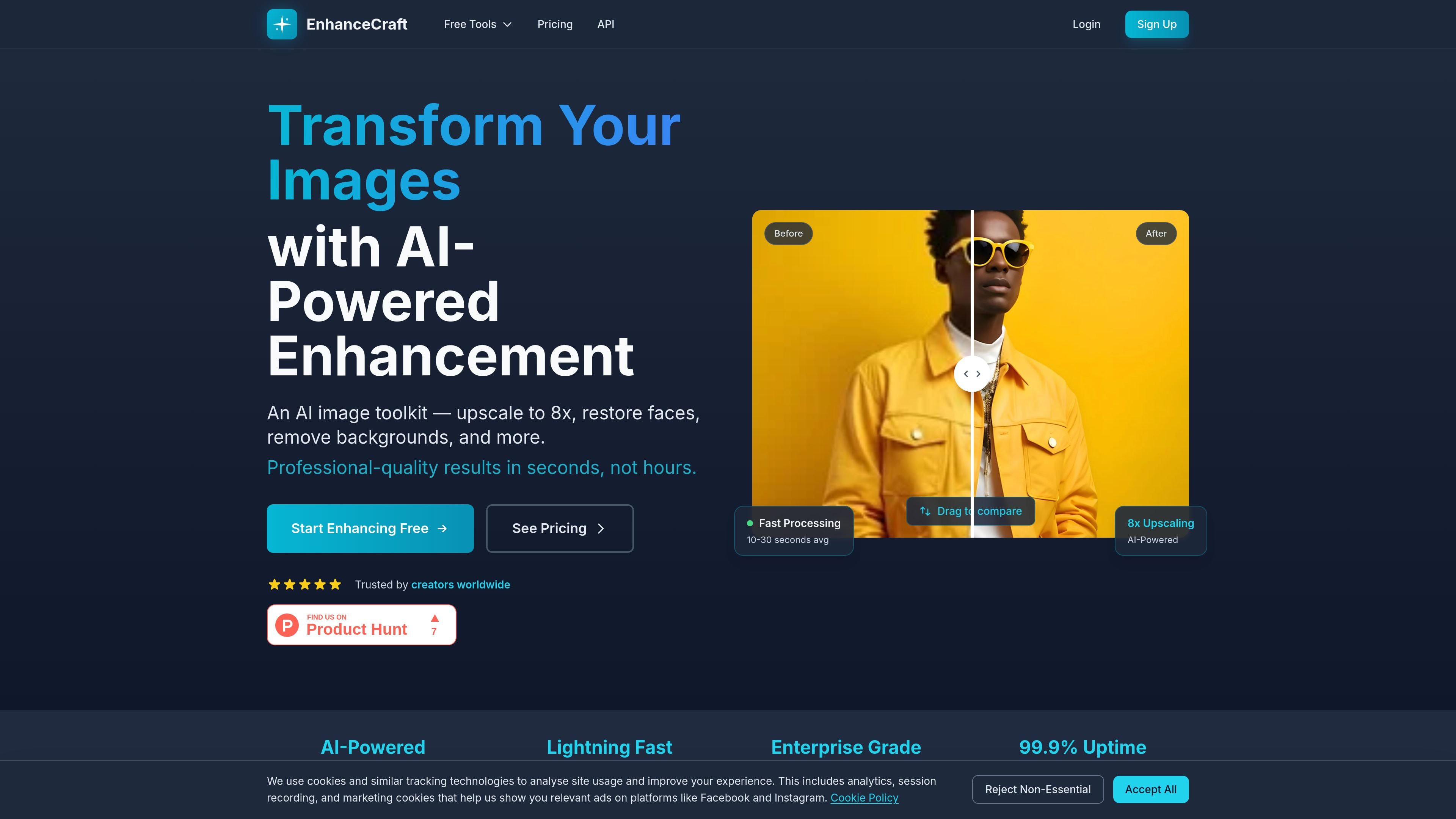
EnhanceCraft is a browser-based AI image toolkit for enhancing, correcting, and repurposing photos without installing desktop software. It combines more than 20 tools for upscaling, face restoration, background removal, object cleanup, and specialized edits for products and real estate.
The site positions the product for creators, photographers, designers, marketers, and businesses that need fast image cleanup or transformation. It supports batch processing, free standard editing tools, and paid plans for heavier usage and API access.
Increase resolution up to 8x, with support for image enhancement workflows that aim to recover detail rather than only resize the file.
Improve portraits and older photos by restoring faces, reducing noise, deblurring, and repairing vintage images.
Remove backgrounds, replace them, blur them, or add object and text removal for cleaner composites and cutouts.
Apply AI relighting, color grading, smart crop, perspective correction, sky replacement, twilight conversion, and window pull edits for product and real-estate photos.
Use multi-step presets such as Product Pipeline, Ghost Mannequin, and Real Estate Edit Pack to complete common workflows in one job.
Access the toolkit through a browser tab with batch upload support, plus REST API access on eligible plans for automated processing.
Clean up low-resolution shots for web listings, marketplaces, or print by increasing size and recovering detail with AI upscaling.
Prepare product imagery with background removal, background replacement, reflection shadows, ghost mannequin processing, and product pipeline presets.
Edit property images with window pull, sky replacement, twilight conversion, virtual staging, and a bundled real-estate edit pack.
Restore older family photos or damaged portraits using face restoration, old photo restoration, denoise, and deblur tools.
Automate repetitive image tasks through the REST API, batch upload, and HTTP-based integrations with tools such as Zapier, Make, and n8n.
Yes. The site says you get 25 free credits to try AI features, and three standard editing tools—crop, resize, and convert—are free forever without a credit card.
Most images process in about 10–30 seconds, depending on the operation. Batch jobs run in parallel, and Pro subscribers get priority queue access for faster handling.
Upload supports PNG, JPEG, and WebP on the home page, while the pricing page also lists HEIF support across tiers. Export formats include PNG, JPEG, WebP, and AVIF; paid tiers also support TIFF on Pro and above.
Yes. The site states that enhanced images are yours to use for personal or commercial projects, and you retain full ownership and rights to your processed images.
The integrations page says EnhanceCraft offers a JSON REST API on Pro and above, with API keys in settings and workflow support through standard HTTP requests.

Pixelcut is an AI photo editor for creating and editing product images, social content, and video assets. It offers free and paid plans, plus mobile app and browser access for individual users and teams.

Airbrush is an AI-powered photo and portrait editor for web, desktop, and mobile. It helps creators, everyday users, and professionals retouch portraits, remove backgrounds, and enhance images with credit-based AI tools.

Upscale.media is an AI image upscaling and enhancement tool from Pixelbin that enlarges low-resolution or pixelated images and improves clarity in the browser. It offers free individual image use, paid credit plans, and team-oriented workflows such as bulk processing and API integration.

PhotoAid’s AI Image Enlarger is a free browser-based tool for upscaling images without a standard blur-heavy resize. It supports JPEG, WEBP, and PNG uploads and is described as working best for photos with faces.

BgSub is a browser-based AI tool for removing or replacing image backgrounds. It supports automatic cutouts, background replacement, and color adjustment for people editing product images, photos, or web visuals.

Slazzer is an AI photo editor focused on automatic background removal, with access through the web app, API, desktop software, and plugins. It also includes related tools for upscaling, enhancement, relighting, shadows, sky replacement, and photo restoration.