
One endpoint for multiple model sources
Route hosted providers, your own keys, and your own GPUs through a single OpenAI-compatible endpoint so agents can use one API key across model sources.

Experiential Labs is an open source AI gateway that routes requests across hosted providers, your own keys, and your own GPUs through one OpenAI-compatible endpoint. It adds access control, attribution, budgets, and an intelligence layer for model routing and caching.
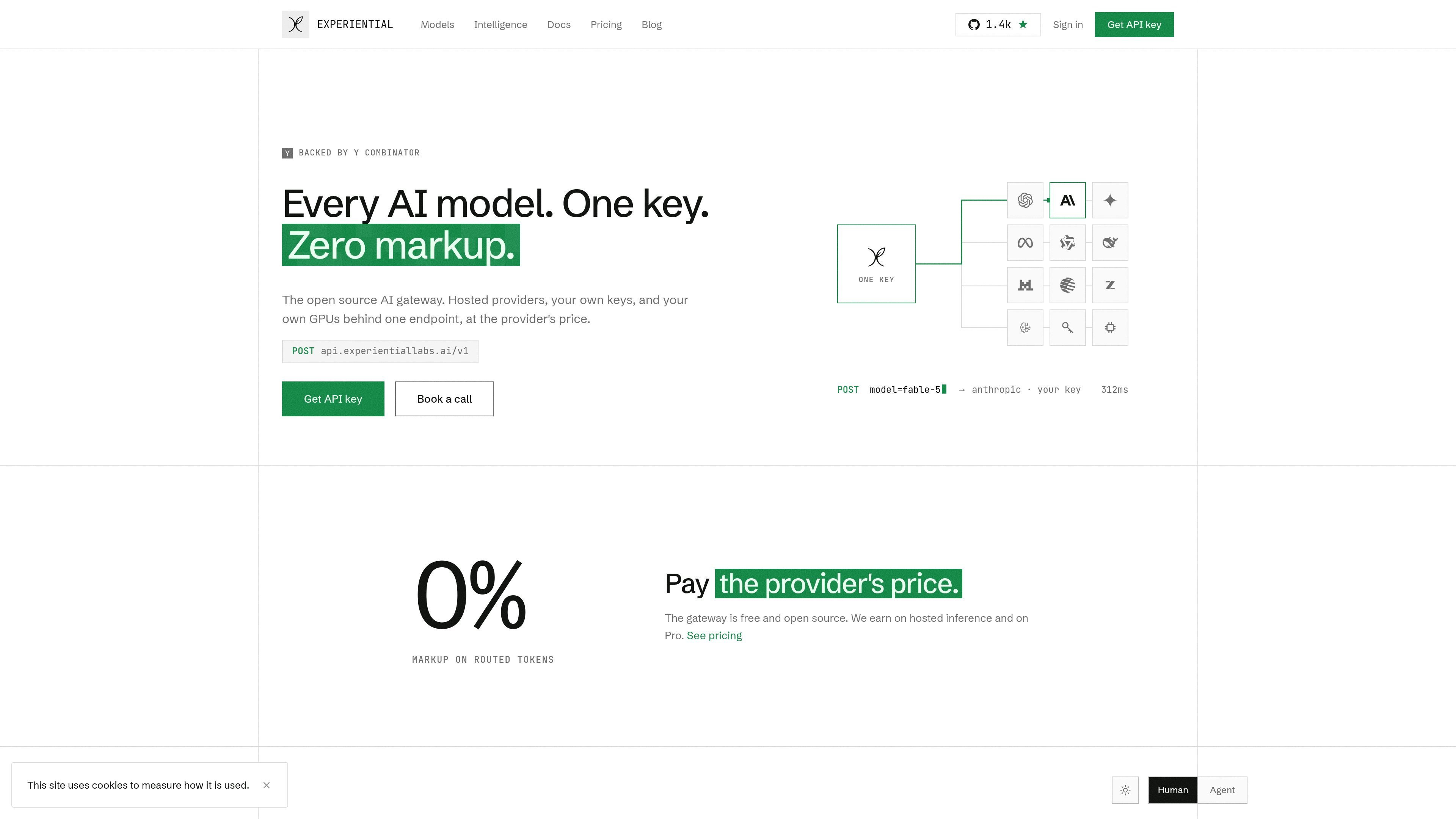
Experiential Labs is an open source AI gateway that puts multiple model providers behind one OpenAI-compatible endpoint. The product is built around a single API key and routing layer that can work with hosted providers, customer-owned keys, and customer-owned GPUs.
The site positions the gateway as a way to control routing, access, and attribution for agent traffic while keeping the provider's price on routed tokens. It also adds an intelligence layer that can suggest model changes, caching opportunities, and model training or optimization based on observed usage, with the option to self-host the whole gateway on your own infrastructure.
Route hosted providers, your own keys, and your own GPUs through a single OpenAI-compatible endpoint so agents can use one API key across model sources.
Set budgets, hard caps, model allowlists, and key scopes at the org, team, person, agent, or tool level so requests are constrained at the gateway.
Attribute every request with route, fallback, tokens, and cost, then review usage by agent, person, model, or day in the console and usage API.
Use the intelligence layer to recommend cheaper or faster model routes, identify cache opportunities, and support per-prompt optimization based on observed traffic.
Turn on prompt caching for repeated tokens and keep the same prompts and workflow while reducing the effective token cost of repeated content.
Run the gateway on your own infrastructure or use the hosted service, with the core available as open source and self-hosting documented on the site.
Point agents, apps, or internal tools at a single base URL so model selection, provider failover, and cost attribution happen at the gateway instead of in each application.
Use org policies, caps, and allowlists to keep a team, agent, or key within a planned budget while still letting requests route across multiple providers.
Route repeated prompts through caching and let the intelligence layer surface cheaper routes or lower-effort settings when traffic patterns support it.
Self-host the gateway when you want the endpoint, budgets, routing, and usage API on your own infrastructure rather than a managed deployment.
Use the case-study pattern to train or distill a model on your own workflow, then serve it behind the same endpoint as the rest of your model traffic.
The gateway exposes an OpenAI-compatible /v1 endpoint. The pricing page says the self-hosted gateway can be run on your own infrastructure with `uvx --from experiential exp run`, and the site shows examples for standard chat-completions requests.
It is positioned for teams that want one endpoint for hosted providers, BYOK, and local or self-hosted models, plus routing, budgets, access control, and attribution. The pricing page also describes enterprise controls such as SSO, SCIM, advanced RBAC, private networking, and data residency.
The gateway routes requests through the cheapest healthy deployment that can serve a model, and the intelligence layer can also suggest model switches, caching opportunities, and per-prompt optimization based on observed traffic.
The site says routing uses the provider's list price with 0% markup on routed tokens. Credits are used across routed tokens and intelligence features, and requests stop at caps when credits run out.
Yes. The pricing page says BYOK and local models are included on Pro and Enterprise, and the home page says your own fine-tuned and self-hosted models can sit behind the same key.

AakarDev AI helps teams manage AI provider access, project-level setups, logs, and analytics from one dashboard. It supports BYOK workflows and lists providers including OpenAI, Google Gemini, Anthropic, Groq, Mistral AI, and Perplexity AI.

ByteAsk is a terminal-first AI coding agent for C and C++ that edits repositories and verifies changes with the real compiler, debugger, sanitizers, and tests before showing a diff. It offers a free tier plus paid plans, with editor connectors and zero-retention handling described in the source.

Epherem is a static security scanner for web apps built with AI coding tools such as Lovable, Bolt, v0, Replit, Cursor, and Claude Code. It checks source files and dependencies for common security mistakes, then provides categorized findings and suggested fixes without running the app.

CreateOS Sandbox is an isolated compute environment for running code and agent workloads inside Firecracker micro-VMs. It is designed for workflows that need machine-level isolation, private networking between sandboxes, and programmatic control through SDK, CLI, or MCP.

GitBot is a local browser-based workspace for creating reusable coding bots powered by Claude Code, Codex, or OpenCode. It helps developers run those agents across repository folders with persistent threads and configurable permissions.

hob is an independent workspace for coding agents that keeps agent sessions, terminals, history, and follow-up work organized around the tools and providers you already use. It is aimed at developers who want local control over routing, history, and workspace structure rather than a bundled model stack.