
Structured moderation results
Returns separate profanity and toxicity decisions, with severity levels from NONE to SEVERE and a continuous severity score from 0.0 to 2.0.

gg-friggin-ez is a Node.js package for detecting profanity and toxicity in multilingual, transliterated, code-mixed, and obfuscated user text. It provides quick boolean checks or detailed moderation results for chat, game communications, comments, and other user-generated content.
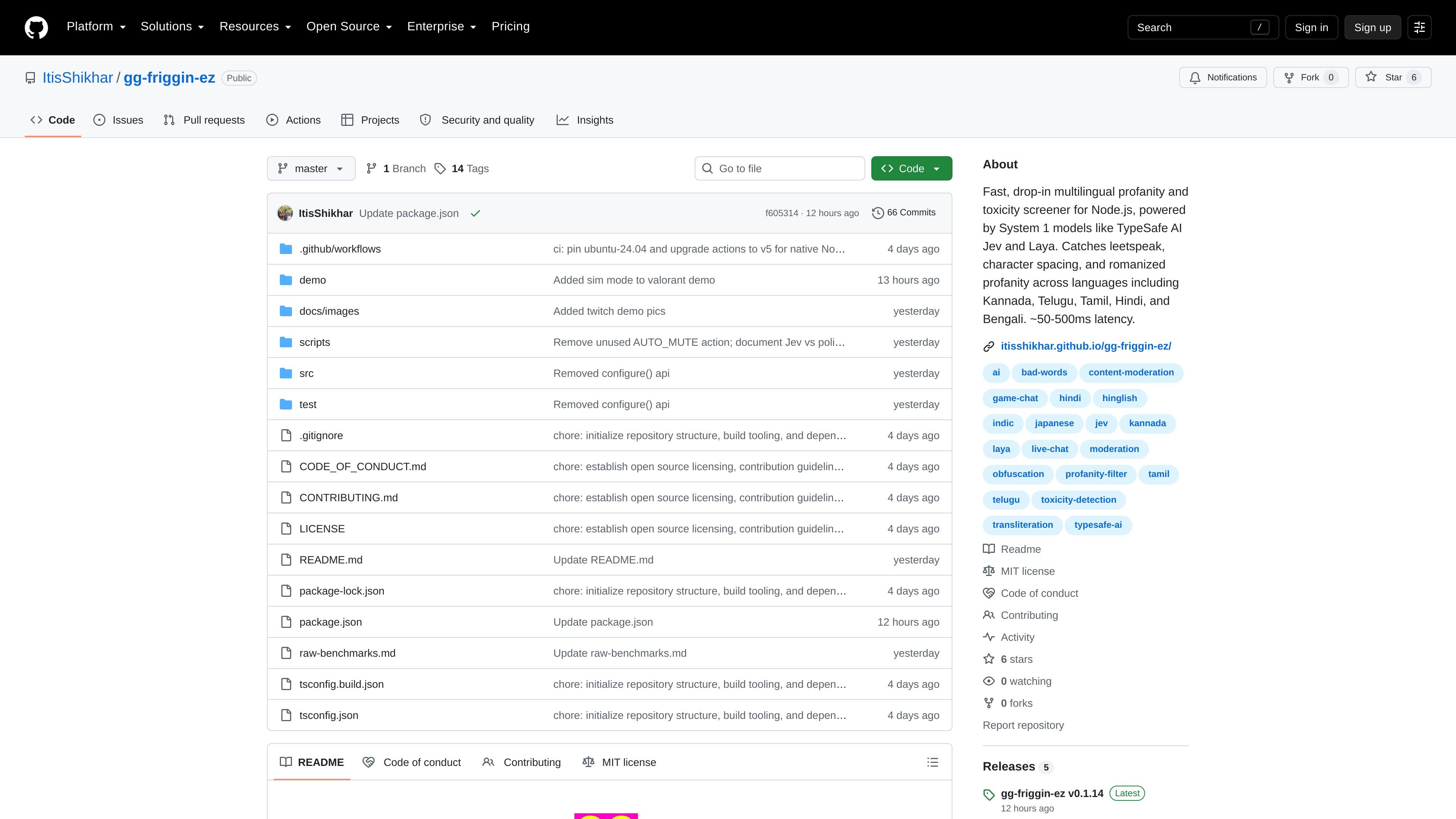
gg-friggin-ez is an open-source Node.js package for screening user-generated text for profanity, toxicity, hostility, harassment, and personal attacks. It is designed for content that can evade simple keyword lists, including leetspeak, inserted spaces, repeated characters, romanized language, code-mixed text, and mixed scripts.
The package uses System 1 decision models rather than generating conversational responses. Its default TypeSafe AI Jev configuration returns moderation signals such as profanity and toxicity flags, severity, detected language, obfuscation types, a recommended action, and measured request latency. Developers can use boolean helpers for quick checks or call screen() when they need the complete result.
Returns separate profanity and toxicity decisions, with severity levels from NONE to SEVERE and a continuous severity score from 0.0 to 2.0.
Screens common evasion patterns such as leetspeak, spaced characters, repeated characters, symbol substitutions, romanization, code mixing, and mixed scripts.
Supports English and Indic-language content, including Bengali, Malayalam, Hindi, Tamil, Telugu, and Kannada, with coverage for transliterated input described in the README.
Provides isProfane() and isToxic() convenience functions, plus screen() for a single request that returns multiple moderation signals.
Uses TypeSafe AI Jev as the default System 1 model and allows a different classifier or custom schema through the screener configuration.
Can classify content as ALLOW, SUSPICIOUS_REVIEW, AUTO_CENSOR, or AUTO_BAN, supporting automated handling alongside a review path for ambiguous cases.
Run a moderation check before publishing messages, using the action and severity fields to allow, flag for review, censor, or block content.
Screen player messages and in-game text communications where short response times and obfuscation detection are important.
Evaluate comments, reviews, or marketplace conversations that may contain transliterated or code-mixed regional-language abuse.
Use the detailed language and obfuscation fields to support trust-and-safety queues and investigate how users are evading filters.
Build a domain-specific moderation workflow by supplying a custom schema or replacing the default classifier through the screener configuration.
Install the package with npm, Yarn, pnpm, or Bun. It requires Node.js 18 or newer, or Bun, and provides ESM, CommonJS, and bundled TypeScript type builds. API requests require an OpenRouter API key, which can be supplied through the environment or passed to createScreener().
Use isProfane() or isToxic() for individual boolean checks. Use screen() when you need the full moderation result, including severity, language, detected obfuscation, recommended action, and measured latency.
The default configuration uses TypeSafe AI Jev, and the package supports supplying another System 1 classifier through the system1 option. Custom screening schemas are also supported.
The README describes support for English and Indic languages, including Bengali, Malayalam, Hindi, Tamil, and Telugu, as well as Kannada. It is intended to handle romanized or transliterated text, code mixing, leetspeak, character spacing, repeated characters, and mixed scripts.
The project describes typical end-to-end latency of about 50–500 ms with the default Jev setup, but actual latency is returned in the screen() result and will depend on the inference request and deployment conditions. The README also notes that each isProfane() or isToxic() call triggers an inference request.

Writecream AI Content Detector & Checker is a free web tool for checking whether pasted text appears to be written by AI or a human. It returns an AI content percentage and is presented for use in SEO, academia, publishing, and review moderation.

Winston AI is an AI content detector and plagiarism checker for reviewing text and images for likely machine-generated or duplicated content. It supports educators, institutions, publishers, and other users who need to check originality, document findings, and share results.

Verol is a Chrome extension that detects AI hallucinations and checks claims in real time inside ChatGPT, Claude, Gemini, and Grok. It is aimed at researchers, legal professionals, journalists, analysts, and other users who need faster fact checking in browser-based AI workflows.

Honestly turns social posts into structured product signals for brands. It supports sentiment analysis, trend tracking, affiliate discovery, and on-page social proof using verified opinions from Reddit, TikTok, YouTube, Instagram, and X.

tata.run è un rilevatore di contenuti AI professionale e gratuito che offre una funzione 'riduzione AI' con un solo clic per ridurre significativamente i tassi di rilevamento AI.

学术猹 è la piattaforma di 网易有道 per la gestione completa delle tesi: controllo plagio, verifica AI, riscrittura e riduzione AI, con formati comuni e quota gratuita giornaliera.