
Real-time explanations
Shows a short explanation shortly after an unfamiliar term, name, or acronym is mentioned in a Google Meet call.

Hintly is a Chrome-based assistant for Google Meet that explains unfamiliar terms, names, acronyms, and references during live calls. It helps participants follow discussions with short on-screen hints, contextual lookups, factual corrections, and reminders about people or projects mentioned earlier.
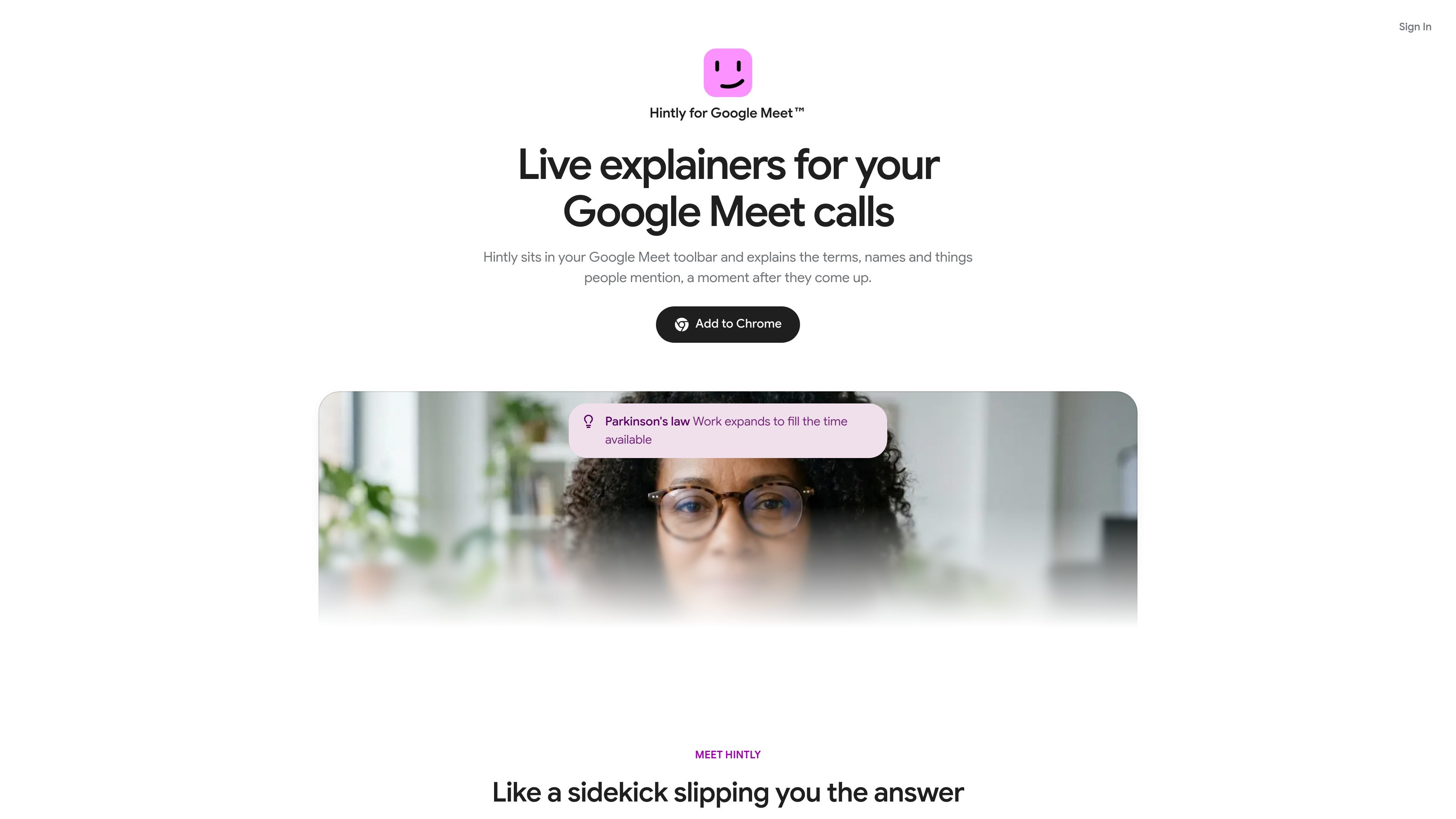
Hintly is a Chrome-based assistant for Google Meet calls. It sits in the Meet toolbar and monitors the conversation for terms, names, acronyms, and other references that may need context, then presents short explanations on screen a moment after they are mentioned.
The product is designed to help participants stay oriented without interrupting the conversation. It can identify forgotten terms, provide limited real-time factual corrections, and remind participants who people or projects are when they are mentioned again. Users install it, sign in with Google, and turn it on from the Meet toolbar when needed.
Shows a short explanation shortly after an unfamiliar term, name, or acronym is mentioned in a Google Meet call.
Identifies what a speaker is referring to when they cannot recall the exact term, helping fill in a missing name or concept.
Quietly surfaces a correction when a speaker states a fact such as a year or inventor incorrectly.
Reminds you about people, projects, and clients mentioned earlier when they come up again later in the call.
Keeps hints available in Meet’s floating window while you check notes or inboxes in other browser tabs.
Get a quick explanation of an acronym or business term while a discussion continues, without stopping the speaker to ask for clarification.
Use contextual identification when a participant mentions a person, concept, or reference but cannot remember its name.
Receive a quiet correction when a meeting participant gives a clearly incorrect year, inventor, or similar factual detail.
Keep track of recurring people, projects, or clients as they reappear later in a long call.
Review notes or email in another browser tab while keeping Hintly’s explanations available in Meet’s floating window.
Install Hintly as a Chrome extension, sign in with Google, and switch it on from the Google Meet toolbar when you want assistance during a call.
Hintly displays short explanations on screen a moment after unfamiliar terms, names, acronyms, or references come up in a Google Meet call.
Yes. Hintly can work out what someone means when they cannot remember a term and identify it for you.
Hintly can show corrections when a fact is clearly wrong, including examples such as an incorrect year or inventor. The site does not describe the scope or accuracy limits of this feature.
The site advertises a first 60 minutes free with no card required, followed by a Pro plan priced at $12 per month. The dedicated pricing URL currently returns a not-found page.

MeetStream is a meeting bot API for Zoom, Google Meet, Microsoft Teams, and Webex. It helps developers record, stream, and analyze meetings programmatically, with usage-based pricing and a $5 free credit to start.

Liam is an AI copilot for managing inboxes, writing replies, prioritizing email, and scheduling meetings. It is offered free for individuals, with custom pricing for teams and enterprise.

Tactiq is an AI note taker for Google Meet, Zoom, and Microsoft Teams that transcribes meetings live and turns them into summaries, action items, and follow-up outputs. It is built around a Chrome extension and supports team workflows through sharing and integrations.

garden-md is an open-source Node.js CLI that turns meeting transcripts into a local company wiki. It links entities across transcripts, keeps the original text intact, and renders the result as a browsable wiki.

Scripta is a privacy-first AI notetaker that records, transcribes, and summarizes meetings directly on your device. The public site currently shows a Mac beta download and a Windows waitlist.
Parrot is a free, open-source AI meeting recorder and live assistant for macOS 14 or later on Apple Silicon. It records calls without a meeting bot, answers questions from locally indexed documents, and helps users review, search, and act on their meetings.