
Prompt-to-motion generation
Generate motion graphics from a plain-language prompt, or start from an existing asset and let the system turn it into a scene-by-scene animation.

iArt.ai is an AI motion graphics web app that creates animated videos from prompts, URLs, and design files. It helps creators, marketers, and teams produce explainers, logo animations, and other motion graphics without using After Effects.
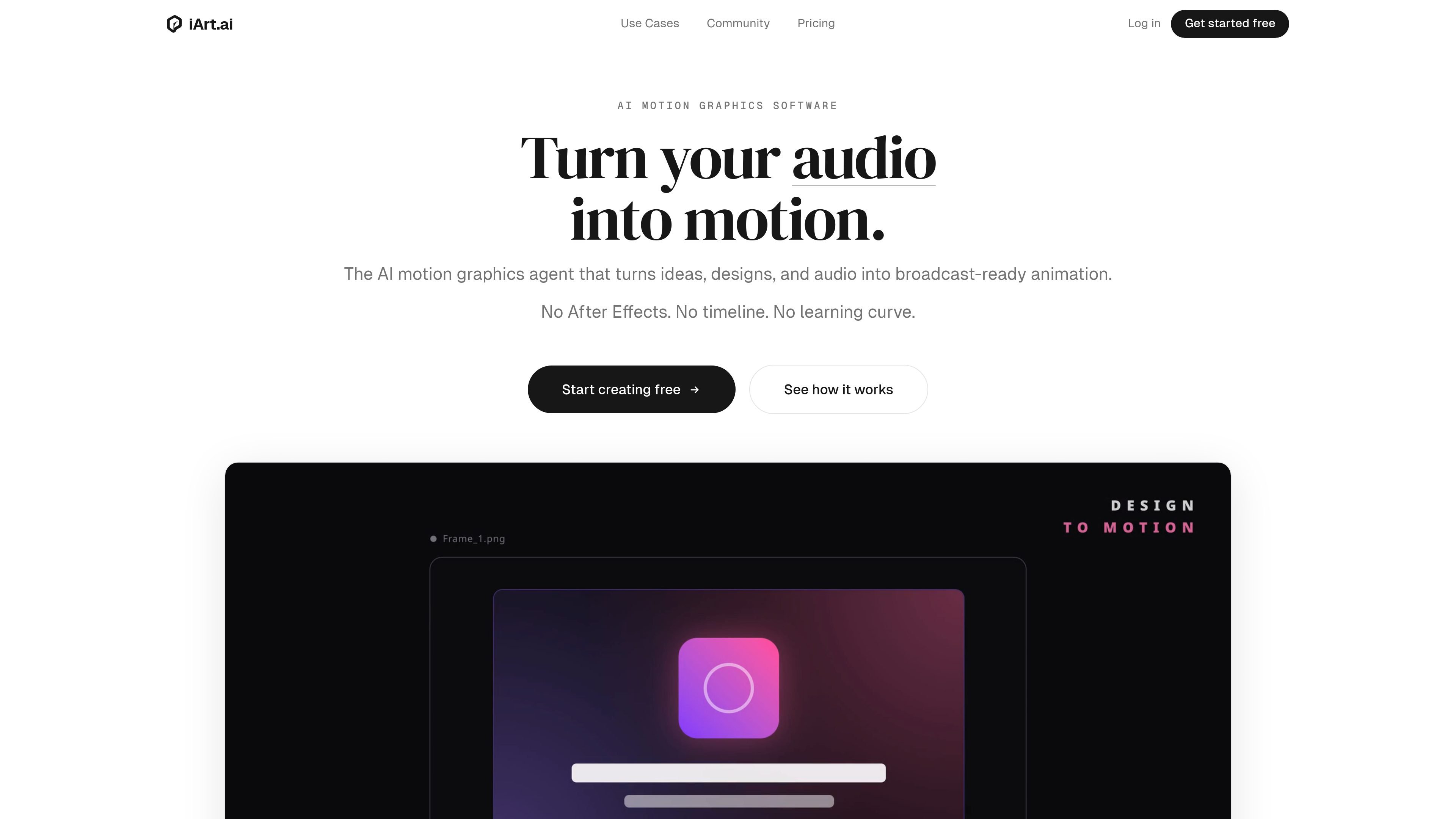
iArt.ai is an AI motion graphics tool that turns prompts, files, and other source material into animated videos. The product is positioned as an After Effects alternative for people who want broadcast-style motion graphics without manual keyframing, plugins, or a steep learning curve.
The site describes a workflow where you describe or upload content, the system generates the animation scene by scene, and you export the result as MP4, GIF, or Lottie JSON. It is presented for explainers, logo animations, kinetic typography, title sequences, data visuals, and related motion design tasks.
Generate motion graphics from a plain-language prompt, or start from an existing asset and let the system turn it into a scene-by-scene animation.
Accepts a broad set of inputs including text, images, Figma designs, documents, audio, web pages, SVG logos, PDFs, and YouTube links so users can start from material they already have.
Produces layout, typography, timing, transitions, and scene composition automatically, with examples focused on explainer videos, logo reveals, kinetic typography, and data visuals.
Export as MP4, GIF, or Lottie JSON, with source pages indicating support up to 4K resolution and 60fps depending on plan.
Lets users refine outputs by changing style, adding sections, or adjusting tone, and exposes editable properties such as timing, colors, text, and easing curves.
Supports voice narration and cloned voices, and the site says the product works across several languages for prompts, narration, and on-screen text.
Turn a product page, landing page, blog post, or SaaS homepage into a motion graphics video by pasting a URL and letting the system read the page content.
Describe a concept in plain language and generate a short animated explainer with scene compositions, kinetic typography, data visuals, and voice narration.
Upload an SVG logo and create an animated reveal for a brand intro, channel intro, or pitch deck opener.
Feed in a lecture, podcast, or similar audio source and convert the highlights into animated typography for short-form social content.
Paste a research paper, arXiv URL, or PDF and generate an animated graphical abstract suitable for video abstracts and research communication.
iArt.ai generates motion graphics from text prompts and can also read inputs such as images, Figma designs, documents, URLs, audio files, and YouTube links. The page also says it supports multiple languages for prompts and output text.
Yes. The source says outputs are editable, including timing, colors, text, and easing curves, so you can refine a generated animation instead of starting over.
Yes. The pricing page lists a free plan with a signup credit, watermark on exports, and standard rendering. Paid plans add higher-resolution exports and commercial usage rights.
The site says exports include MP4, GIF, and Lottie JSON, with resolutions up to 4K at 60fps depending on plan.
The product pages position iArt.ai as a motion graphics tool for people who want animated explainers, logo animations, kinetic typography, and similar outputs without using After Effects.

TapNow is a web-based AI visual creation platform for businesses, creators, and teams. It supports image and video generation along with editing, planning, and collaboration tools.

VIDEOAI.ME is an AI video generator for making spokesperson-style videos, ads, explainers, and social content from a script. It is aimed at founders, marketers, agencies, and creators who want to produce videos without filming.

Official HeyGen API documentation for building AI avatar videos, translations, lipsync, and interactive video-agent sessions. It supports direct API use plus MCP and CLI-style workflows for developers and AI agents.

艺映AI is a free AI video creation tool for generating video from text, images, or existing footage. It is positioned for short-form social content, promotional clips, and stylized AI video projects.

Napkin AI trasforma il testo in elementi visivi modificabili per presentazioni, documenti e contenuti condivisibili. Generazione da testo, collaborazione ed export in PPT, PNG, SVG o PDF.

Refero MCP for AI agents connects an MCP-compatible agent to Refero’s curated library of web and iOS product interfaces and user flows. It helps agents research real design patterns before generating UI, with access included in the Refero Pro plan.