
Now playing controls
Shows artwork, track title and artist for Apple Music, Spotify and a YouTube tab, with play, pause, in-app volume and skip controls. A live visualizer and scroll-to-change-volume control are also listed in the changelog.

iLand is a Mac-only utility that turns the area around the display notch into a hover-activated hub for media controls, device batteries, weather, calendar events, files and small productivity tools. It is designed for Mac users who want quick access to these functions without opening separate apps or windows.
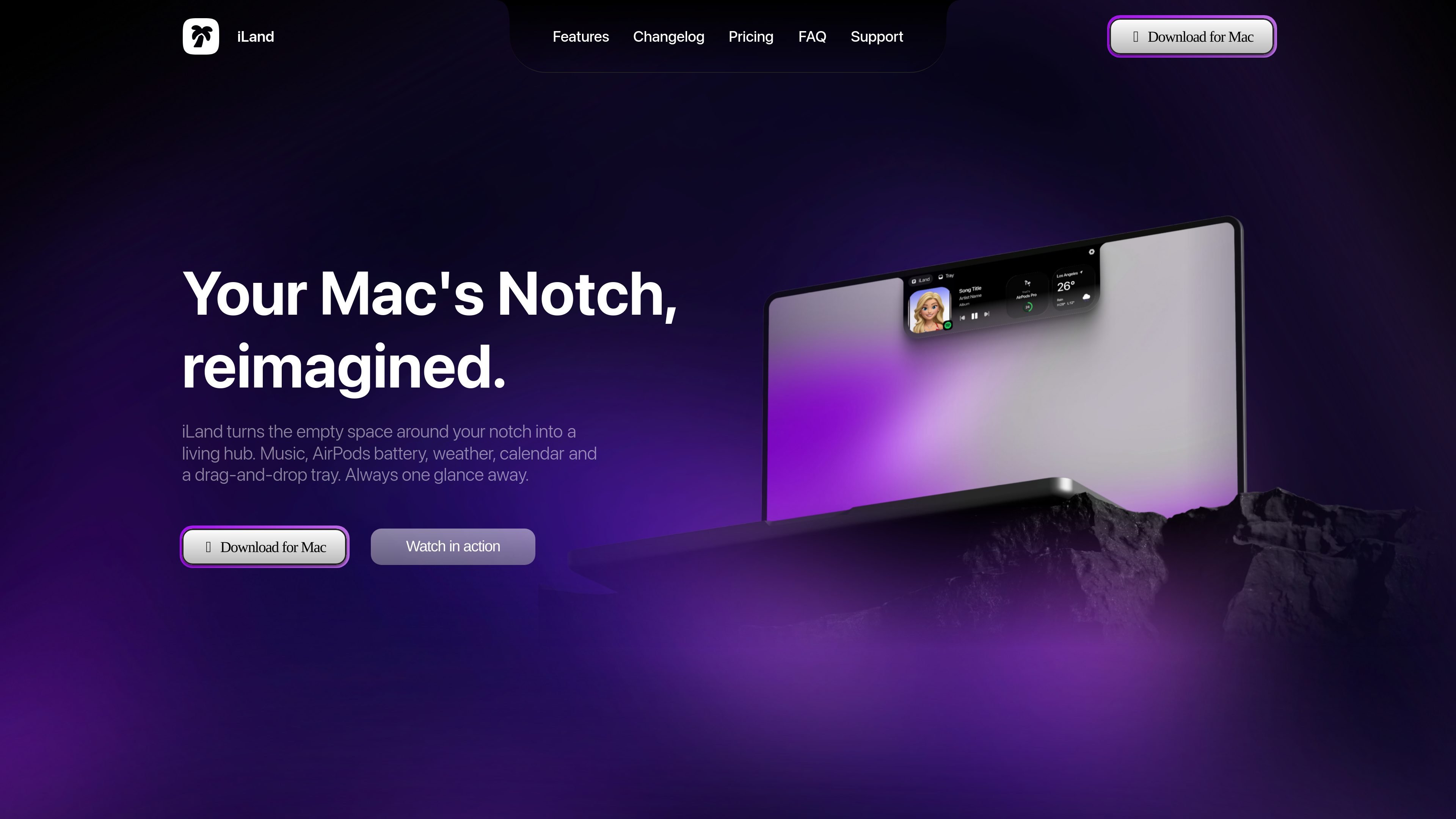
iLand is a Mac-only menu-bar utility from CodeM Labs that uses the area around a Mac display notch as a hover-activated hub for frequently checked information and small actions. It brings media controls, device batteries, weather, calendar events, translation and file handling into one compact interface rather than requiring separate windows or menu-bar searches.
The app also includes practical tools for capture and everyday tasks, including screenshots, screen recording, a color picker, timer, mirror camera, RAM cleanup and internet speed testing. CodeM Labs describes it as a small signed app with no Electron runtime; the published compatibility details list macOS 13 or later on Apple Silicon and Intel Macs.
Shows artwork, track title and artist for Apple Music, Spotify and a YouTube tab, with play, pause, in-app volume and skip controls. A live visualizer and scroll-to-change-volume control are also listed in the changelog.
Displays battery levels for AirPods, their case, the Mac and connected Bluetooth accessories, including supported Bluetooth LE mice and keyboards reported by macOS.
Provides a hover-activated file shelf for parking and moving files, with AirDrop access and on-the-fly conversion. The changelog says the converter handles PDF, Word, RTF, HTML and plain-text documents, including conversion to PDF.
Combines screen-area screenshots and screen recording with markup and editing tools. Screenshots support arrows, boxes, freehand strokes, text, highlights, blur, crop, copy and save; recordings can be trimmed, cropped and exported as MP4.
Offers local weather, calendar events with a meeting join button, translation between two selected languages, a color picker that copies HEX/RGB/HSL values and keeps recent picks, plus a timer, mirror camera, RAM cleanup and internet speed test.
Expands when the cursor approaches and stays out of the way when closed. Widgets can be reordered or disabled, keyboard shortcuts can be assigned for screenshots, recording and color picking, and macOS 26 Liquid Glass variants and notch size presets are supported according to the changelog.
Keep playback controls, artwork and track information available while working across multiple windows, without opening the music app or searching for a browser tab.
Park files temporarily in the tray, move them between applications, send them to a nearby device with AirDrop, or convert supported documents when a separate conversion website would be unnecessary.
Capture a bug, workflow or product demonstration, then crop, annotate, blur or trim it before sharing. Screenshot markup includes text and selectable annotations in the latest listed update.
Check the next calendar event and use its join button at meeting time, while also keeping a timer, mirror camera or translation tool available for short tasks.
Check conditions before leaving, monitor AirPods or Bluetooth accessory battery levels, and run an internet speed test when a call or download appears slow.
No. The published product page describes iLand as a Mac-only app and lists support for macOS 13 or later on Apple Silicon and Intel Macs. The site does not state that a MacBook notch is required.
The site lists macOS 13 or later and compatibility with both Apple Silicon and Intel Macs. It does not provide a more detailed compatibility matrix.
iLand is described as a small, signed menu-bar app with no Electron runtime. The changelog says that nothing polls in the background while the notch is closed and that idle CPU usage sits near zero.
The product page advertises a free seven-day trial. After the trial, the site lists monthly and lifetime purchase options, but the available page text does not explain trial cancellation or renewal terms.
CodeM Labs describes iLand as privacy-first, but the available product text does not provide a detailed data-handling or privacy policy. Review the site's privacy information for that detail.

Goldfish is an AI memory app for macOS that helps you reply, write, summarize, and continue using the context already on your Mac. It stores memory locally and writes in your tone.

ArtDeck is a visual reference board app for iPhone, iPad, and Mac that lets artists collect mixed reference material on one canvas and study it with ToolBox lenses. It works offline, supports optional iCloud sync, and is sold as a one-time purchase with no account required.

Biji è una piattaforma versatile progettata per migliorare la produttività attraverso strumenti e funzionalità innovative.

Malyatko is a baby tracker for logging feeding, sleep, growth, teething, and milestones in one app. It works on iPhone, Apple Watch, and widgets, with no sign-up, offline use, and family sharing through iCloud.

Redline is a budgeting tool for Claude Code that paces sessions to stay within time, token, cost, or plan-percentage limits. It uses Claude Code’s native hooks and statusline to help sessions finish with a usable result instead of stopping abruptly.

Claude Overlay is a Windows desktop overlay for Claude Code that reads your screen so you can ask questions, inspect content, and request edits without leaving the current app. It runs on your existing Claude subscription through the Claude CLI, so no separate API key is required.