
Publish documents as links
Publish Markdown, HTML, PDFs, DOCX files, images, JSON, and CSV as a shareable ilolink.com/<slug> page. The page can be opened without an account.

ilolink lets you publish Markdown, HTML, PDFs, DOCX files, and other documents as shareable links that anyone can open without signing in. It also adds read analytics, comments, and an MCP-connected registry for team and agent artifacts.
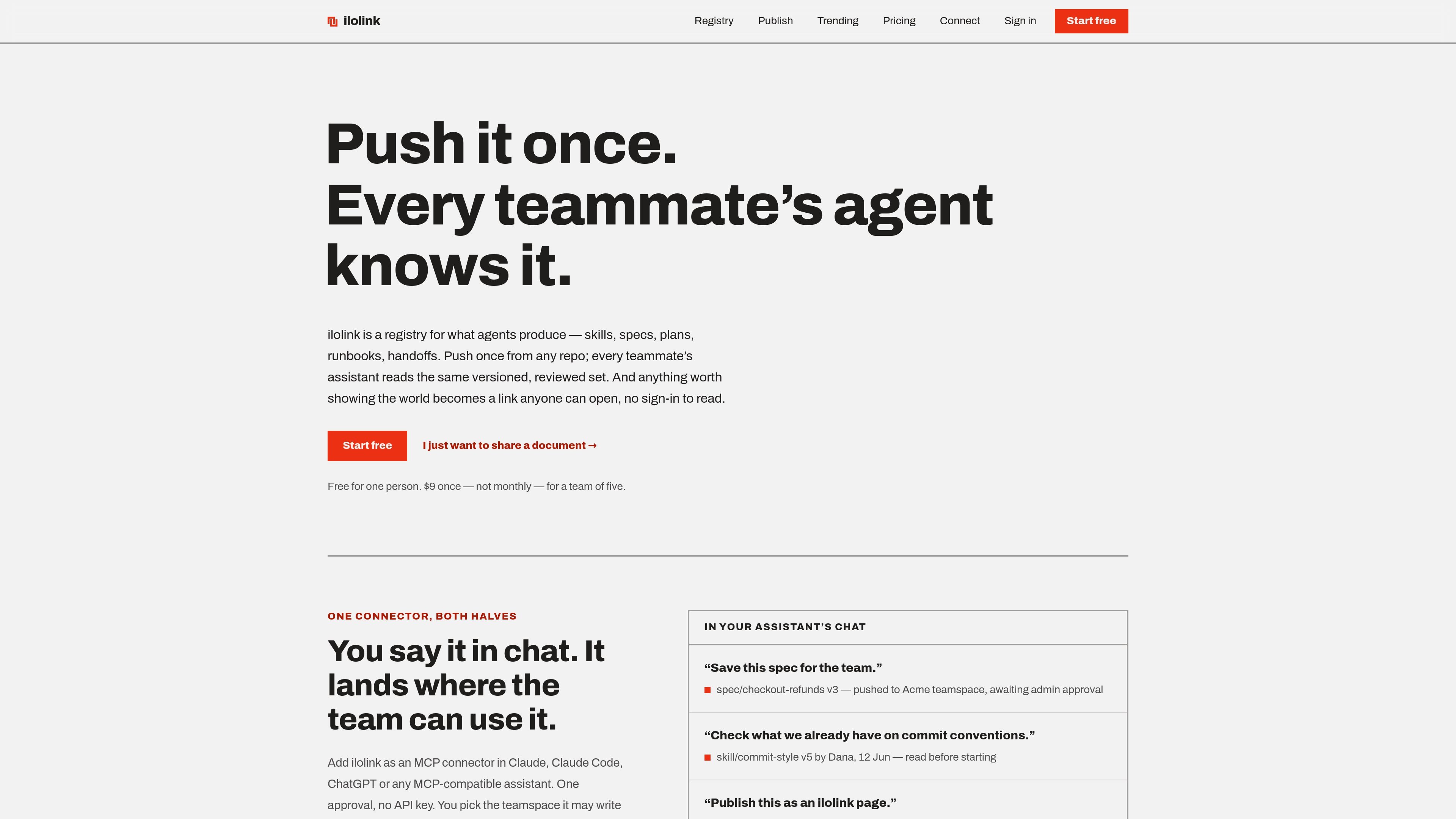
ilolink is a publishing and tracking tool for documents, with a second use case as a shared registry for AI agent outputs. You can publish Markdown, HTML, PDF, DOCX, and other file types as a link anyone can open without signing in, while the owner gets a private dashboard for read analytics and feedback.
The product also connects to assistants through MCP so teams can push specs, plans, runbooks, handoffs, and related artifacts into a reviewed, versioned teamspace. The same system is designed to keep one meaning per artifact type, so teammates and agents fetch the same approved version instead of working from different folders or ad hoc files.
Publish Markdown, HTML, PDFs, DOCX files, images, JSON, and CSV as a shareable ilolink.com/<slug> page. The page can be opened without an account.
See who viewed a document, how far they got, and where attention dropped off. Analytics include views, unique readers, read-through buckets, referrers, countries, device class, and daily views.
Track interaction on the page itself with click and scroll heatmaps, plus comments, reactions, and threaded notes anchored to specific passages.
Revise a document in place while keeping the same link. Previous versions remain kept, so readers are not left with a changing URL for the same document.
Use ilolink as an MCP connector in Claude, Claude Code, ChatGPT, or another compatible assistant to write into a chosen teamspace.
Maintain a fixed registry of team artifacts such as skills, specs, plans, handoffs, decisions, runbooks, and evals, with member pushes reviewed by an admin before they become active.
Share a proposal, spec, or report as a link instead of attaching a file, then see whether recipients opened it, how far they read, and whether they replied in comments or reactions.
Publish AI-generated HTML, a mockup, or a landing page where the visual styling matters, but you want the output served safely and without exposing readers to executable code by default.
Keep team guidance in one reviewed place by publishing skills, specs, plans, runbooks, or handoffs into a shared registry that assistants can fetch by name across repos.
Use an MCP connector in Claude, Claude Code, ChatGPT, or another compatible assistant to push a new document into a chosen teamspace, with the approval workflow controlled by the team.
Replace an ever-changing file attachment with a stable ilolink page so the same link can be revised in place while readers continue using the published URL.
Publishing requires a free account, but anyone with the link can read a published document without signing in.
Publishing is free for one person with up to 3 published documents. Team usage requires a one-time payment: $9 for 5 people or $19 for 10 people, and the teamspace keeps that plan without renewal.
Documents can be published as Markdown, HTML, images, or files. The site also states that slide decks, audio, and video hosting are not supported yet.
Docs are limited to 15 MB each, measured as the raw pasted body or uploaded file.
By default, links do not expire. Expiry is optional, and you can also choose visibility settings such as public, unlisted, private, password-protected, or expiring.

ArtDeck is a visual reference board app for iPhone, iPad, and Mac that lets artists collect mixed reference material on one canvas and study it with ToolBox lenses. It works offline, supports optional iCloud sync, and is sold as a one-time purchase with no account required.

Codex Plugins bundle reusable skills, app integrations, and MCP servers into workflows you can install in the Codex app or use from Codex CLI. They help extend Codex with connected-service tasks, reusable instructions, and shared team workflows.

Struere is an AI-native platform for turning spreadsheet data into structured operational software with dashboards, alerts, and automations. It is aimed at teams that want to replace manual spreadsheet workflows without building custom tools from scratch.

Dcyde is a decision log for product teams that captures what was decided, the reasoning behind it, and the source in one shared place. It supports pinning decisions from Slack, Figma, or inside Dcyde and keeps the record searchable over time.

runevr is a connected workspace for creative teams that combines boards, media review, chat, recordings, drive, calls, and AI agents in one room-based environment. It is designed to reduce tool switching and keep project context together.

Goldfish is an AI memory app for macOS that helps you reply, write, summarize, and continue using the context already on your Mac. It stores memory locally and writes in your tone.