
Cloud or local deployment
Launch an instance on NEAR AI Cloud without local infrastructure setup, or run the source locally from GitHub.

IronClaw is an open-source secure runtime for AI agents that runs in encrypted enclaves on NEAR AI Cloud or from local source code. It helps users keep credentials in an encrypted vault while agents browse, research, code, and automate tasks.
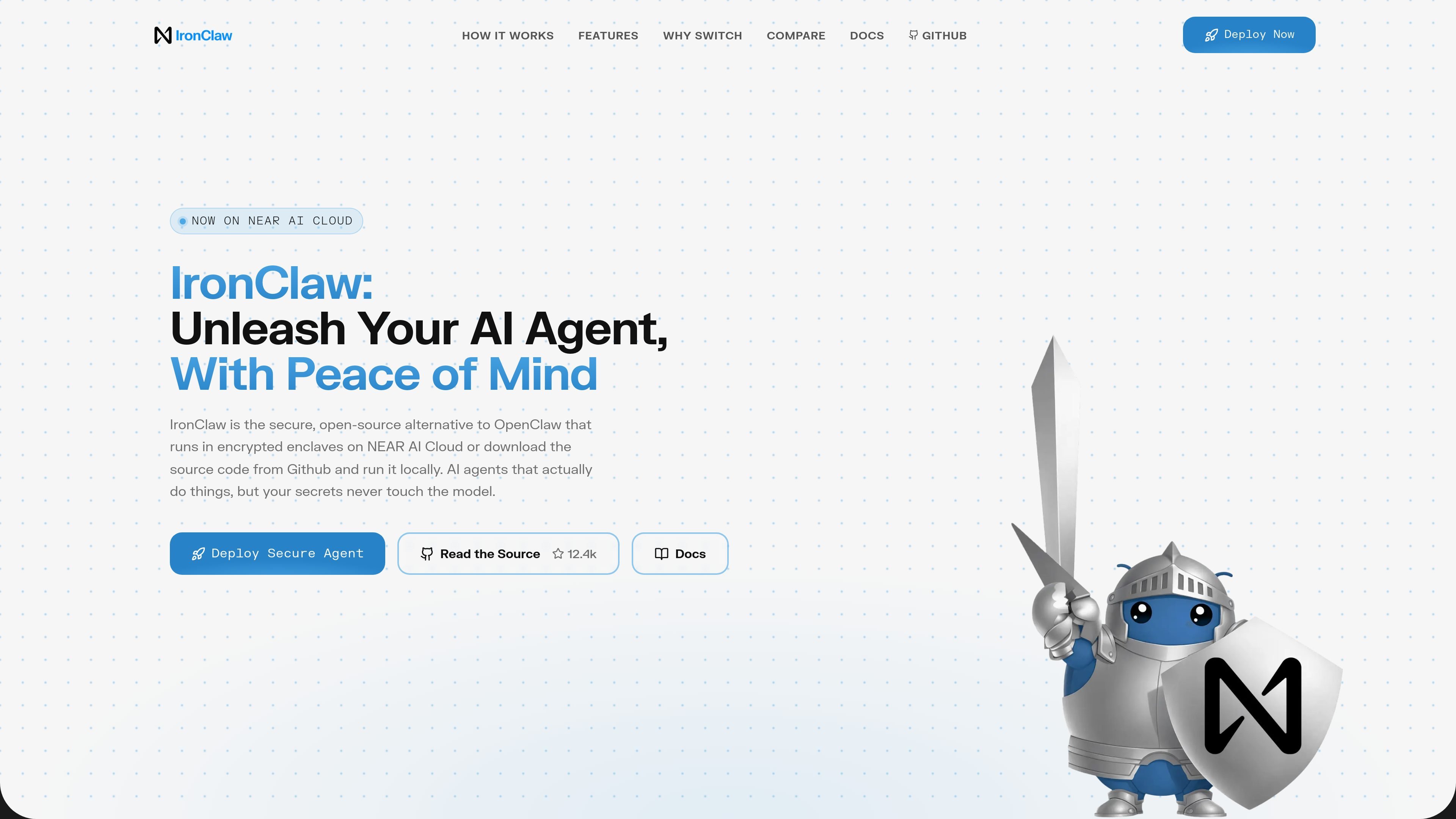
IronClaw is an open-source secure runtime for AI agents. It runs in encrypted enclaves on NEAR AI Cloud, and the homepage says you can also download the source from GitHub and run it locally.
The product is built for users who want an agent that can browse, research, code, and automate while keeping credentials out of the model. Its core workflow centers on an encrypted vault, per-tool isolation, and network allowlisting so secrets are injected only where approved.
Launch an instance on NEAR AI Cloud without local infrastructure setup, or run the source locally from GitHub.
Keep API keys, tokens, and passwords in an encrypted vault and inject them only into approved requests.
Run each tool in its own WebAssembly container with capability-based permissions, allowlisted endpoints, and resource limits.
Operate inside a Trusted Execution Environment so the runtime is encrypted in memory from boot to shutdown.
Scan outbound traffic in real time and block requests that appear to exfiltrate secrets.
Restrict tool access to pre-approved endpoints so data only flows where you allow it.
Run an AI assistant that can browse, research, code, and automate tasks while keeping API keys and passwords out of the model’s direct view.
Deploy an agent in a hosted environment when you want the runtime to boot inside a Trusted Execution Environment without managing cloud infrastructure yourself.
Self-host from the published source when you prefer to inspect or run the runtime locally instead of using the cloud deployment.
Limit where tools can send data by combining allowlisted endpoints with outbound leak detection, useful when handling sensitive credentials or private data.
IronClaw is an open-source secure runtime for running AI agents in encrypted enclaves on NEAR AI Cloud, or locally from the source code.
The homepage says you can deploy an instance on NEAR AI Cloud in one click, or download the source code from GitHub and run it locally.
IronClaw stores API keys, tokens, and passwords in an encrypted vault and injects them only for allowlisted endpoints, so the AI does not see the raw values.
The page lists one-per-tool WebAssembly sandboxing, encrypted enclaves, real-time leak detection, and network allowlisting as part of its security model.
The homepage compares IronClaw with OpenClaw and presents it as a secure alternative for users who want an agent that can act on their behalf without exposing credentials.

CreateOS Sandbox is an isolated compute environment for running code and agent workloads inside Firecracker micro-VMs. It is designed for workflows that need machine-level isolation, private networking between sandboxes, and programmatic control through SDK, CLI, or MCP.

Codex Plugins bundle reusable skills, app integrations, and MCP servers into workflows you can install in the Codex app or use from Codex CLI. They help extend Codex with connected-service tasks, reusable instructions, and shared team workflows.

Wallie is an open-source AI streamer that watches your screen, hears chat, and generates live commentary in a configurable persona. It runs locally on your machine with your own keys and is aimed at faceless content, autonomous streams, and real-time reactions.

ClawTick is an AI agent automation platform for scheduling jobs from the CLI, dashboard, or REST API. It is aimed at developers and teams running LangChain, CrewAI, webhook, or custom agent workflows that need monitoring, alerts, and logs.

Falconer is an AI-powered company brain that keeps internal documentation accurate, searchable, and up to date by syncing with tools like GitHub, Slack, and Linear. It helps engineering and cross-functional teams centralize knowledge and answer questions from a shared source of truth.

OpenFlags is an open-source, self-hosted feature flag platform for modern JavaScript teams. It supports local evaluation, targeted rollouts, and controlled launches while keeping flag data in your own infrastructure.