
Unified AI workspace
KarmaBox describes itself as a single AI workspace that holds multiple tools and skills in one place, so users do not need to switch between separate chat tabs and logins.

KarmaBox is a sovereign AI workspace that runs on your own device and coordinates multiple agents, avatars, and tools. It is aimed at people who want to build and run AI workflows without coding, while keeping data and control local.
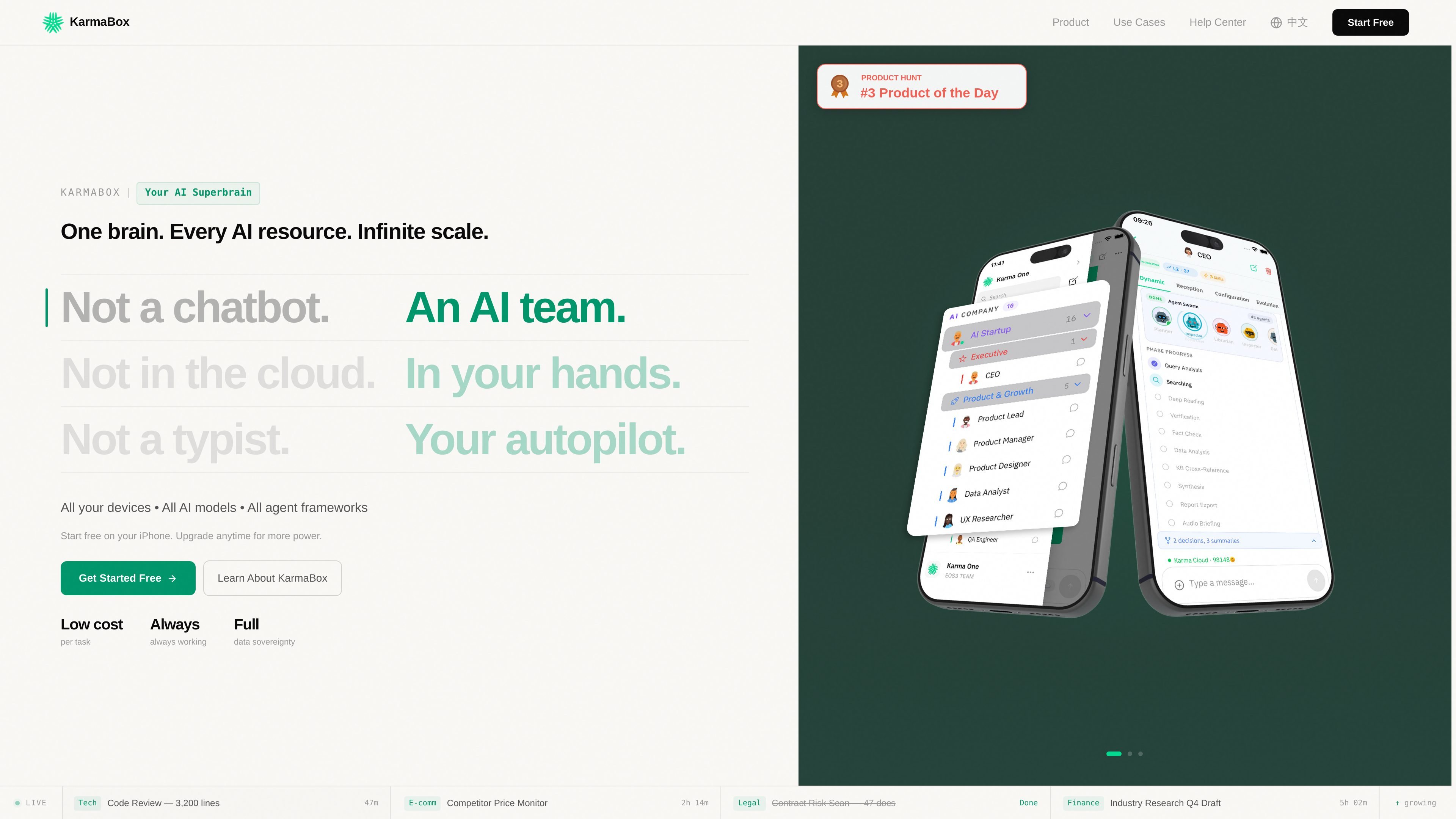
KarmaBox is positioned as a sovereign AI workspace that runs on your own device and organizes AI work as a team of agents rather than a single chat window. The site describes it as an AI foundry or superbrain that can coordinate multiple avatars, keep context persistent, and continue work across devices.
The product is built for people who want to create and run AI workflows without coding. The homepage says users can describe an avatar in plain language, start free on iPhone, and begin a first working avatar in about 15 minutes. It also emphasizes device-level control, local-model support, and the ability to use cloud APIs when needed.
KarmaBox describes itself as a single AI workspace that holds multiple tools and skills in one place, so users do not need to switch between separate chat tabs and logins.
The product says it can run multiple agents in parallel and keep context persistent across sessions, so work can continue without re-explaining the task each time.
The homepage and FAQ say the system can process work on your device, pool iPhone plus KarmaBox plus GPU capacity, and avoid cloud lock-in when local models are used.
The page says it can route tasks to the best model, including local models such as Llama and Qwen or cloud APIs, which gives the user control over the model ceiling.
The site lists image, video, file analysis, web design, and PPT work in one place, indicating support for several task types beyond plain chat.
The homepage says a completed avatar can start working immediately after a plain-language description, and that a first avatar can be created without coding.
Use the product when you want an AI assistant that continues work in the background, such as competitor monitoring, contract review, or research drafting shown on the homepage.
Use it when you need a single workspace for files, web work, slide creation, and media analysis instead of jumping between separate apps.
Use it when you want to describe an assistant in plain language and get a working avatar without coding.
Use it when privacy or local control matters and you want work handled on your own device rather than in a cloud-only chat service.
Use it when you already rely on tools such as OpenAI, Anthropic, or Qwen and want them treated as skills inside a larger agent workflow.
KarmaBox presents itself as an AI team rather than a single chat window. The homepage says it supports multiple agents working in parallel, with persistent memory and cross-channel execution, while keeping data on your device.
Yes. The homepage says you can describe what you want in plain language and start without coding. It also says the setup can take about 15 minutes from zero to a working AI avatar.
The homepage says you can start free on iPhone, and the pricing page shows a sign-in flow rather than public pricing details. The source also mentions hardware and a software version that runs on iPhone, but it does not publish prices.
The homepage says local models such as Llama and Qwen can be used, and it also says OpenAI, Anthropic, and Qwen can work as skills inside KarmaBox. It is described as supporting your own device and pooled compute across devices.
The homepage says the core runtime is open-source and that tasks continue on your device even if the company disappears. That is the strongest source-supported statement about continuity, but it does not provide a technical warranty or service-level guarantee.

Codex Plugins bundle reusable skills, app integrations, and MCP servers into workflows you can install in the Codex app or use from Codex CLI. They help extend Codex with connected-service tasks, reusable instructions, and shared team workflows.

Struere is an AI-native platform for turning spreadsheet data into structured operational software with dashboards, alerts, and automations. It is aimed at teams that want to replace manual spreadsheet workflows without building custom tools from scratch.

Goldfish is an AI memory app for macOS that helps you reply, write, summarize, and continue using the context already on your Mac. It stores memory locally and writes in your tone.

Lasso is an ecommerce product data platform for enriching catalog records, processing supplier files, generating product content, and monitoring competitors. It combines a web app with a REST API, SDK, and MCP server for teams and developers.

CreateOS Sandbox is an isolated compute environment for running code and agent workloads inside Firecracker micro-VMs. It is designed for workflows that need machine-level isolation, private networking between sandboxes, and programmatic control through SDK, CLI, or MCP.

ArtDeck is a visual reference board app for iPhone, iPad, and Mac that lets artists collect mixed reference material on one canvas and study it with ToolBox lenses. It works offline, supports optional iCloud sync, and is sold as a one-time purchase with no account required.