
Dedicated microVM isolation
Each agent runs in its own KVM-isolated Firecracker virtual machine rather than a shared-kernel container.

jurniti is a managed cloud platform for running AI agents in individual Firecracker microVMs. It helps developers and operators keep agents available without leaving a laptop running, while using their own model-provider keys and persistent agent storage.
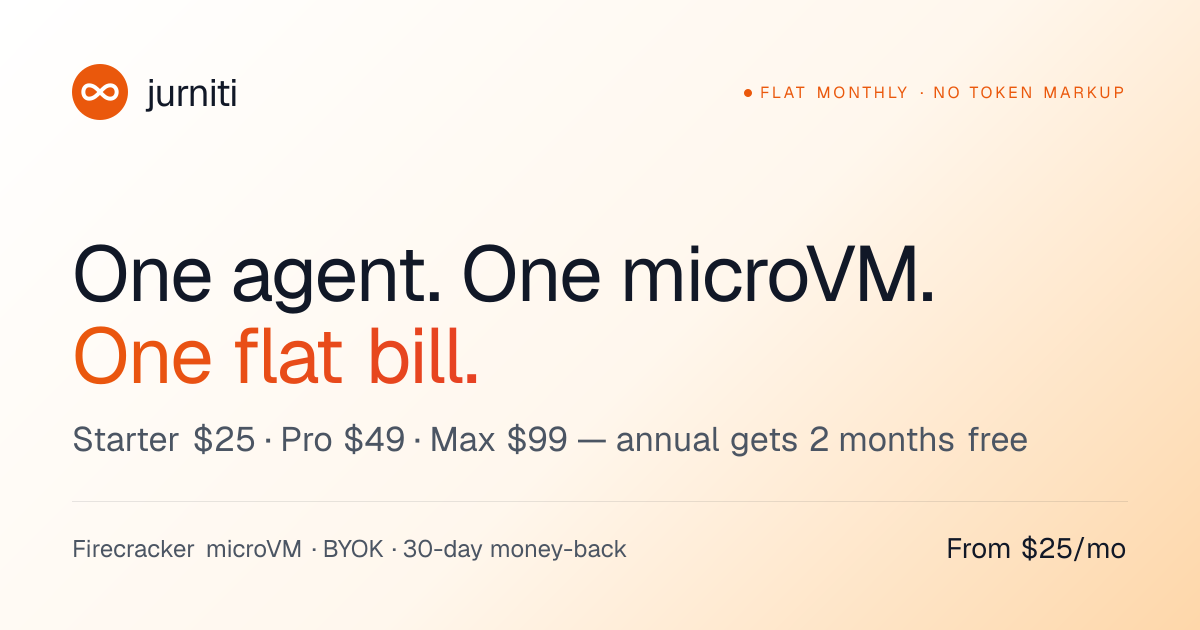
jurniti is a managed hosting service for AI agents. It runs supported agents such as Claude Code, Codex CLI, OpenClaw, Hermes, and Pi continuously in individual Firecracker microVMs, so the agent can remain available without a user's laptop running.
The platform combines isolated runtime hosting with user-supplied model credentials and persistent storage. Users can provision an agent from the web dashboard or CLI, connect to it through a managed subdomain or live terminal, and retain its files and agent state under /persist.
Each agent runs in its own KVM-isolated Firecracker virtual machine rather than a shared-kernel container.
Bring model-provider credentials such as OpenRouter, OpenAI, Anthropic, or Nous Portal keys into the VM; jurniti says it does not proxy model requests or add token markups.
The /persist volume retains skills, memory, conversation history, and plugin state across restarts, resizing, and snapshots.
A public TLS subdomain is automatically provisioned and certificate-managed, providing an address for an agent webhook, dashboard, or chat bridge.
Use the browser dashboard for agent creation, live terminal access, templates, and billing, or use the CLI for terminal, CI, scripts, and MCP workflows.
Fork a public template into a new microVM or snapshot a VM into a private or public template. Public templates are free; private template storage uses separate slot-based pricing.
Run a coding agent continuously in the cloud so it can inspect repositories, prepare changes, or support scheduled development workflows without keeping a development laptop open.
Fork a preconfigured template for SEO, lead research, code review, issue triage, or other listed workflows, then supply your own model keys and review the resulting drafts or reports.
Use scheduled or part-time agents with On-Demand or Spot billing from prepaid credits when a workload does not need a continuously running VM.
Expose an agent's dashboard, webhook, or chat bridge through its managed TLS subdomain while keeping the runtime and credentials inside the VM.
jurniti hosts agents in individual Firecracker microVMs with KVM isolation. Model credentials are supplied by the user and remain inside the VM rather than being proxied through jurniti.
You can use the web dashboard without installing the CLI. For terminal, CI, scripts, or MCP workflows, install the CLI on macOS, Linux, or Windows with the documented installer, then log in and create or fork an agent.
jurniti offers Starter at $25/month or $250/year, Pro at $49/month or $490/year, and Max at $99/month or $990/year. Annual billing provides two months free. On-Demand and Spot usage are also available from prepaid credits for part-time workloads; there is no free tier or free trial.
Agents can use a persistent /persist volume for skills, memory, conversation history, and plugin state. This data survives restart, resizing, and snapshots, and a VM can be forked into a private or public template.
The service supports agents and harnesses including Claude Code, Codex CLI, OpenClaw, Hermes, and Pi. The templates catalog also lists additional harnesses, but compatibility should be checked for the specific template or workflow.

CreateOS Sandbox is an isolated compute environment for running code and agent workloads inside Firecracker micro-VMs. It is designed for workflows that need machine-level isolation, private networking between sandboxes, and programmatic control through SDK, CLI, or MCP.

GitBot is a local browser-based workspace for creating reusable coding bots powered by Claude Code, Codex, or OpenCode. It helps developers run those agents across repository folders with persistent threads and configurable permissions.

AakarDev AI helps teams manage AI provider access, project-level setups, logs, and analytics from one dashboard. It supports BYOK workflows and lists providers including OpenAI, Google Gemini, Anthropic, Groq, Mistral AI, and Perplexity AI.

Trigger.dev chat agent is a durable AI chat backend for developers building stateful conversations that can survive refreshes, crashes, and long-running turns. It connects with the AI SDK `useChat` flow and runs on managed infrastructure with no timeout on a turn.

ByteAsk is a terminal-first AI coding agent for C and C++ that edits repositories and verifies changes with the real compiler, debugger, sanitizers, and tests before showing a diff. It offers a free tier plus paid plans, with editor connectors and zero-retention handling described in the source.

Codex Plugins bundle reusable skills, app integrations, and MCP servers into workflows you can install in the Codex app or use from Codex CLI. They help extend Codex with connected-service tasks, reusable instructions, and shared team workflows.