
Repository and flow mapping
Indexes code and documentation, identifies routes, MCP tools, jobs, queue consumers, and dependencies, and builds a code-intelligence graph for test planning.

Kerno is an AI-assisted runtime QA tool for backend applications. It tests critical flows, APIs, workers, queues, and MCP servers against a running app and real dependencies, helping developers and coding agents catch regressions and security issues before merge.
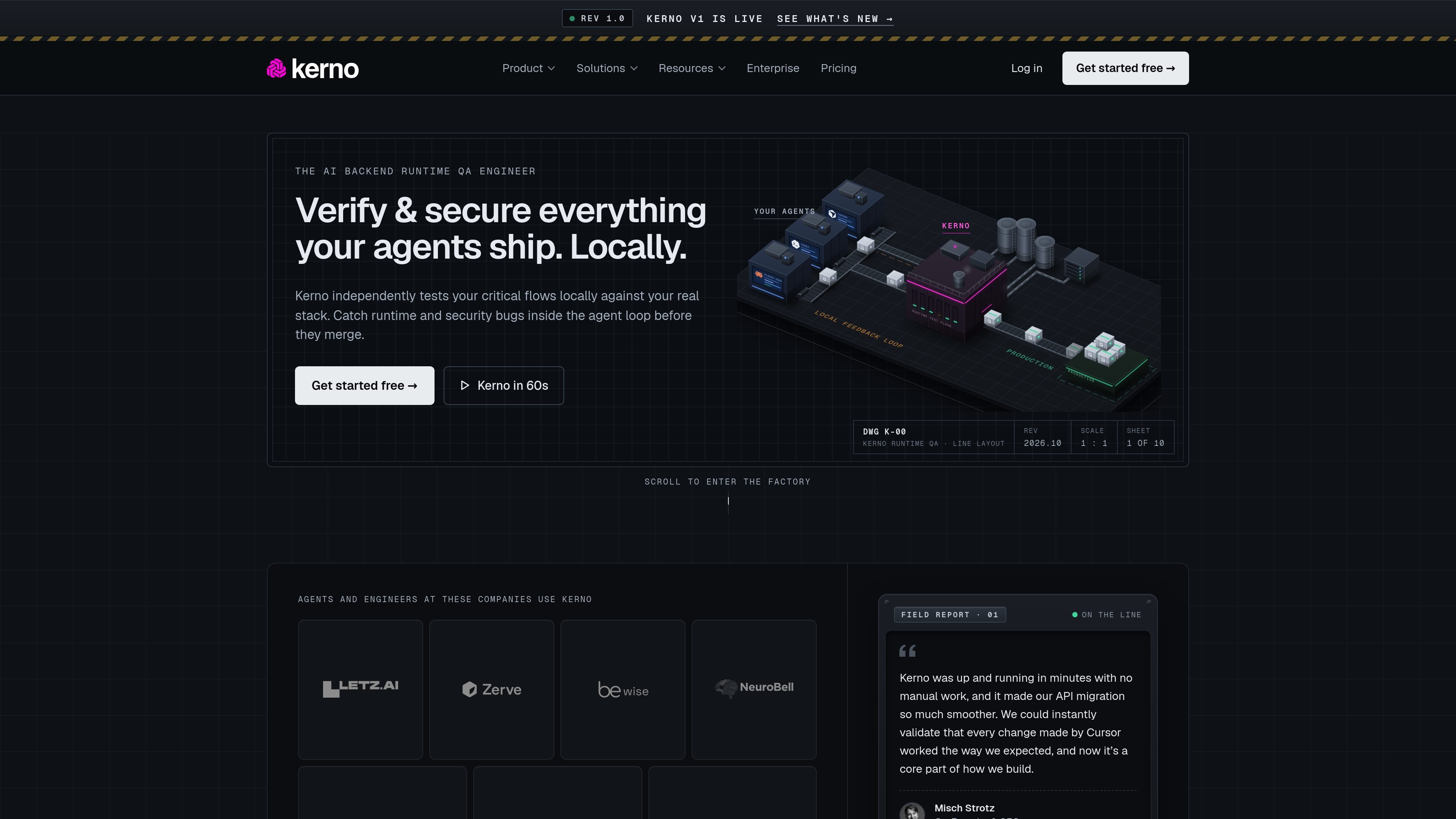
Kerno is an AI-assisted runtime QA tool for backend applications. It writes and runs tests against a running application and its real dependencies, helping developers and coding agents find functional, security, contract, and edge-case issues before changes merge.
The workflow starts by indexing a repository and mapping entry points and critical user flows. Kerno records how the backend behaves, then re-runs affected flows when code changes and presents evidence about the step that failed. Tests can be maintained as intentional product behavior evolves, with results available to individual engineers and, on higher plans, team workflows and analytics.
Indexes code and documentation, identifies routes, MCP tools, jobs, queue consumers, and dependencies, and builds a code-intelligence graph for test planning.
Tests complete journeys across APIs and real databases, queues, services, and other running dependencies rather than relying only on mocks.
Traces a code change to the entry points and flows it affects, then reports the broken step with expected and actual behavior.
Checks request and response contracts, authentication and authorization, edge cases, error handling, resilience, and applicable OWASP API and Web Top 10 risks.
Covers background workers and queues, including Celery, Kafka, RabbitMQ, SQS, Azure Service Bus, and Graphile Worker, as well as MCP server tools.
Stores tests in the repository, supports custom rules and evolving baselines, and provides a GitHub Action for pull-request validation with JUnit results.
After an agent or developer changes routes, services, or persistence logic, Kerno identifies affected flows and reruns them against the live local stack before the pull request is merged.
Teams can model journeys such as signup, project creation, invitations, checkout, or refunds and check the complete sequence instead of validating endpoints in isolation.
Organizations running asynchronous systems can exercise real workers and queues, then inspect the database writes or messages produced by the consumer.
Teams building tool-using applications can test MCP tools at runtime, including schemas, returned content, authentication behavior, and error handling.
Teams can run the same repository-based tests locally and on pull requests, while the Portal provides coverage, run reports, drift, and repository-level views for team oversight.
Install the CLI with `npm i @kerno/cli`, authenticate, and begin validating a running application. The Community plan does not require a credit card.
Kerno indexes the repository, identifies entry points and dependencies, connects to the running environment, and helps map critical flows. It then plans and runs tests against real services, records a baseline, and re-runs affected flows after code changes.
Kerno can test end-to-end user flows across APIs, HTTP routes, MCP tools, background jobs, and queue consumers. It can also check contracts, authorization, OWASP API and Web Top 10 categories, edge cases, error handling, resilience, and AI-agent tool interactions.
Tests are saved in the repository as a baseline. Kerno can update entry-point tests and regenerate flows when behavior changes intentionally. Its GitHub Action can rerun tests on pull requests and return deterministic results in JUnit format.
The Community plan includes 30 test runs per month, one repository, one user, and custom context and rules. Pro adds unlimited runs, repositories, and users, plus team analytics and CI integration. Enterprise adds options including SSO/SAML, self-hosting, audit logs, data controls, and dedicated support with an SLA.

ByteAsk is a terminal-first AI coding agent for C and C++ that edits repositories and verifies changes with the real compiler, debugger, sanitizers, and tests before showing a diff. It offers a free tier plus paid plans, with editor connectors and zero-retention handling described in the source.

Manta AI is an autonomous web app testing tool for teams that want to map application behavior, catch regressions, and generate tests without writing scripts or maintaining selectors. It works from a URL and supports plain-English test flows, run results with screenshots, and scheduled or deployment-triggered checks.

EAS Observe is a production performance monitoring tool for Expo and React Native apps. It shows startup metrics, session timelines, release markers, and errors inside the Expo dashboard.

Traccia is an agent observability and governance platform that adds OpenTelemetry-native tracing, policy enforcement, prompt evaluation, and compliance evidence for AI workflows. It supports frameworks including LangChain, CrewAI, OpenAI Agents SDK, AutoGen, and LlamaIndex.

Hoplite is a cloud coding agent platform for teams that want to run software tasks in isolated sandboxes with repository context and imported local setup. It offers published Pro, Scale, and Enterprise plans.

Latitude Agent Score evaluates AI agent performance using production traces across outcome, reliability, cost, speed, and safety. It helps engineering teams investigate the sessions behind a score, turn recurring failures into evaluations, and verify fixes after release.