
Agent access through MCP
Connect an existing coding or chat agent to Kody over MCP, so the agent can discover and invoke the capabilities available to the signed-in account.

Kody is a hosted execution and automation layer that connects AI coding and chat agents to saved capabilities, credentials, integrations, and reusable packages. It helps developers turn one-off agent tasks into scheduled jobs, webhooks, workflows, and hosted tools.
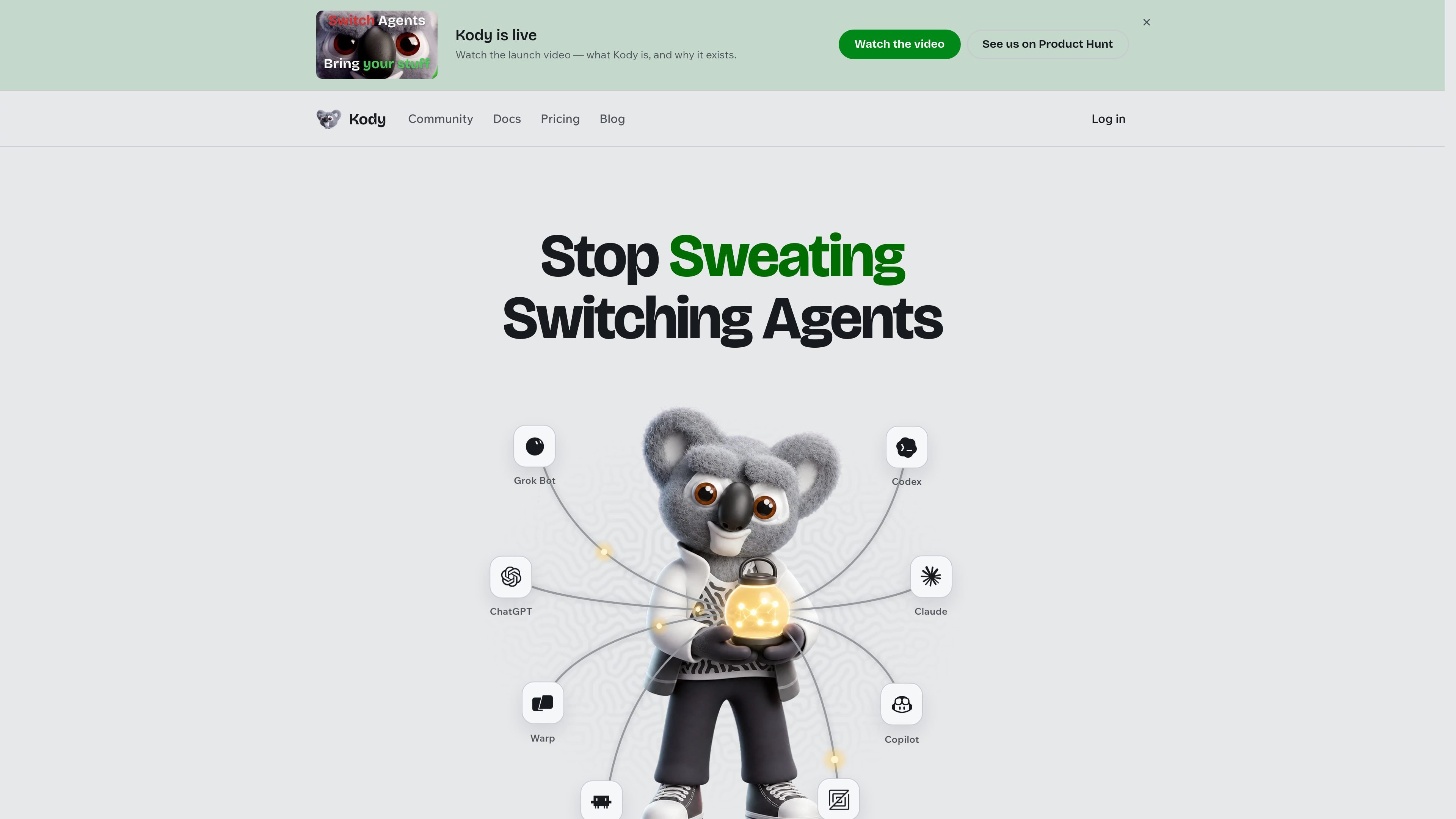
Kody is a hosted factory for agent-driven capabilities. It connects to the AI agents a user already works with over MCP, giving those agents two core tools: search for available capabilities and execute TypeScript code on Kody's servers.
A task can start as a one-off conversation and become durable software. Users can save behavior as versioned packages, attach state and credentials, and trigger it through schedules, webhooks, authenticated HTTP requests, workflows, or hosted apps. Kody is designed to keep the agent responsible for reasoning while providing a persistent execution layer that can be reused across agents and kept running when a laptop is closed.
Connect an existing coding or chat agent to Kody over MCP, so the agent can discover and invoke the capabilities available to the signed-in account.
Use search to find saved packages, connected services, official guides, relevant memories, and available capabilities before building a workflow.
Run temporary TypeScript modules on Kody's servers that compose discovered capabilities, call connected services, and import exports from owned packages.
Turn useful behavior into named, versioned packages with repository-backed source and isolated durable packageStorage() for runtime state such as cursors, preferences, and checkpoints.
Run package code through recurring schedules, deferred workflows, authenticated HTTP calls, webhooks, or package-hosted browser and HTTP surfaces.
Store secrets, OAuth-backed integrations, remote MCP connections, and account memories separately so credentials stay server-side and useful context can persist between agents and conversations.
Ask an agent to inspect GitHub activity using a saved credential, filter meaningful events such as releases or new repositories, and save the result as an export for faster reuse later.
Create a scheduled package that checks CI results overnight and routes likely flaky failures to an agent for investigation, without requiring the developer's laptop to stay open.
Receive an event from a service such as Sentry through a webhook, fingerprint repeated issues, and trigger an agent-assisted triage workflow.
Build an email- or purchase-triggered workflow that uses saved context to route messages or draft a contextual response through connected services.
Expose a small package-hosted application or authenticated HTTP endpoint for tasks such as querying account data or performing an approved operation through a connected integration.
Kody connects to an agent over MCP. The agent can use search to discover capabilities, integrations, packages, guides, and memories, then use execute to run a temporary TypeScript module on Kody's servers.
You can use a one-off execute run for exploration, or turn useful behavior into a named, versioned package stored in a repository. Packages can expose exports, apps, webhooks, and scheduled jobs.
Kody stores credentials privately and lets runtime code refer to them through placeholders or approved package mounts. The saved secret value is not returned to the assistant, and OAuth integration tokens remain server-side.
Kody's hosted environment cannot directly access a Mac's disk, local-only processes, localhost, or devices limited to a home network. A local capability must be exposed through a protected public HTTPS route and connected as a remote MCP server.
The Free plan is $0 and includes the whole factory with limits including 5 jobs and a fastest job interval of 15 minutes. Standard and Pro are paid monthly plans, with annual billing rates shown on the pricing page; teams and enterprise users are invited to contact Kody.

CreateOS Sandbox is an isolated compute environment for running code and agent workloads inside Firecracker micro-VMs. It is designed for workflows that need machine-level isolation, private networking between sandboxes, and programmatic control through SDK, CLI, or MCP.

AakarDev AI helps teams manage AI provider access, project-level setups, logs, and analytics from one dashboard. It supports BYOK workflows and lists providers including OpenAI, Google Gemini, Anthropic, Groq, Mistral AI, and Perplexity AI.

Trigger.dev chat agent is a durable AI chat backend for developers building stateful conversations that can survive refreshes, crashes, and long-running turns. It connects with the AI SDK `useChat` flow and runs on managed infrastructure with no timeout on a turn.

Arduino VENTUNO Q is an edge AI computer for AI and robotics applications. It combines AI inference and deterministic control on a single board and is designed to work with Arduino App Lab.

ByteAsk is a terminal-first AI coding agent for C and C++ that edits repositories and verifies changes with the real compiler, debugger, sanitizers, and tests before showing a diff. It offers a free tier plus paid plans, with editor connectors and zero-retention handling described in the source.

Codex Plugins bundle reusable skills, app integrations, and MCP servers into workflows you can install in the Codex app or use from Codex CLI. They help extend Codex with connected-service tasks, reusable instructions, and shared team workflows.