
Exact domain lookup
Check one domain name at a time and get an instant availability result with registrar and renewal information when a domain is available.

LetsFindDomain is a domain availability checker and AI name generator that helps users search across 50+ extensions, compare prices, and review WHOIS and research data. It supports exact lookups, bulk TLD checks, and natural-language naming prompts.
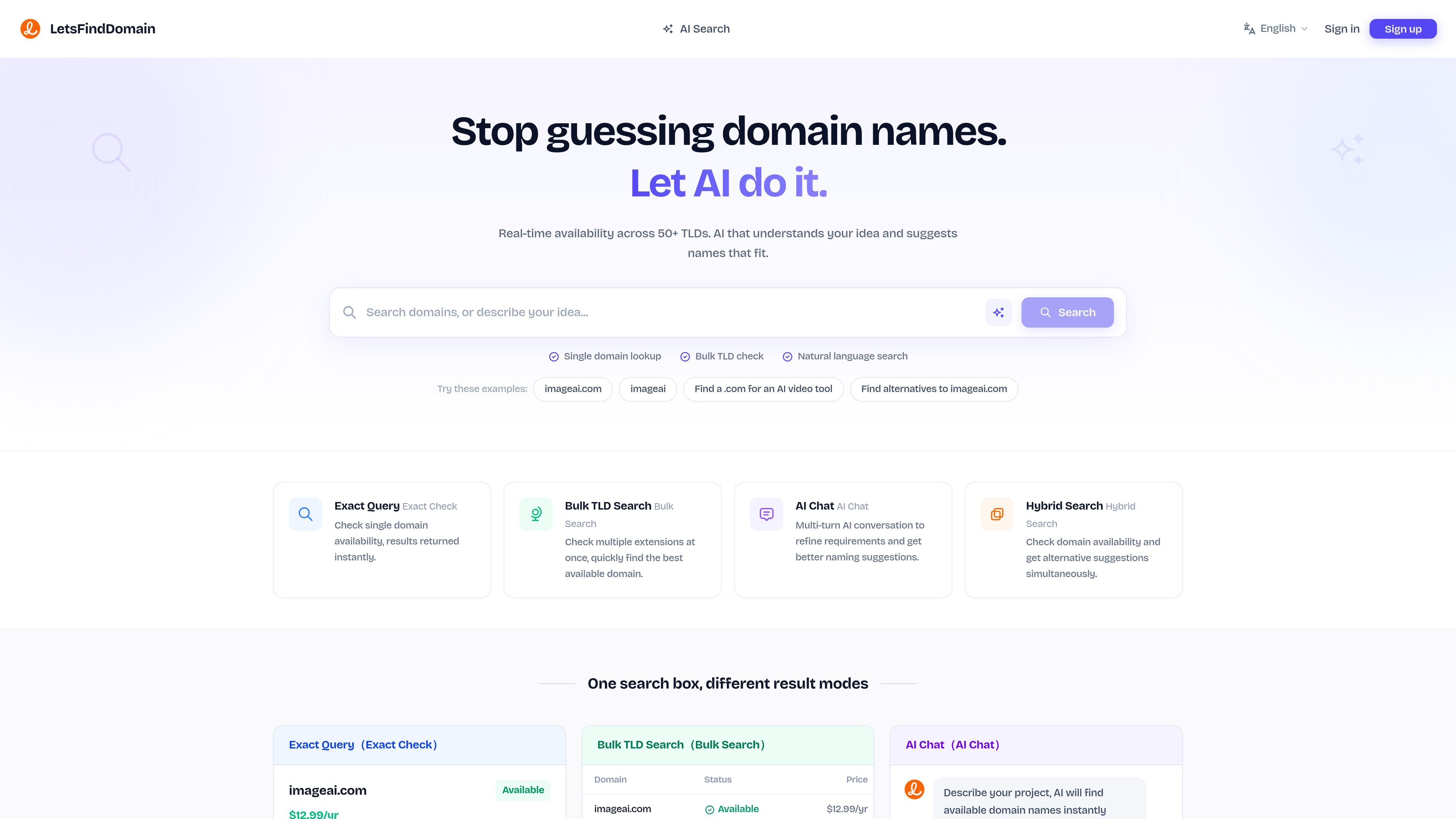
LetsFindDomain is a domain search tool that combines availability checks with AI-assisted naming. It is built for people who want to test ideas quickly, compare extensions, and move from a rough project description to a short list of candidate domains.
The product supports exact single-domain checks, bulk searches across many TLDs, natural-language prompts, and a hybrid mode that returns alternatives alongside availability results. It also surfaces registration price, WHOIS details, traffic and value insights, and competitor-oriented research so users can evaluate a domain before registering or making an offer.
Check one domain name at a time and get an instant availability result with registrar and renewal information when a domain is available.
Check several extensions for the same name in parallel so you can compare availability and pricing across TLDs without repeating the search.
Describe a project in natural language and let the AI suggest domain names that fit the brief, then check whether they are available.
Run one search that returns both availability results and alternative suggestions, which is useful when the exact name is already taken.
See registration cost for available domains and WHOIS data for registered ones, including registrar, creation date, expiry, nameservers, and transfer lock status.
Review estimated traffic, backlink profile, and market value, and save domains to a shortlist for later comparison.
Check whether a single name is available and see registration details before you move forward with a purchase or registration.
Compare the same name across multiple extensions to find an available option with a suitable price and extension fit.
Describe a business, product, or project in plain language and use AI suggestions to get names you may not have considered.
Use the research outputs to review registrar, WHOIS, traffic, backlink, and value signals before making an offer on an already-registered domain.
Save candidate domains to a shortlist and revisit them later when you are ready to decide or re-check availability.
Yes. The site offers exact domain checks, bulk TLD search, and AI chat for multi-turn naming help. The examples shown include checking single domains and finding alternatives across extensions.
The AI assistant can turn a plain-language project description into domain ideas, refine suggestions through conversation, and check availability automatically.
The site says it covers 50+ extensions, including popular TLDs such as .com, .ai, .io, .dev, .app, and .co, plus country-code and niche extensions.
The product states that it queries multiple authoritative sources and cross-checks results to provide a definitive answer.
The interface includes labels such as “probably available” and “unknown,” but the source does not fully define those states beyond indicating that they can occur in the results.

NameGator is an AI-powered business name and domain generator that helps startups, entrepreneurs, and businesses find brandable names and check matching domain availability. The site also supports domain registration with instant registration, DNS management, and WHOIS privacy protection.

tldx is a command-line tool for checking domain availability in bulk using keywords, permutations, regex patterns, and TLD presets. It supports multiple output formats and includes an MCP server for agent-based workflows.

Branda is a web-based brand builder that turns a one-sentence idea into strategy, naming, logo, palette, type, and a brand kit. It is aimed at founders, creators, freelancers, and agencies that need a quick brand starting point.

sheetplus.ai is listed for sale as a domain on Spaceship, with a buy-now price and an option to make an offer. The page focuses on secure purchase and transfer support rather than describing an active software product.

Harness² is an open-source framework for refining the prompts, tools, memory, and other components around fixed AI models. It helps researchers and developers run recursive harness-improvement workflows across JobBench, LAB, and WorkBuddy-Bench.

Hoistbay is a free, open-source desktop app for managing Amazon S3 buckets and CloudFront distributions. It helps developers handle deployment uploads, object changes, metadata fixes, and cache invalidations from macOS or Windows.