
Wireless mirroring
Mirror an iPhone or other supported iOS device to your Mac over Wi‑Fi without installing an app on the mobile device.

Lumox is a Mac app for wireless screen mirroring from iOS devices. It supports screenshots, video recording, multiple devices, and presentation-friendly display modes such as transparent background and fullscreen.
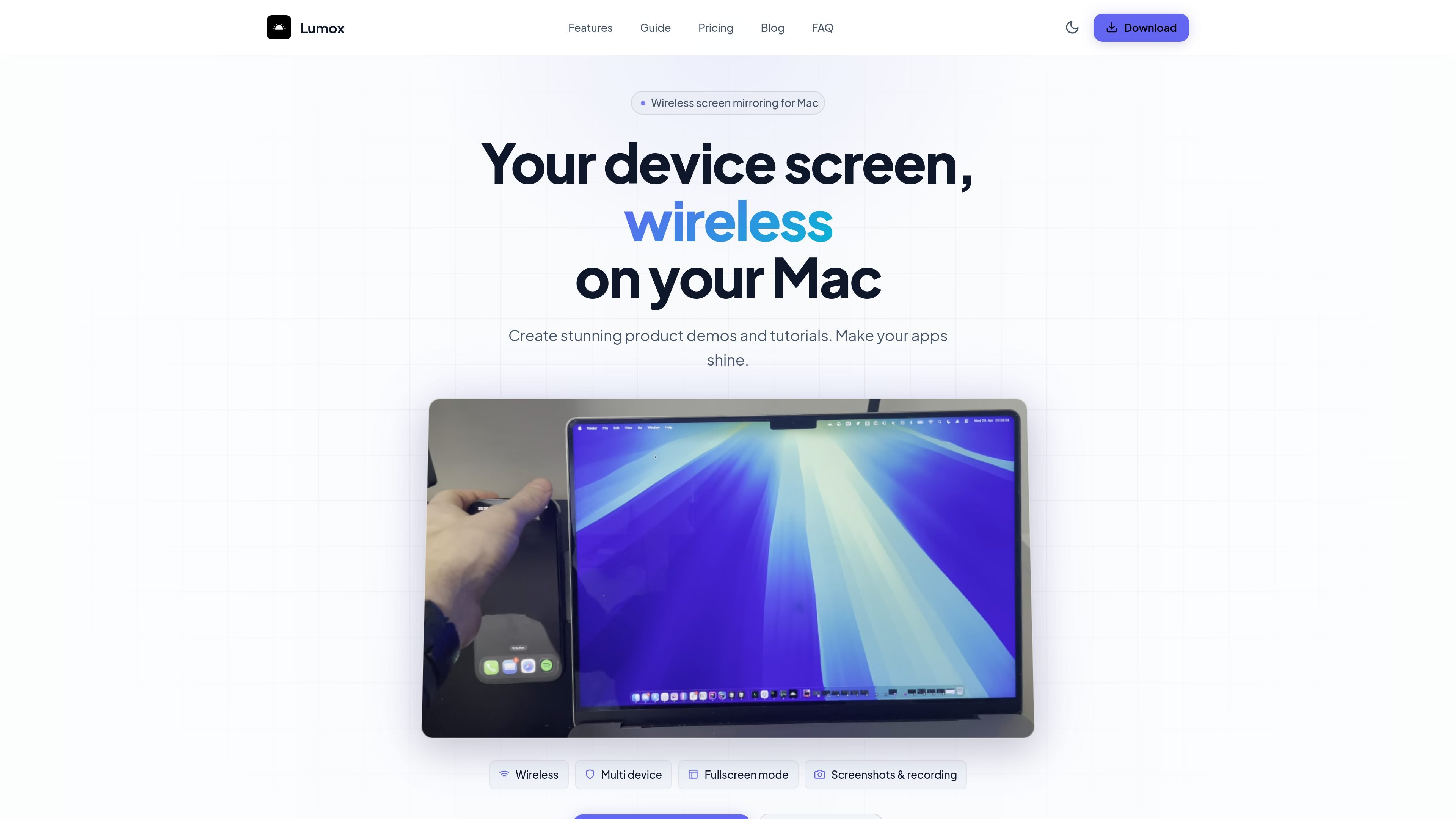
Lumox is a Mac app for wireless device screen mirroring. It is designed to mirror iOS devices over Wi‑Fi so you can present, capture, and organize device screens on your desktop without cables after the initial setup.
The app focuses on workflows that need clean visual output: screenshots, screen recordings, transparent or fullscreen viewing, custom backgrounds, and device bezels. It also supports multiple devices in one workspace and keeps captured media in a built-in Media Library.
Mirror an iPhone or other supported iOS device to your Mac over Wi‑Fi without installing an app on the mobile device.
Connect multiple devices at the same time and arrange them in one view for side-by-side demos or comparisons.
Capture screenshots and record video for product demos, tutorials, bug reports, or app store assets.
Use transparent background mode, fullscreen mode, or custom backgrounds to adapt the mirror to presentations and visual assets.
Store screenshots and recordings in the built-in Media Library for easier access and export.
Wrap devices in iPhone or generic bezels, rotate them, and customize status bars for more polished visuals.
Show an iPhone screen on your Mac during live demos, using fullscreen mode or a transparent window depending on the presentation setup.
Capture store-ready screenshots and export them in common image formats, including output sized for app store dimensions.
Record tutorials, walkthroughs, or bug reports directly from a mirrored device and keep the files organized in Lumox’s Media Library.
Mirror more than one device at once to compare screens, test layouts, or run coordinated demonstrations from a single Mac.
Adjust backgrounds, bezels, rotation, and status bar details to create realistic device mockups and polished product visuals.
Lumox is free to use, but the free version includes a watermark and a session time limit. A paid license removes both restrictions.
Lumox supports mirroring for iOS devices. Android support is currently in development.
You can mirror as many devices as your Mac can handle, with no hard limit stated. Lumox also supports running unlimited sessions.
Screenshots and recordings are saved in the Media Library inside Lumox, or in the folder you configured in settings.
Yes. Lumox supports a transparent background mode and a fullscreen mode for presentations or focused demos.

Slidesgo is a presentation template platform for Google Slides, PowerPoint, and selected Canva workflows. It offers free and Premium templates, plus AI-assisted presentation creation and team-friendly access options.

Tavus is an AI video platform for building real-time, face-to-face agents, digital twins, and AI companions. It combines APIs, custom replicas, and multilingual conversational workflows for developers and teams.

HiringPartner.ai is an autonomous AI recruiting platform for sourcing, screening, and interviewing candidates 24/7. It supports ATS-connected workflows, bulk resume uploads, and reviewable interview outputs for hiring teams.

CAKIE is a Mac app for recording your screen and voice for an AI agent. It adds a transcript and screenshot highlights, then lets you copy a prompt and paste or attach the context in another AI app.

Zella is a screen recorder and on-device AI video editor for Mac and iPhone. It helps creators record screens or cameras, automatically clean up footage, add captions, reframe clips, and export videos without uploading the core project to the cloud.

ChatBA is a generative AI product for creating slide decks from prompts. The public site emphasizes instant presentation generation and includes help content for templates, sharing, and data sources.