
Team email hosting
Create mailboxes on your own domain with browser-based webmail, standard IMAP and SMTP access, per-mailbox storage and sending limits, and centralized administration.

Mailyte is an email platform for teams and software products, combining domain-based mailboxes, webmail, SMTP/API sending, broadcasts, and deliverability tools. It can be used as a managed cloud service or self-hosted through its AGPL-3.0 community edition.
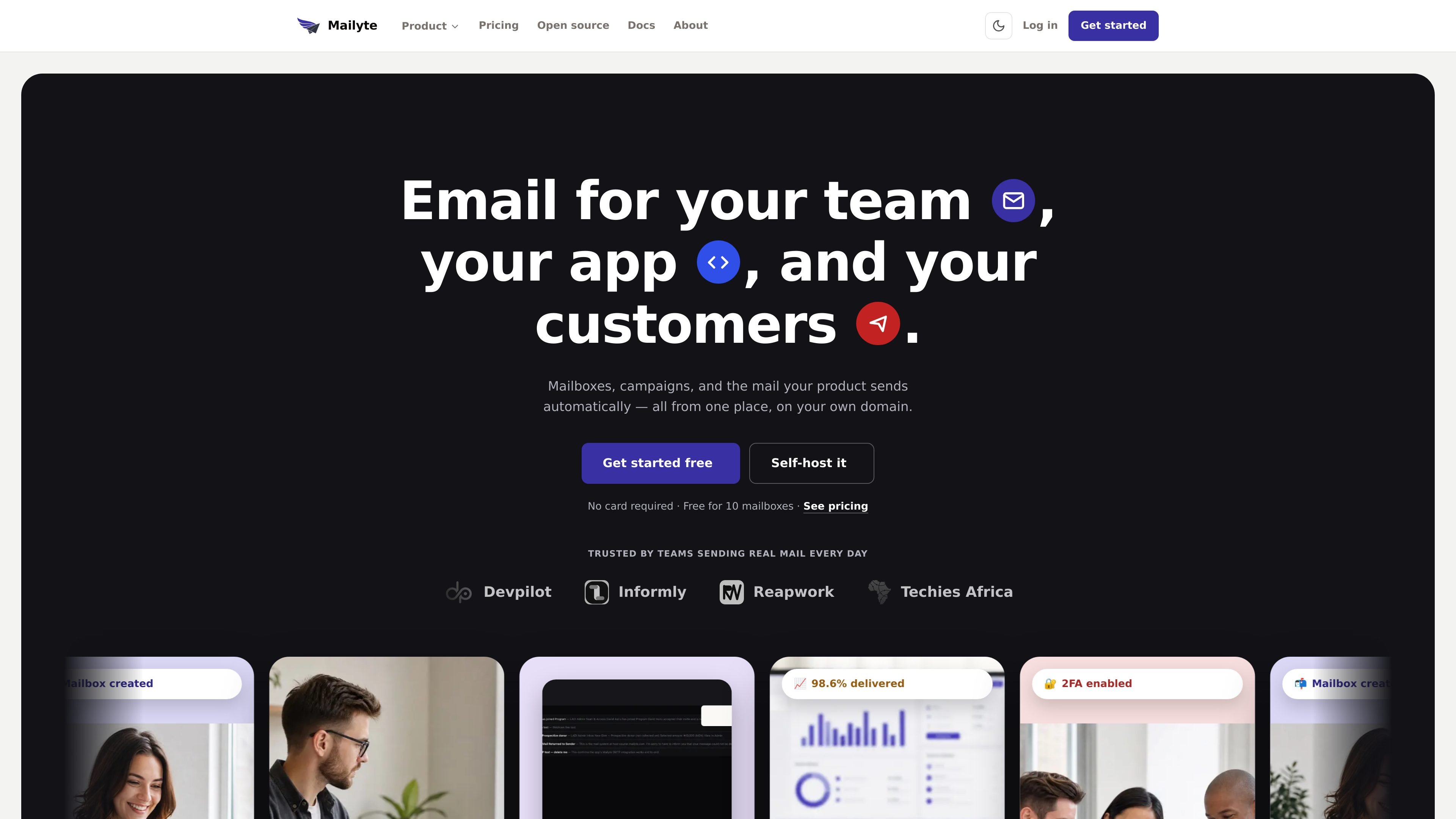
Mailyte is an email platform for organizations that need team mailboxes, application-generated messages, and customer broadcasts under their own domain. It combines webmail and standard mail protocols with SMTP and REST API sending, so employees and software can use the same authenticated domain.
The service includes domain setup and deliverability tools, mailbox administration, migration from IMAP providers, message logs, and reporting. Organizations can use Mailyte Cloud or run the open-source community edition themselves; the community edition includes the mail stack and webmail under AGPL-3.0.
Create mailboxes on your own domain with browser-based webmail, standard IMAP and SMTP access, per-mailbox storage and sending limits, and centralized administration.
Send receipts, password resets, order updates, and other application messages through drop-in SMTP or a REST API using authenticated domain sending.
Test integrations in sandbox mode with separate keys for development, staging, and production before messages can reach real recipients.
Track submission, delivery, deferral, bounce, open, and click events in the dashboard, with searchable history and webhooks for delivery events.
Generate and verify SPF, DKIM, DMARC, and MX records against live DNS, while providing domain authentication and account security controls.
Copy mail, folders, attachments, and read state from an IMAP provider, then perform a later DNS switch without deleting the source inbox.
Create domain-based inboxes for employees, support addresses, or sales teams, then manage accounts, storage, access, and offboarding from one administrative dashboard.
Connect a website or software product over SMTP or the API to deliver receipts, password resets, order updates, and other automated messages with delivery tracking.
Send newsletters and announcements to opted-in contacts using the same sending-credit pool as application email, with unsubscribe requirements and delivery visibility.
Move an organization from Google Workspace, Microsoft 365, cPanel, or another IMAP host while keeping the old service active until messages and folders have been copied.
Operate the mail stack on your own hardware when self-hosting is preferred, or use the managed cloud option when the organization does not want to maintain the server.
Mailyte combines email hosting for team mailboxes with SMTP and REST API sending for application messages and campaigns. It can be used as Mailyte Cloud or self-hosted through the open-source community edition.
Add your domain and publish the SPF, DKIM, DMARC, and MX records generated by Mailyte. The service checks the records against live DNS; after verification, you can create mailboxes and send mail.
Yes. Mailyte connects to the existing provider over IMAP, including Google Workspace, Microsoft 365, cPanel, and other IMAP hosts. It copies messages, folders, attachments, and read state while the old inbox remains available, so you can change MX records after the migration is complete.
Every mailbox includes Mailyte webmail and supports standard IMAP and SMTP connections. Team members can use a browser or compatible clients such as Apple Mail, Outlook, Thunderbird, and phone mail apps.
Yes. Application email and campaigns can be sent through SMTP or the REST API, and broadcasts use the same prepaid sending credits as app email. Sending is subject to the account and plan limits shown in the Mailyte dashboard and pricing information.

Tuck is a free menu bar manager for macOS 27 or later that lets users arrange, hide, search, and conditionally reveal Mac menu bar icons. It helps keep frequently used controls visible while preserving the layout across restarts and software updates.

Rank Kiwi is a Chrome extension for researching creator content on Instagram and YouTube. It ranks visible posts and channel uploads by a creator-relative Outlier Score, with filters and CSV or JSON export for content research workflows.

Letra is a menu bar OCR utility for macOS Sonoma 14 or later that copies text from screen regions, videos, PDFs, screenshots, and screen shares to the clipboard. It also supports on-device recognition, QR and barcode decoding, searchable capture history, and copied image or file input.

The Computer Game is a browser-based strategy and simulation game in which players progress from gathering raw materials to designing chips and building computers. It supports solo play, trading and world visits with other players, and optional collaboration with AI applications such as Claude or ChatGPT.

Naarchy is a free, open-source Linux desktop utility that gathers files, clipboard content, music controls, a timer, calendar access, and configurable widgets in one compact on-screen island. It is built with Rust and GTK4 for a Wayland-oriented workflow.

KernelAI is a mobile AI app that runs 53 open-weight models locally on iPhone, iPad, and Android devices. It helps users chat, work with documents and images, code, and use AI offline without an account or subscription.