
Trend template library
Select from a live library of viral templates; each trend identifies its duration, photo requirements, and credit cost.

MemeVideoMaker is a browser-based AI tool that places user-provided photos into predefined viral video templates. It helps individuals create short, watermark-free MP4 remakes for formats such as TikTok, Instagram Reels, and YouTube Shorts without manual timeline editing or prompt writing.
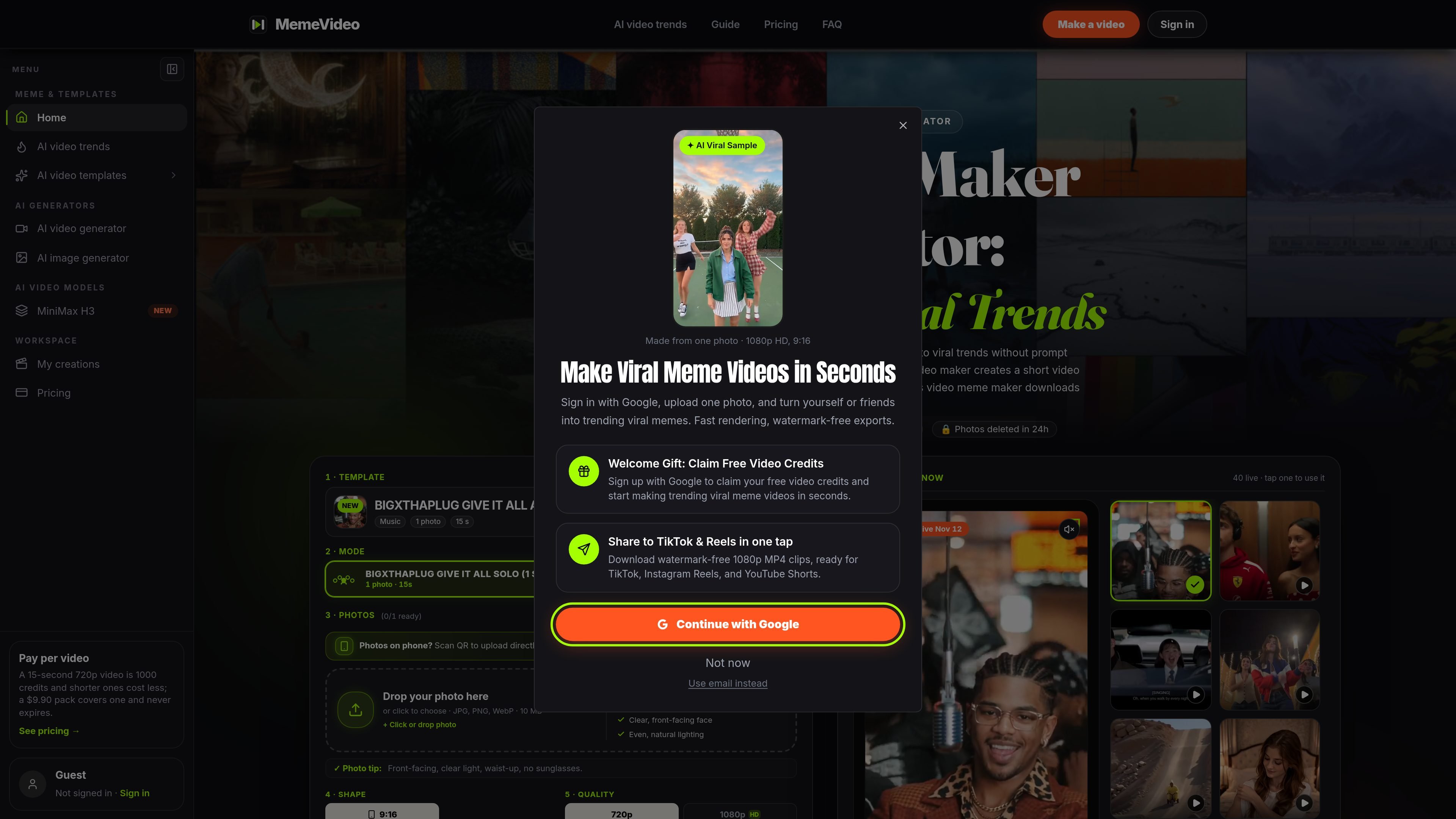
MemeVideoMaker is a browser-based AI video generator for recreating short viral video trends with a user's photos. Instead of building a timeline or writing prompts, users choose a template, provide the required portraits, and let the service place those subjects into a predefined performance.
Templates cover solo, duet, and group scenarios involving people or, for some trends, pets. Examples in the library include dance clips, movie-style scenes, car memes, music performances, and short visual gags. Each template specifies its required photo slots, duration, aspect ratio options, and credit cost.
The finished result is downloaded as a watermark-free MP4, generally in 9:16 for short-form social platforms or 16:9 where supported. The product is intended for people who want a fast trend remake without manual cutting, keyframe alignment, or audio editing; it does not provide evidence of external publishing integrations.
Select from a live library of viral templates; each trend identifies its duration, photo requirements, and credit cost.
The AI maps uploaded faces to predefined trend performances, including camera cuts, character positions, and timing, without requiring written prompts.
Upload one to five photos depending on the template. Front-facing, well-lit portraits are checked for alignment and quality before generation.
Generate vertical 9:16 clips for TikTok, Instagram Reels, and YouTube Shorts, with 16:9 available for supported templates and YouTube-oriented output.
Download completed videos as clean MP4 files without a watermark. Supported renders include 720p and 1080p, with credit usage varying by duration and resolution.
The site estimates that cloud rendering typically takes about two to five minutes. Users can leave the page and find completed results in My Creations.
Upload one or two portraits to recreate a short music, dance, or movie-style scene, then download a vertical clip for a short-form social post.
Use a duet or ensemble template to place friends, partners, or family members into a shared parody scene, provided everyone has given permission for their photos to be used.
Apply supported pet-oriented templates to a pet photo for formats such as a dance or carpool-style gag, where the selected trend accepts an animal subject.
Create a quick concept or social post without opening a conventional editor: the template supplies the shot sequence, timing, and audio so the user only needs to prepare the photos.
Render a silent version when available and add the platform's track during posting, or use the supplied synchronized trend audio in the generated clip.
No. MemeVideoMaker is a paid browser-based service. Pricing starts at $9.90 for a one-time 1,500-credit pack or $9.90 per month for the Starter plan when billed annually. Failed generations are automatically refunded, and an unused first pack can be refunded within seven days.
Choose a trend template, upload the requested photos, select the aspect ratio and resolution, then submit the render. The service creates an MP4 without requiring timeline editing or prompt writing. The site estimates rendering at about two to five minutes. Completed results remain available in My Creations if you close the browser.
The generator accepts JPG, PNG, and WebP images, with templates requiring between one and five photos. Clear, front-facing portraits with even lighting are recommended, and an automated photo check reviews facial alignment and image quality before rendering.
Exports are watermark-free MP4 files. Available formats include 9:16 for TikTok, Instagram Reels, and YouTube Shorts, as well as 16:9 for YouTube and some individual templates. Trend videos can include synchronized original audio, and some workflows offer a silent MP4 option.
Users must have permission to use uploaded photos and confirm that the people shown have agreed. The service prohibits celebrity and public-figure photos and places responsibility on users to follow applicable rights requirements and platform rules.

VIDEOAI.ME is an AI video generator for making spokesperson-style videos, ads, explainers, and social content from a script. It is aimed at founders, marketers, agencies, and creators who want to produce videos without filming.

I Love The Smiths AI turns two user-supplied photos into a 15-second, widescreen recreation of the viral elevator scene, with preset choreography, reference audio, and no watermark. It is intended for personal social clips featuring consenting adults or the user’s own pets, rather than general-purpose video editing.

Topview AI is a web-based AI video creation platform for social ads, ecommerce creatives, avatar videos, and short drama workflows. It combines channel-based templates, prompt-driven generation, reference uploads, and storyboard-based production tools.

DANCING CATS App turns cat pictures into dancing kitty clips. The public homepage is sparse, so the core use case is clear while pricing, outputs, and feature depth remain undocumented.

Omni AI is a browser-based image and video generator for creating visuals from text prompts or reference photos. It supports text-to-image, image-to-image, text-to-video, and image-to-video workflows, with free sign-up credits and downloadable results.
Kling 4.tv is a third-party browser-based video-creation service with prompt and reference-based workflows. It offers a model picker, generation settings, and credit-based plans; its branding does not establish affiliation with the developers of Kling AI.