
Phone-to-Mac control
Send instructions from an iPhone and have Mermaid carry them out on the Mac, even when you are away from the computer.

Mermaid is an AI agent that lets iPhone users send instructions to their Mac and have tasks carried out in the Mac apps they already use. It is designed for remote Mac work, with phone-based status updates and approval for consequential actions.
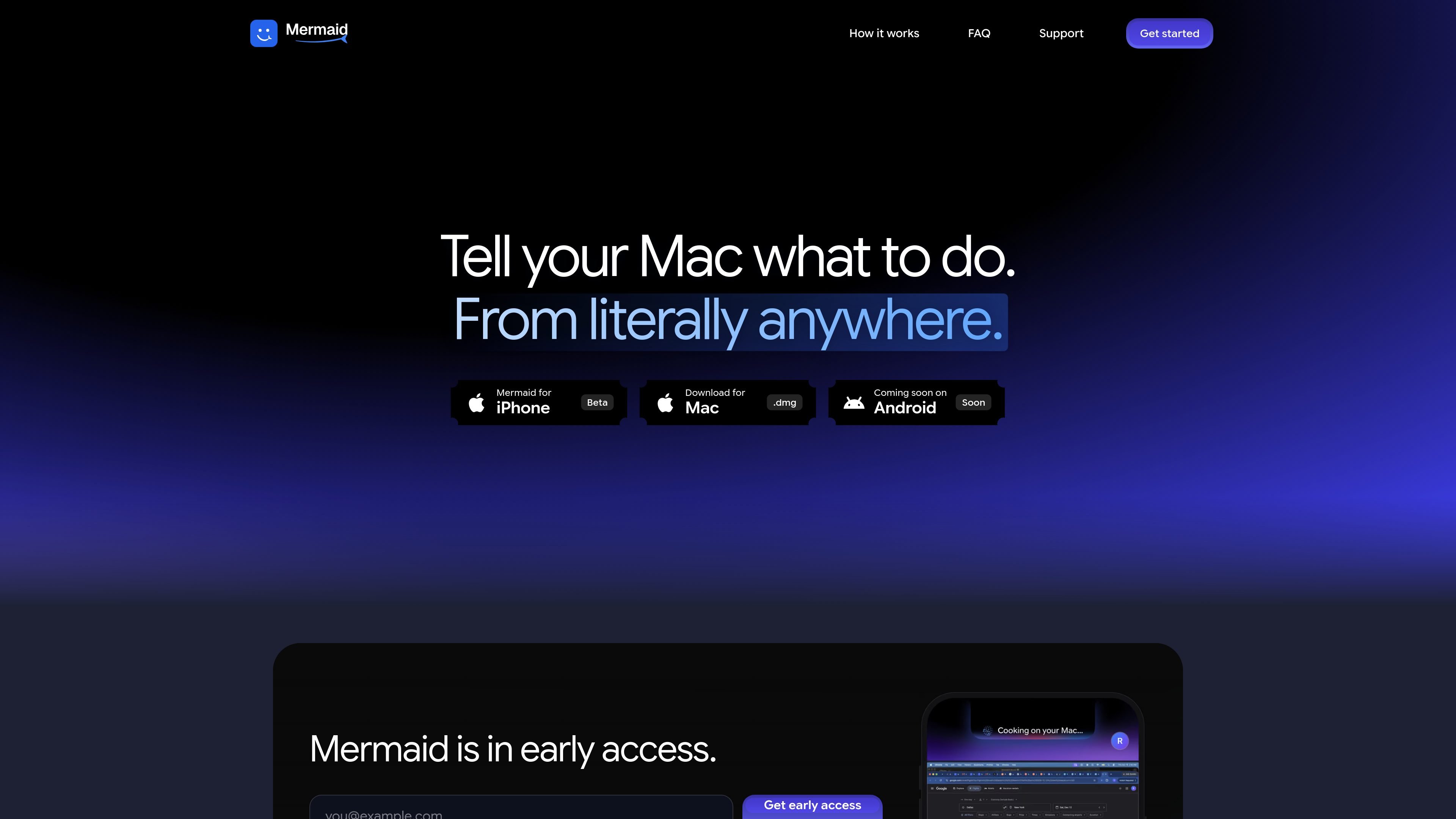
Mermaid is an AI agent for Mac that lets you send instructions from an iPhone and have the Mac carry out the work in its existing applications. Instead of manually operating the computer, you can describe a task on your phone; Mermaid uses apps such as Notes, Safari, Mail, Finder, VS Code, and others to complete it, then reports the result back to the phone.
The product is intended for situations where you need something done on your Mac but are not currently at the computer. The Mac must be on, awake, and online, and the iPhone and Mac must be paired and signed in to the same account. Mermaid is in beta; iPhone access is provided through TestFlight early access, and Android support is listed as coming soon.
Mermaid is not limited to unattended automation: Live Screen and Take Over provide ways to view or work on the Mac directly when you prefer to handle the task yourself.
Send instructions from an iPhone and have Mermaid carry them out on the Mac, even when you are away from the computer.
Mermaid works with apps already installed on the Mac, including Safari, Chrome, Notes, Mail, Messages, VS Code, WhatsApp, Finder, and Claude.
The agent checks the result of its work and reports completion on the phone, so you can see whether the requested task finished.
Use Live Screen when you want to view the Mac, or Take Over when you want to work on it yourself instead of delegating the task.
Approve consequential operations, including sending messages or deleting files, from the phone before they happen. A Stop control is available at any time.
After the initial pairing, the Mac can be reached over Wi-Fi or mobile data rather than requiring the phone and Mac to remain on the same local network.
Ask Mermaid to create a note with structured content, such as a weekend packing list, while you are away; the Mac opens Notes and writes it for you.
Start work in a Mac application without sitting at the computer, such as opening a browser, preparing a document, or navigating files using the apps already installed on the Mac.
Use the phone to initiate communication-related work in Mail, Messages, or WhatsApp, with approval required before a message is sent.
Delegate a coding or project task in an application such as VS Code, then review the completion status on the phone rather than waiting at the Mac.
Switch from delegated execution to direct interaction when a task needs personal attention by using Live Screen or Take Over.
You need a Mac with Apple silicon or Intel running macOS 14 or later, an iPhone running iOS 17 or later, Mermaid installed on both devices, and both devices signed in to the same account. Mermaid for Android is coming soon.
The devices only need to be on the same Wi-Fi network for the first pairing. After that, Mermaid can reach the Mac over Wi-Fi or mobile data, provided the Mac is on, awake, and online.
Before consequential actions such as sending a message or deleting files, Mermaid asks for approval on the phone. You can also tap Stop at any time.
Mermaid is free during the beta and includes an AI usage allowance. Live Screen and Take Over do not use that allowance.
Mermaid for iPhone is available in beta through TestFlight. Enter your email to request early access, and Apple sends an invitation. You also need Mermaid for Mac on the Mac you want to use.

ConscioussAI is an AI assistant for macOS, Windows, iOS, and Android that helps execute tasks across apps, files, the browser, and messages. It is aimed at people who want permission-based help on both desktop and mobile.

Asmi is an AI personal assistant that handles chores over phone calls, iMessage, and WhatsApp. It helps users book services, follow up on tasks, and keep context across conversations.

Lasso is an ecommerce product data platform for enriching catalog records, processing supplier files, generating product content, and monitoring competitors. It combines a web app with a REST API, SDK, and MCP server for teams and developers.

Malyatko is a baby tracker for logging feeding, sleep, growth, teething, and milestones in one app. It works on iPhone, Apple Watch, and widgets, with no sign-up, offline use, and family sharing through iCloud.

Gemma AI is a phone call reminder app that calls you with scheduled reminders instead of push notifications. It helps people who want a more direct way to stay on schedule, with Google Calendar sync and conversational call interactions.

Botacts is a web directory for finding AI bots and agents you can contact by phone, email, SMS, WhatsApp, Telegram, or Signal. It also lets creators suggest bots for manual review before publication.