
Visual widget customization
Adjust the chat bubble, colors, icons, avatars, fonts, welcome messages, and other interface elements with live preview, without requiring CSS or JavaScript knowledge.

N8N Chat UI is a no-code/low-code builder for branded chat widgets connected to n8n workflows. It helps developers, agencies, startups, and other n8n users customize, embed, and manage workflow-driven chat experiences on websites.
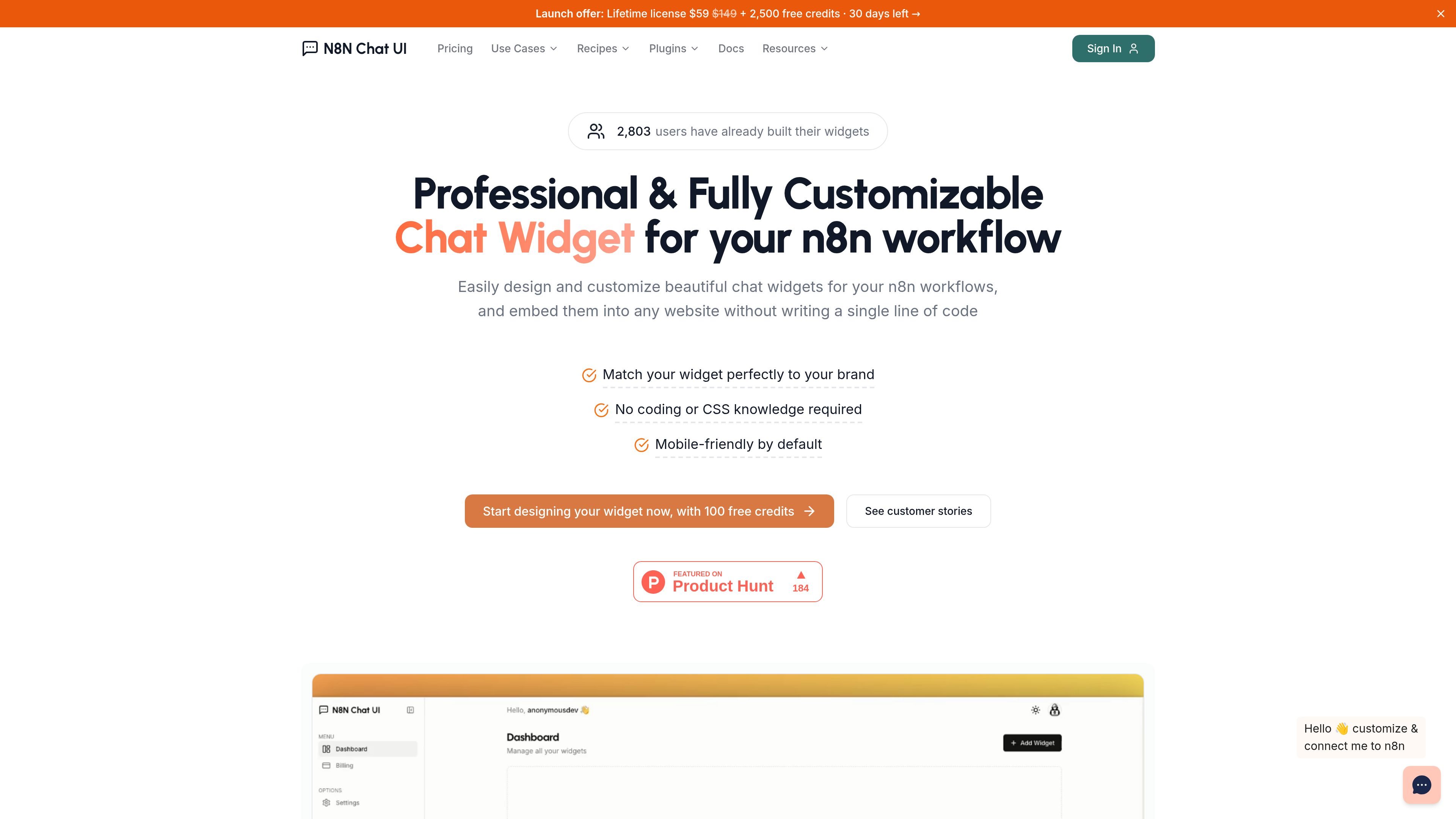
N8N Chat UI is a no-code/low-code tool for creating branded chat widgets connected to n8n workflows. It provides a visual editor for configuring the widget’s appearance and behavior, then generates an embed script for adding the result to a website.
Widgets can appear as floating chat bubbles or in-page components and can support features such as file uploads, voice input, streaming responses, session continuity, media attachments, and right-to-left layouts. The product is intended for developers, agencies, startups, and other teams that use n8n to power AI agents, chatbots, and workflow-driven site interactions.
Adjust the chat bubble, colors, icons, avatars, fonts, welcome messages, and other interface elements with live preview, without requiring CSS or JavaScript knowledge.
Generate an embed script and place the widget as a floating bubble or directly within page content. Official plugins are available for Webflow, Wix, and WordPress.
Let visitors attach files while controlling permitted file types, file size, and file quantity. The documentation also covers custom metadata for widget interactions.
Accept audio messages from users and render media attachments such as audio files in chat responses.
Enable streaming through n8n for word-by-word AI response delivery, while session management helps preserve context across interactions.
Support right-to-left layouts, custom CSS, consent screens, branding controls, and programmatic interaction through the JavaScript sendMessage API on applicable paid access.
Connect an n8n calendar workflow so visitors can check availability and confirm appointments through the widget.
Ask qualifying questions, collect candidate information, and route suitable applicants into an n8n hiring workflow.
Guide visitors through pricing questions and return a quote calculated by an n8n workflow.
Answer product and order questions, recommend items, and connect storefront interactions to e-commerce workflows.
Collect and score prospect responses conversationally, then send qualified leads to a CRM through n8n.
N8N Chat UI lets users visually customize a widget, connect it to an n8n workflow, preview changes, and copy an embed script for use on a website. The documentation also covers platform plugins and API-based options.
The widget can be displayed as a floating chat bubble or embedded directly within page content. Official plugins are listed for Webflow, Wix, and WordPress, and an npm/n8n Node option is also available.
Yes. The product supports file uploads with configurable file types, size, and quantity controls. Voice input is also available, and the documentation describes rendering audio attachments in chat responses.
Chat streaming can be enabled in n8n, after which the widget supports real-time, word-by-word AI response delivery. The documentation also covers session management for preserving conversation context.
The service offers 100 free credits to start without a card. The pricing page also describes managed widget credit packs and a one-time standalone widget license, but the available source does not provide a complete comparison of all plan limits.

Ably Chat is a chat API platform for building custom realtime chat applications. It supports room-based messaging, typing indicators, presence, reactions, and message updates, with usage-based pricing options for different deployment stages.

Make Real is a Next.js app that turns hand-drawn wireframes into working HTML prototypes using the tldraw SDK and AI models. It helps users sketch on a canvas, generate code, and review the result in an embedded preview.

Claude Overlay is a Windows desktop overlay for Claude Code that reads your screen so you can ask questions, inspect content, and request edits without leaving the current app. It runs on your existing Claude subscription through the Claude CLI, so no separate API key is required.

Grok è un assistente AI gratuito sviluppato da xAI, progettato per dare priorità alla verità e all'obiettività, offrendo al contempo capacità avanzate come l'accesso a informazioni in tempo reale e la generazione di immagini.

Trigger.dev chat agent is a durable AI chat backend for developers building stateful conversations that can survive refreshes, crashes, and long-running turns. It connects with the AI SDK `useChat` flow and runs on managed infrastructure with no timeout on a turn.

IntellAgents is an AI voice and chat agent service for businesses handling customer calls, outbound calls, and messaging across WhatsApp, Instagram, Facebook, Telegram, and websites. It uses a shared knowledge base, provides conversation summaries, and can escalate interactions to human staff.