
Multi-model voice routing
Submit a script and have Onepin route individual lines across more than 30 text-to-speech models behind one account. The service says it benchmarks models continuously and selects them by language and run.

Onepin is an AI voice production agent that turns scripts into text-to-speech audio through text normalization, pronunciation handling, multi-model routing, validation, and corrective generation. It supports creators and production teams making e-learning, advertising, games, narration, and other scripted audio.
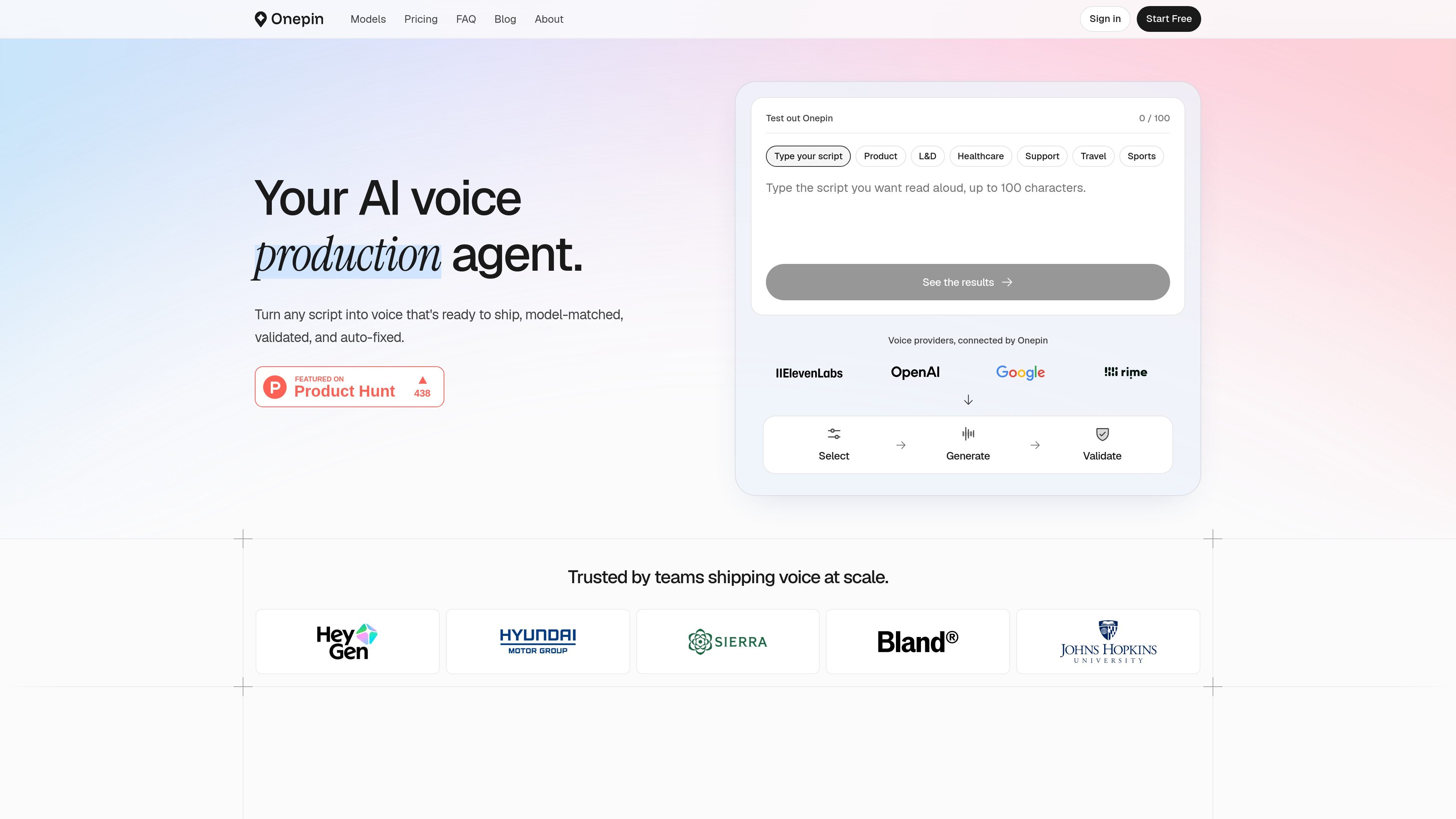
Onepin is an AI voice production agent for turning scripts into text-to-speech audio intended for production use. It combines text cleanup, pronunciation handling, model routing, validation, and corrective generation rather than leaving users to select and review each voice model manually.
The service routes script lines across more than 30 TTS models, selecting models by language and run, then returns line-level scores for naturalness, word accuracy, clarity, and pronunciation. It is designed for teams and individuals producing voice content such as learning material, advertising, games, audiobooks, support content, and other scripted media.
Submit a script and have Onepin route individual lines across more than 30 text-to-speech models behind one account. The service says it benchmarks models continuously and selects them by language and run.
A text normalizer expands or standardizes items such as numbers, addresses, dates, and abbreviations before synthesis, helping models interpret the intended wording.
Onepin’s 4-million-word dictionary covers difficult brand, product, personal, medical, and scientific terms, with pronunciation guidance for names and specialist vocabulary.
Each line is scored for naturalness, word accuracy, clarity, and pronunciation, providing a consistent review step across languages.
When a line misses, the system can regenerate the full line or fix only the word that was misread, using new settings to produce another take.
The service provides web-app playback and supports API, CLI, SDK, agent, and MCP interfaces. Paid plans include saving generated audio to disk and exporting outputs.
Create narrated lessons and training modules where dates, abbreviations, technical terms, and consistent pronunciation need review before publication.
Produce multilingual ads, travel promotions, and branded scripts while checking names, places, and product terms line by line.
Generate dialogue and other scripted game content with model selection and pronunciation checks for character, location, and item names.
Prepare audiobook, podcast, film, and other long-form narration using model options and a validation pass before exporting finished audio.
Use API, CLI, SDK, agent, or MCP access to connect validated voice generation to a larger production workflow, with workspaces and pooled credits available for teams on eligible plans.
Onepin accepts a script, cleans text such as addresses, prices, dates, and abbreviations, then routes lines to voice models, validates the results, and can regenerate a line or correct a missed word. Generated audio can be played in the app; downloading and exporting outputs is included on paid plans, not the Free plan.
Onepin says it routes across more than 30 text-to-speech models and continuously benchmarks them to choose a model by language and run. The Models page lists 32 featured models across 19 providers, while the available model set and language coverage can vary by model.
Every plan includes the validated pipeline, with credits covering generation and validation together. Paid plans support pay-as-you-go credit usage after the included allowance; the Free plan has no overage and includes 1,000 one-time credits.
Yes. Onepin states that it assigns generated outputs to the customer and routes only to engines that permit commercial use of their outputs. Enterprise agreements can add negotiated intellectual-property indemnity; the Terms of Service contain the full details.
Seats are free on every plan. Higher plans add workspaces, storage, concurrent pipeline runs, and support options. Studio and Scale include bring-your-own-key support, while Enterprise adds features such as unlimited seats and workspaces, SAML SSO, custom retention, and a contractual 99.9% uptime SLA.

Fylom is an AI podcast generator that turns a topic or question into a researched narrated episode. It supports typed or spoken prompts, voice selection, and recurring show-style listening.

Gemini 3.8 Text-to-Speech is Google’s pair of expressive audio models for turning scripts into customizable spoken audio. Creators, developers and enterprises can design voices, direct delivery line by line, and generate dialogue for content, dubbing and voice-agent applications.

Gemini 3.1 Flash TTS is Google’s preview text-to-speech model for generating expressive AI speech with fine-grained control over style and delivery. It is available across the Gemini API, Google AI Studio, Vertex AI, and Google Vids.

蓝藻AI是一款在线AI配音与语音合成产品,可将文字转成语音,并支持自助声音克隆。页面信息显示它面向短视频、有声书等需要配音的内容场景。

Ondoku 是一款基于浏览器的文字转语音软件,可将文本转换为可下载的 .mp3 语音,并提供免费额度与付费方案。它支持多语言朗读、图片朗读以及按规则商用。

Typecast is an online AI voice generator that turns text into life-like speech with emotional delivery and a selection of hyper-realistic voices. It is a browser-based tool for creating spoken audio from written content.