
Local file exploration
Open and work with CSV, JSON, and Parquet files directly in the browser, with files shown on a canvas for exploration.

OpenSheet is a browser-based spreadsheet and data exploration tool for local files and Google Sheets. It supports CSV, JSON, and Parquet files, with all processing happening locally in the browser.
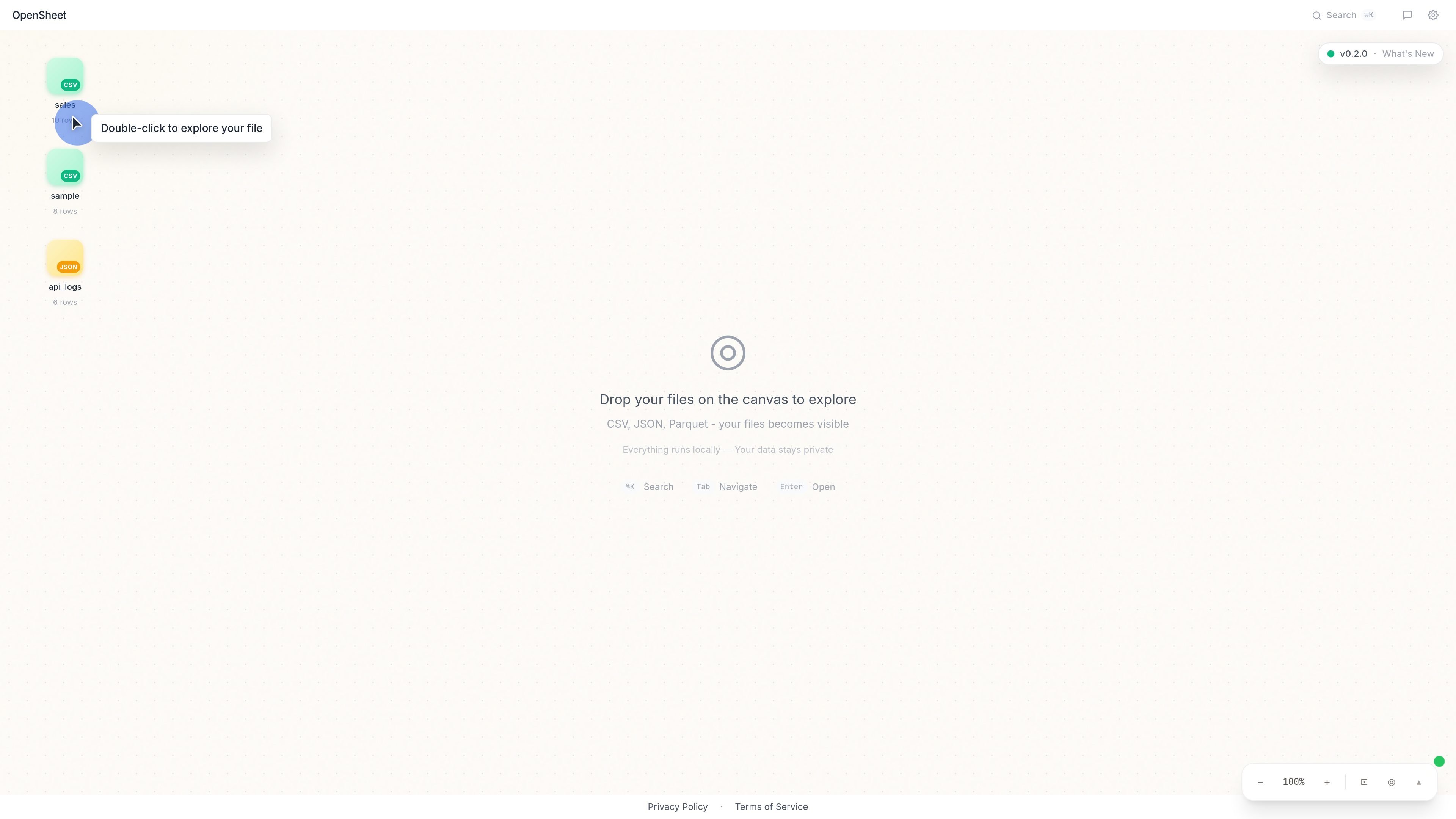
OpenSheet is a browser-based spreadsheet and data exploration tool for working with local files and connected Google Sheets data. The site presents it as a way to analyze, visualize, and transform data without moving files into a separate desktop app or uploading them to an OpenSheet-managed server.
The product processes data locally in your browser and supports CSV, JSON, and Parquet files. It also offers Google Sheets import, edit, and sync workflows, plus optional AI features that use the Anthropic API with a user-provided key.
Open and work with CSV, JSON, and Parquet files directly in the browser, with files shown on a canvas for exploration.
Drop files onto the canvas or double-click a file to begin inspecting data without a separate import workflow.
Use the app to analyze, visualize, and transform data in a spreadsheet-like interface.
Search the workspace and navigate with keyboard shortcuts such as command palette access and tab navigation.
Organize datasets into folders from the canvas so related files stay grouped together.
Connect Google Sheets to import, edit, and sync spreadsheets from your browser, with communication handled directly between your browser and Google.
Load local CSV, JSON, or Parquet files into the canvas to inspect rows, browse datasets, and explore file contents without uploading them to a server.
Use the spreadsheet interface to analyze and transform data while keeping processing inside the browser session.
Connect a Google Sheet, edit values in the app, and sync changes back to the spreadsheet in Google Drive.
Organize several related files into folders so you can keep source data and derived datasets grouped together during exploration.
Use the optional Anthropic-backed AI features when you want assistance with data tasks and are willing to provide your own API key.
OpenSheet runs entirely in your browser, so you can start by opening the app and loading a file or dropping data onto the canvas. The source also shows you can double-click a file to explore it.
The source states support for CSV, JSON, and Parquet files. It also describes OpenSheet as a browser-based data exploration and spreadsheet tool.
Yes. The Terms and Privacy pages say OpenSheet has a Google Sheets integration that lets you import, edit, and sync spreadsheets through your browser.
OpenSheet offers optional AI-powered features through the Anthropic API, and you provide your own API key to use them.
OpenSheet says all data processing happens locally in your browser, with no server-side processing or cloud storage managed by OpenSheet.

PromptScout tracks how ChatGPT, Gemini, Google AI Overviews, and Perplexity mention your brand or competitors, then pairs those results with source analysis and website audits. It helps teams decide what to fix in content, positioning, or site readiness next.

SaveMRR is a Stripe retention tool for SaaS teams that scans billing data for churn and MRR leaks, then automates recovery through dunning, cancel-save offers, win-back emails, and onboarding nudges. It is built for founders and bootstrapped teams using Stripe.

Hype is a web tool for finding trending YouTube topics by category, time range, and scoring mode. It helps creators spot emerging ideas, inspect source videos, and decide what to cover next.

Sleek Analytics is a privacy-friendly web analytics tool with real-time visitor tracking, Core Web Vitals, and revenue attribution. It helps site owners understand traffic and conversions without cookie banners or a heavy setup.

Struere is an AI-native platform for turning spreadsheet data into structured operational software with dashboards, alerts, and automations. It is aimed at teams that want to replace manual spreadsheet workflows without building custom tools from scratch.

ClayHog è una piattaforma di visibilità nella ricerca AI per monitorare come i brand appaiono in ChatGPT, Gemini, Perplexity, Claude e Google AI Overviews. Un’unica dashboard per agenzie, marketing e SEO.