
Typed MCP actions
Agents can create data rooms, folders, links, and documents through typed tool calls instead of manual UI steps.

Papermark for agents lets AI agents and custom software create data rooms, upload documents, mint secure links, and read page-level analytics through MCP and REST. It is aimed at teams that want document-sharing workflows to run from agents, the CLI, or server-side code.
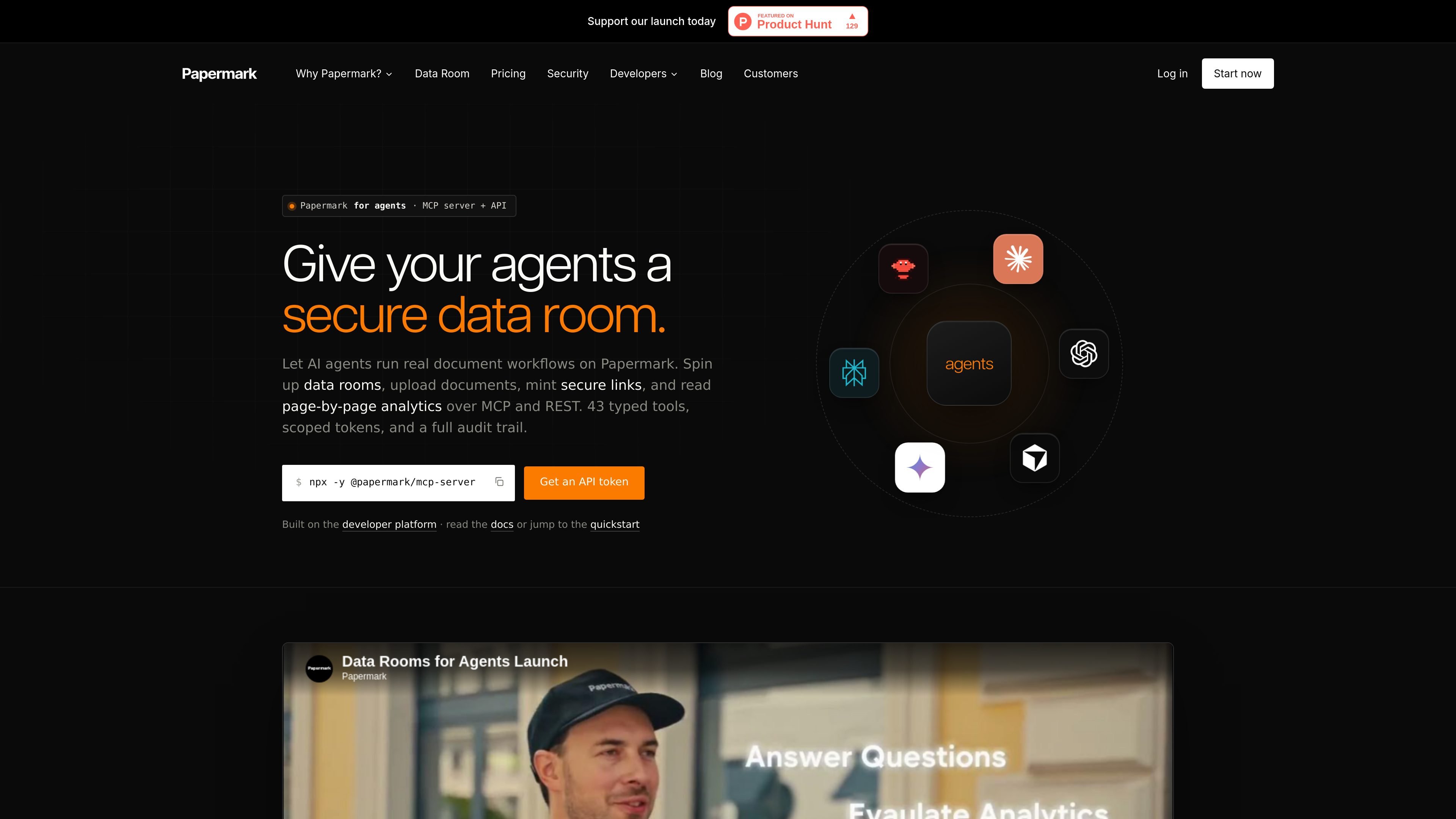
Papermark for agents exposes the Papermark document-sharing platform to AI agents and software workflows through MCP and REST. It is designed for tasks such as creating data rooms, uploading documents, minting secure links, and reading page-by-page analytics without requiring manual work in the web app.
The source describes a setup built around scoped `pm_live_...` tokens, typed MCP tools, and versioned REST endpoints. Agents can work with data rooms, documents, links, visitors, and analytics while staying within the permissions of the token they use, and the platform records actions in an append-only audit log.
Agents can create data rooms, folders, links, and documents through typed tool calls instead of manual UI steps.
Every tool maps to a versioned REST endpoint, so custom agents and server-side workflows can use the same surface over HTTP.
The developer page shows a `papermark` CLI with OAuth device flow or token-based login, plus JSON output for pipelines.
Share links can include passwords, expiry dates, email gating, download controls, watermarking, and allow/block lists.
Agents can list visitors, inspect page-by-page engagement, and read view analytics to understand how documents are used.
Webhooks and an append-only audit log let automations respond to events and preserve a record of views, downloads, and changes.
A founder can ask an agent to create a data room, upload a folder of diligence files, organize them into folders, and generate password-protected, email-verified links for investors.
An advisor or banker can provision a buyer-specific room after an NDA, upload transaction documents, apply firm-level watermarking, and send the link back without duplicating the whole workspace manually.
An IR or partnership team can distribute quarterly materials through unique links, then review who opened them, which pages they spent time on, and where follow-up is needed.
A broker can forward property PDFs into a monitored workflow that creates a room, files documents into preset folders, and returns a shareable listing page with gated access.
A product or platform team can embed Papermark behind the scenes and provision rooms and links from its own backend while keeping its own user interface.
Papermark for agents exposes Papermark through typed MCP tools and versioned REST endpoints. The developer page shows a quickstart that uses a scoped token, the CLI device flow, or the SDK to make the first API call.
The source shows MCP access through `@papermark/mcp-server`, REST access over HTTP, and CLI access through the `papermark` command. The same token can be used across these surfaces.
The developer page shows actions such as creating data rooms, uploading documents, creating links, listing visitors, and reading page-level analytics. The agents page adds workflows for webhooks, audit logs, and grounded Q&A over allowed documents.
Papermark uses scoped `pm_live_...` tokens and an append-only audit log. The product pages also describe password protection, link expiration, email verification, watermarking, and permissions as available controls.
The source does not list a hard limitation for team usage, but it does show that some plans include a fixed number of team members and that enterprise support and self-hosting are separate options on the pricing page.

ByteAsk is a terminal-first AI coding agent for C and C++ that edits repositories and verifies changes with the real compiler, debugger, sanitizers, and tests before showing a diff. It offers a free tier plus paid plans, with editor connectors and zero-retention handling described in the source.

CreateOS Sandbox is an isolated compute environment for running code and agent workloads inside Firecracker micro-VMs. It is designed for workflows that need machine-level isolation, private networking between sandboxes, and programmatic control through SDK, CLI, or MCP.

hob is an independent workspace for coding agents that keeps agent sessions, terminals, history, and follow-up work organized around the tools and providers you already use. It is aimed at developers who want local control over routing, history, and workspace structure rather than a bundled model stack.

Manta AI is an autonomous web app testing tool for teams that want to map application behavior, catch regressions, and generate tests without writing scripts or maintaining selectors. It works from a URL and supports plain-English test flows, run results with screenshots, and scheduled or deployment-triggered checks.

SonOf connects to your repo and PM tool, audits the codebase and surrounding product context, and turns approved work into shipped tickets with senior engineering review. It is aimed at founders and engineering leaders who need backlog help without hiring a full team immediately.

Ghost è un assistente AI da terminale per chattare, generare codice ed eseguire task da riga di comando. Include modelli gratuiti, supporta Linux, macOS e Windows, ed è open source.