
Water tracking
Set a daily water goal and glass size, receive visits during configured active hours, and log intake with one click. Reminders stop when the daily goal is reached; the app also shows streaks and a month calendar.

Pawse is a free, open-source macOS menu bar app that uses an animated 3D pet to prompt water intake, recurring habits, and screen-time breaks. It supports custom intervals, progress tracking, and an optional hard block for users who want reminders that are harder to dismiss.
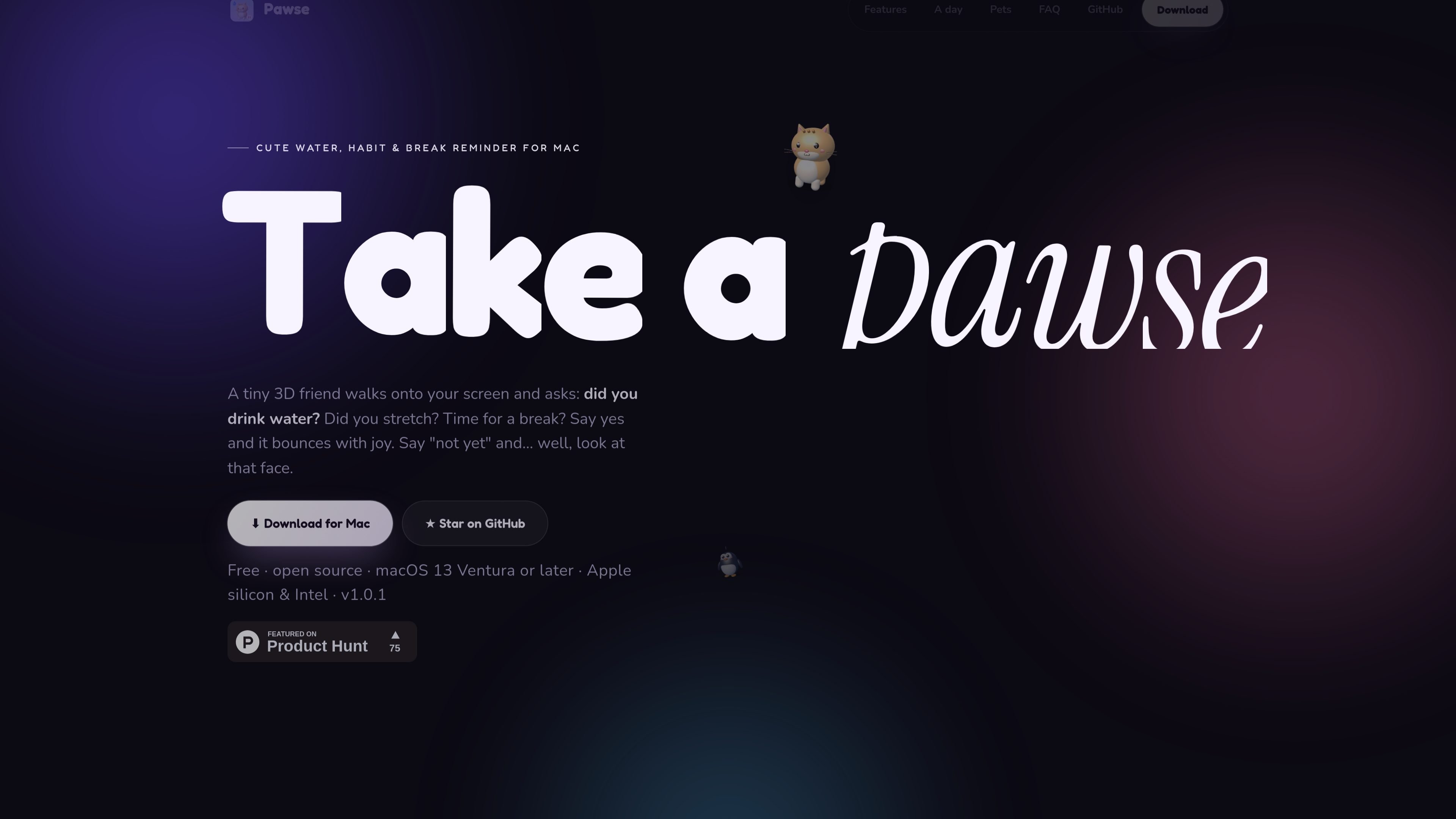
Pawse is a free, open-source macOS menu bar app for water tracking, recurring habit prompts, and screen-time breaks. Instead of relying only on a conventional notification, it sends a 3D pet onto the screen to ask for an action, such as drinking water or stretching, and lets the user respond.
The app combines daily water goals, configurable habit intervals, and active-use break reminders in one Mac application. It can keep reminders within configured active hours, record progress and streaks, and optionally use a hard block that requires confirmation before the screen is released.
Set a daily water goal and glass size, receive visits during configured active hours, and log intake with one click. Reminders stop when the daily goal is reached; the app also shows streaks and a month calendar.
Create habits such as stretching, walking, resting your eyes, fixing posture, breathing, or any custom activity. Assign an emoji, goal, and interval, then let the pet ask for a confirmation.
Track active use from keyboard and mouse activity and prompt a screen break after a continuous-use interval. Break sessions include a full-screen countdown, break tips, an hourly chart, and an optional daily limit.
Apply a no-snooze confirmation mode to water, individual habits, or breaks. The pet covers the screen until the action is confirmed; holding Esc for five seconds is the emergency exit.
Choose from five included 3D pets—Momo, Mochi, Pip, Yuzu, and Boo—with distinct animations, sounds, and personalities. Pawse also supports user-supplied .usdz models.
Run Pawse quietly from the macOS menu bar with local history. The app states that it makes no network requests, uses no accounts or analytics, and records only recency of keyboard or mouse activity for screen-time measurement.
Set a daily glass goal and a glass size, then use one-click responses whenever the pet brings a water prompt. Progress, streaks, and a month calendar provide a record of the day’s intake.
Add a stretch habit with a 30-minute interval, or configure another activity such as walking or resting the eyes. The pet prompts the user repeatedly and records confirmations toward the habit goal.
Use active screen-time tracking during concentrated computer work. When the continuous-use threshold is reached, follow the full-screen countdown and eye-care guidance, with time away from the keyboard and mouse recognized automatically.
Turn on hard block for a water reminder, habit, or break when dismissing prompts is a recurring problem. The screen remains covered until confirmation, while a five-second Esc hold remains available for emergencies.
Pawse is a free, open-source macOS menu bar app that uses an animated 3D pet to prompt water intake, recurring habits, and screen-time breaks. Users respond to each reminder with an affirmative or “not yet” action.
Pawse supports macOS 13 Ventura and later on both Apple silicon and Intel Macs. It is distributed as a universal Mac app.
Open Pawse, go to Habits, choose Add, select Stretch or create a custom habit, enable “Pet reminds me,” and set the interval to 30 minutes. Custom habits can use other intervals as well.
Pawse measures active screen use from keyboard and mouse activity. After the configured period of continuous use, it can show a full-screen break countdown with guidance such as the 20-20-20 eye rule. Stepping away for three minutes is counted as a break automatically.
Hard block is an optional mode for water reminders, habits, and breaks. A due reminder covers the screen until it is confirmed; hard-block breaks cannot be snoozed or ended early. Holding Esc for five seconds provides the emergency unlock.

Malyatko is a baby tracker for logging feeding, sleep, growth, teething, and milestones in one app. It works on iPhone, Apple Watch, and widgets, with no sign-up, offline use, and family sharing through iCloud.

MIRA vision develops synthetic-data-driven AI for pathology image analysis in medical diagnostics. Its website positions the product for teams that need privacy-compliant training data, automatic annotations, and controlled data generation.

Gemma AI is a phone call reminder app that calls you with scheduled reminders instead of push notifications. It helps people who want a more direct way to stay on schedule, with Google Calendar sync and conversational call interactions.

Teloframe is an AI-powered football coaching platform for building tactics, editing drills, planning sessions, and managing player development in one workspace. It includes a Free tier plus Pro and Club plans for coaches and analysts who need more collaboration and team features.

Spotit è un’app per macOS che legge lo schermo e evidenzia dove cliccare, con domande vocali e guida sullo schermo nell’app che usi.

LeanUp is an AI calorie tracker and meal-planning app for logging meals, tracking macros, and getting personalized nutrition guidance. It supports barcode scanning, photo-based food recognition, manual search, and recipe reuse.