Phinq icon

Phinq

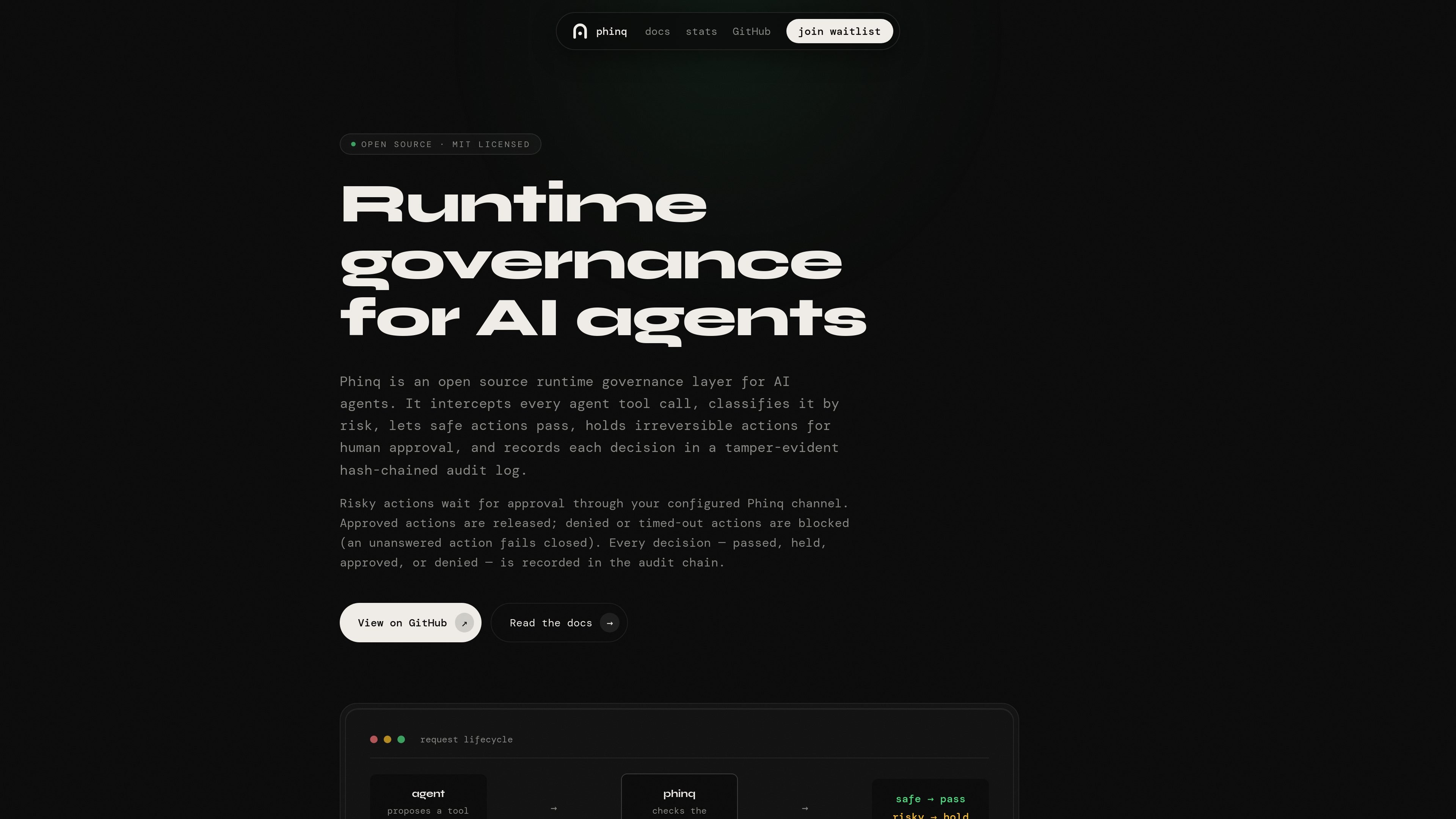
Phinq is an open source runtime governance layer for AI agents that classifies tool calls by risk, pauses irreversible actions for human approval, and records decisions in a tamper-evident audit log. It helps teams control agent actions at the execution boundary instead of relying only on prompts.

Phinq

Runtime governance for AI agent tool calls

Phinq is an open source runtime governance layer for AI agents. It sits between an agent’s proposed tool call and the execution boundary, classifies the action by risk, and decides whether it should pass, pause for approval, or be blocked. Safe actions continue automatically, while irreversible or higher-risk actions are held until a human decision is made.

The product is designed for agent workflows where a prompt alone is not enough to control behavior. Phinq enforces governance structurally at the API or execution layer, records each decision in an append-only audit log, and can run in shadow mode during setup so teams can observe decisions before turning on enforcement.

Core capabilities

Intercepts tool calls at the boundary

Phinq intercepts each tool call before execution and evaluates it from the tool name, arguments, rules, and relevant session context. That lets governance happen at the execution boundary instead of relying on prompts or agent instructions.

Classifies actions by risk

The classifier assigns a risk-aware outcome such as ALLOW or HOLD. The documentation says it uses the action’s intent and session velocity as part of the decision path.

Separates safe execution from approval

Safe actions pass through automatically, while risky actions pause for review. In enforce mode, a HOLD becomes a pending approval rather than being forwarded to the tool.

Supports human approval workflows

Approvals can be resolved through the configured Phinq channel, with CLI, Telegram, and Slack named in the docs. Approved actions are released, while denied or timed-out actions are blocked.

Records a verifiable audit trail

Every decision is written to an append-only, hash-chained audit log. The log records what the agent attempted, how it was classified, and whether it passed, waited, or was denied.

Fits multiple runtimes and clients

Phinq can run as a proxy, an in-process SDK, or a plain HTTP gate, and the docs note compatibility with OpenAI, Anthropic, Gemini, Claude Code, Codex, Gemini CLI, LangChain, CrewAI, Mastra, and MCP.

Where Phinq fits

  • Guarding irreversible agent actions

    Use Phinq when an agent can take actions that should not be left to prompt discipline alone, such as deletes, credential reads, payments, or external messages. The system holds risky actions until a human approves them.

  • Rolling out governance gradually

    Teams can start in shadow mode to observe how the classifier behaves before enforcing holds. That makes it easier to inspect decision patterns and add governance without immediately blocking work.

  • Creating an audit trail for agent decisions

    Phinq is suited to teams that want a decision record for later review. Each action is logged with its classification and outcome, creating evidence for debugging or post-incident review.

  • Adding controls to existing agent stacks

    Because Phinq can run as a proxy, SDK, or HTTP gate, it can fit different application architectures and client libraries without requiring a single framework.

  • Running human approval in team channels

    The docs mention resolution through CLI, Telegram, or Slack integration, which makes it useful for teams that want humans to approve risky actions in a familiar channel.

Pros and Cons

Pros

  • Enforces governance at the execution boundary, not just in prompts or agent instructions.
  • Provides a clear allow/hold decision path for each tool call.
  • Keeps a tamper-evident audit log with hash chaining and append-only JSONL storage.
  • Supports multiple deployment styles, including proxy, in-process SDK, and plain HTTP gate.
  • Works with several common agent clients and API styles, including OpenAI, Anthropic, Gemini, and MCP-related tooling.

Cons

  • The docs say approvals can be resolved through configured channels, but Phinq does not currently verify the real-world identity behind an approval identifier.
  • The proxy starts in shadow mode by default, so enforcement is not active until PHINQ_ENFORCE=1 is set.
  • The audit log does not include arguments and message payloads in the hash chain; those live in a separate phinq-toolcalls.jsonl corpus.

FAQ

What is Phinq?

Phinq is an open source runtime governance layer for AI agents. It sits between an agent and the tool execution boundary so each tool call can be classified before execution.

How does approval work?

Phinq intercepts the tool call, classifies it by risk, lets safe actions pass, and holds or denies higher-risk actions. If an action is held, it can be resolved through the configured approval channel; an unanswered hold fails closed.

What platforms or clients does Phinq work with?

The docs say Phinq can resolve holds through CLI, Telegram, or Slack integration. The documentation also says the proxy observes OpenAI-style, Anthropic Messages, and Gemini traffic, and the TypeScript SDK gates calls in process.

Is the audit log tamper-evident?

Yes. The audit log is append-only JSONL, canonicalized with JCS and chained with SHA-256. Each entry records intent, classification, decisions, hold transitions, and usage metadata.

Does Phinq enforce decisions immediately after install?

Phinq starts in shadow mode by default, where it classifies and logs without enforcing HOLD decisions until PHINQ_ENFORCE=1 is set.

Quick Facts

Category
Developer Tool
Product type
Open source runtime governance layer
License
MIT licensed
Primary boundary
Agent tool-call execution boundary
Deployment modes
Proxy, in-process SDK, plain HTTP gate
Source domain
phinq.co

Alternative a Phinq

CreateOS Sandbox icon

CreateOS Sandbox

CreateOS Sandbox is an isolated compute environment for running code and agent workloads inside Firecracker micro-VMs. It is designed for workflows that need machine-level isolation, private networking between sandboxes, and programmatic control through SDK, CLI, or MCP.

AakarDev AI icon

AakarDev AI

AakarDev AI helps teams manage AI provider access, project-level setups, logs, and analytics from one dashboard. It supports BYOK workflows and lists providers including OpenAI, Google Gemini, Anthropic, Groq, Mistral AI, and Perplexity AI.

Trigger.dev chat agent icon

Trigger.dev chat agent

Trigger.dev chat agent is a durable AI chat backend for developers building stateful conversations that can survive refreshes, crashes, and long-running turns. It connects with the AI SDK `useChat` flow and runs on managed infrastructure with no timeout on a turn.

ByteAsk icon

ByteAsk

ByteAsk is a terminal-first AI coding agent for C and C++ that edits repositories and verifies changes with the real compiler, debugger, sanitizers, and tests before showing a diff. It offers a free tier plus paid plans, with editor connectors and zero-retention handling described in the source.

Codex Plugins icon

Codex Plugins

Codex Plugins bundle reusable skills, app integrations, and MCP servers into workflows you can install in the Codex app or use from Codex CLI. They help extend Codex with connected-service tasks, reusable instructions, and shared team workflows.

hob icon

hob

hob is an independent workspace for coding agents that keeps agent sessions, terminals, history, and follow-up work organized around the tools and providers you already use. It is aimed at developers who want local control over routing, history, and workspace structure rather than a bundled model stack.