
Brand fidelity controls
PixFit applies brand color tokens, typography rules, logo exclusion zones, and visual hierarchy controls across outputs so resized assets stay aligned to the source creative.

PixFit is an AI creative resizing tool that turns one master asset into multiple ad formats for Google, Meta, and TikTok. It is built for marketing, creative ops, and design teams that need production-ready outputs at scale.
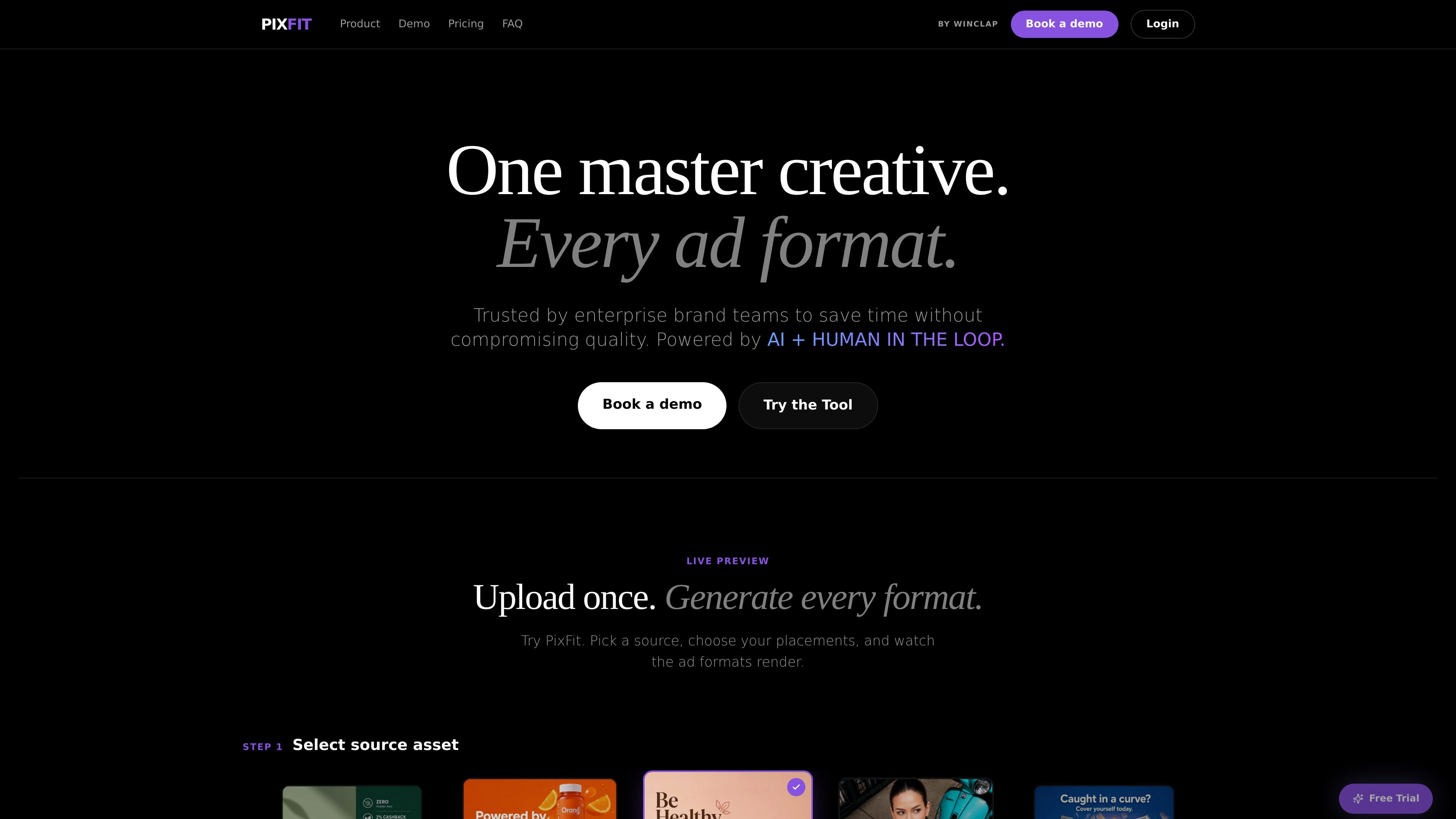
PixFit is an AI creative resizing tool for performance advertising teams. It takes one master asset and generates multiple ad formats for channels such as Google, Meta, and TikTok, with the goal of producing delivery-ready versions from a single source file.
The product combines automated resizing with a layered quality process. The site describes AI first-pass generation, AI autofix iterations, and a human-in-the-loop fallback so outputs can keep moving toward production without leaving unfinished assets in the workflow.
PixFit is positioned for in-house marketing, creative ops, and design teams that manage high-volume campaigns and need to adapt the same creative across many ratios, markets, and placements. The interface shown on the homepage supports selecting a source asset, choosing platforms and ratios, and generating the resulting formats in one workflow.
PixFit applies brand color tokens, typography rules, logo exclusion zones, and visual hierarchy controls across outputs so resized assets stay aligned to the source creative.
The tool maps brand hierarchy across ratios and applies platform-specific safe zones so logos, CTAs, and legal copy are less likely to be cropped or misplaced.
Outputs can move through up to 5 AI fix iterations, including regeneration, targeted inpainting, and comment-guided refinement, before a human fallback is used.
If the AI process cannot finish a file to standard, a senior in-house creative takes over so delivery does not stall and the output is completed.
PixFit can generate 30+ production-ready formats from one master asset and version each generation so teams can compare, regenerate, and roll back outputs.
Convert a single master creative into the platform-specific ratios needed for paid campaigns, instead of resizing files one by one for each placement.
Keep brand rules consistent across a large set of campaign outputs by enforcing safe zones, typography, and logo placement across every version.
Generate large batches of production-ready assets for launches that need many variants, such as 30+ formats from one source file, without starting each output from scratch.
Use the tool’s regeneration, inpainting, and human review flow when a layout is complex or a result needs more refinement before delivery.
PixFit is a creative resizing tool for turning one source asset into multiple ad formats. The site positions it for marketing, creative ops, and design teams that need production-ready outputs for platforms such as Google, Meta, and TikTok.
The homepage shows support for Google, Meta, and TikTok placements, including common ratios such as 1:1, 4:5, 9:16, and 16:9. The FAQ page also says additional custom sizes can be requested on paid plans.
Yes. The product pages describe a workflow with AI first-pass generation, AI autofix iterations, and a human-in-the-loop fallback when AI alone is not enough. The site also says outputs are versioned and can be regenerated.
PixFit says it uses role-based access, folders and workspaces, and is designed for teams working on high-volume campaigns. The site also describes team-oriented onboarding and support, with a dedicated point of contact on higher plans.
The pricing information shown on the site is monthly and credit-based. One credit equals one output, and the site says a free trial includes 5 resizes with no credit card required.

Topple.lol is a public pay-to-rank leaderboard where listings start at $1 and their bid balance decays over time and with clicks. It helps makers and marketers buy short-term visibility for product sites or X profiles while tracking live board stats.

PixelDrive is a bulk image generation API for creating many on-brand images from one template through a browser editor, REST API, CSV batch, or MCP. It suits teams that need repeatable image output with cacheable renders and usage-based pricing.

imgcook is a design-to-code tool that converts design drafts into front-end code. It supports plugin-based and developer workflows for Sketch, Photoshop, VS Code, and CLI usage.

Napkin AI trasforma il testo in elementi visivi modificabili per presentazioni, documenti e contenuti condivisibili. Generazione da testo, collaborazione ed export in PPT, PNG, SVG o PDF.

Beautiful.ai is an AI presentation platform for individuals, teams, and enterprises. It helps users create branded slide decks with Smart Slides, collaborative editing, and export options while reducing manual formatting work.

Refero MCP for AI agents connects an MCP-compatible agent to Refero’s curated library of web and iOS product interfaces and user flows. It helps agents research real design patterns before generating UI, with access included in the Refero Pro plan.