
AI video generation
Generate videos from prompts, with the homepage and pricing page calling out text-to-video and a broad AI video creation workflow.

Pixlie is an AI video generation tool from Brightforge Software Inc. that supports text-to-video, image-to-video, and video-to-video workflows. It also includes related creation tools and offers Free, Basic, Pro, and Enterprise plans.
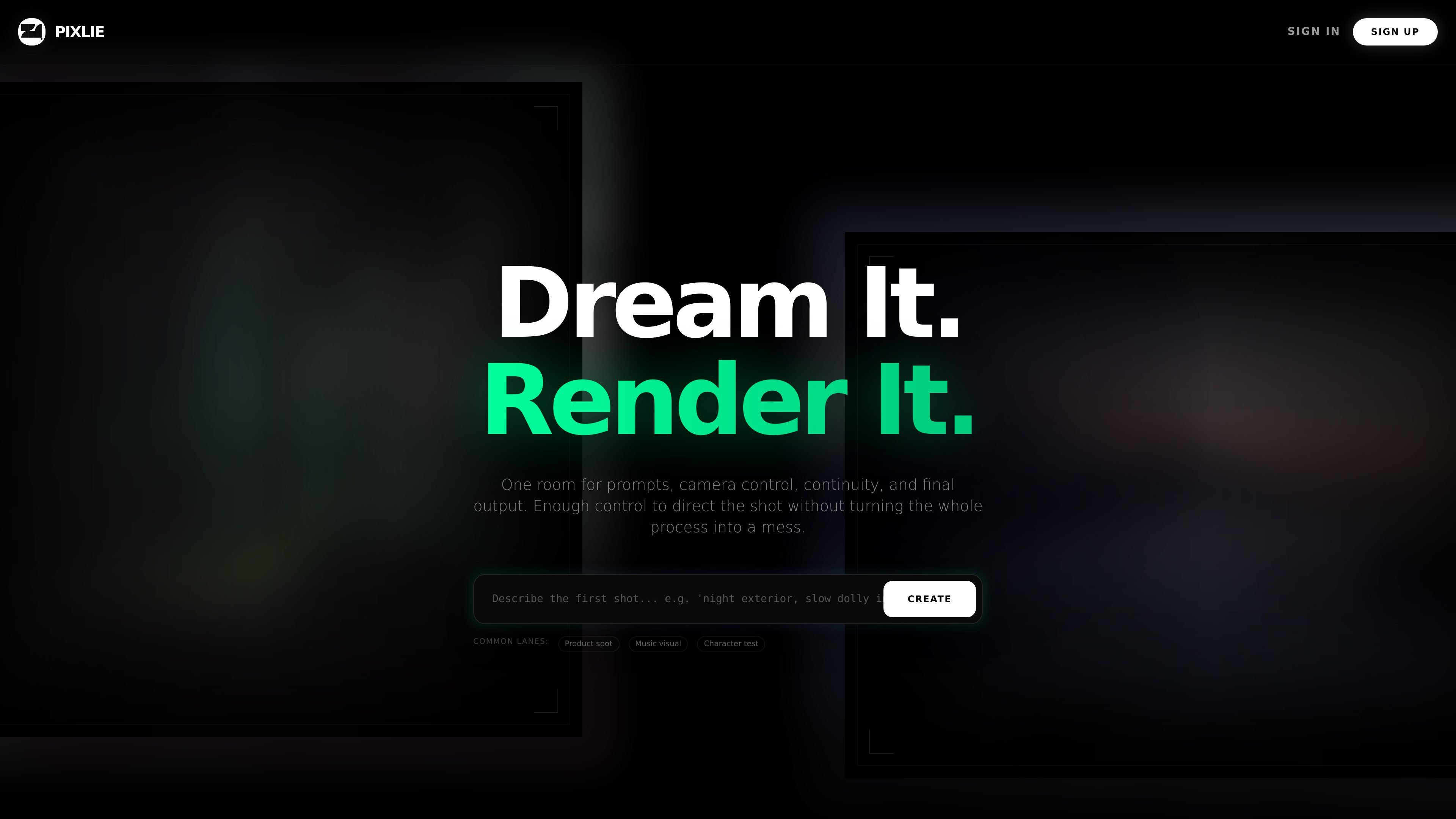
Pixlie is an AI video generation product from Brightforge Software Inc. that combines text-to-video, image-to-video, and video-to-video creation with a set of controls aimed at directing shots rather than simply prompting them. The homepage positions it as a tool for people who want more control over camera movement, continuity, and final output.
The product also includes adjacent AI creation tools such as image generation, character design, background removal, and upscaling. Its pricing page shows a Free tier plus paid Basic, Pro, and Enterprise plans, while the support page says the team handles account access, billing, generation jobs, and the Pixlie iOS app.
Generate videos from prompts, with the homepage and pricing page calling out text-to-video and a broad AI video creation workflow.
Restyle existing footage without losing the timing or blocking of the original take, which is useful when the source material already has usable motion.
Set camera movement deliberately with pan, tilt, zoom, or orbit controls, instead of relying on generic motion generation.
Train a character face once and reuse it across shots to keep identity details consistent across multiple outputs.
Shape motion and intensity around a track for music-driven edits and synced visual content.
Support adjacent creation tasks such as image generation, character design, background removal, and upscaling.
Use Pixlie to turn written prompts into short videos when you want to move from an idea to a visual concept quickly.
Use the image-to-video and video-to-video workflows to animate still assets or restyle existing footage while keeping useful source structure.
Use identity lock and camera controls for repeatable character shots, look development, and continuity-focused scenes.
Use audio reactive generation for music visuals and edits where movement needs to follow a track rather than sit independently of it.
Use the pricing tiers and support channels for higher-volume teams that need priority queue, API access, or help with billing and generation jobs.
Pixlie supports AI-powered image generation, video generation, character design, background removal, and upscaling. The site also highlights text-to-video, image-to-video, and video-to-video workflows.
The public pricing page shows Free, Basic, Pro, and Enterprise plans. The Free tier includes limited daily creation, while paid tiers add higher monthly caps, longer videos, higher resolution, and features such as priority queue and API access on higher plans.
Pixlie’s support page says the team helps with account access, billing, generation jobs, and the iOS app. It also provides guidance for stuck jobs, failed renders, credit questions, and billing or TestFlight issues by email.
The terms state that some video features have geographic commercial-use restrictions in the EU, UK, and South Korea, and that users must not generate illegal, harmful, or infringing content.

艺映AI is a free AI video creation tool for generating video from text, images, or existing footage. It is positioned for short-form social content, promotional clips, and stylized AI video projects.

VIDEOAI.ME is an AI video generator for making spokesperson-style videos, ads, explainers, and social content from a script. It is aimed at founders, marketers, agencies, and creators who want to produce videos without filming.

Pixelcut is an AI photo editor for creating and editing product images, social content, and video assets. It offers free and paid plans, plus mobile app and browser access for individual users and teams.

ngram is an AI video generator and editor for teams and individual creators. It turns prompts, uploaded files, or screen recordings into editable videos for demos, training, onboarding, sales enablement, explainers, and launches.

讯飞绘镜 (iFlytek Huijing) è una piattaforma di creazione video basata sull'IA che trasforma rapidamente ed efficientemente idee creative in sceneggiature, immagini storyboard e video dinamici.

MIRA vision develops synthetic-data-driven AI for pathology image analysis in medical diagnostics. Its website positions the product for teams that need privacy-compliant training data, automatic annotations, and controlled data generation.