
Prompt frameworks for structured writing
Start from one of 9 built-in frameworks, including CRAFT, CO-STAR, RISEN, TRACE, APE, SPECS, Google Prompt, RTF, and Single Prompt Line, or use custom framework slots when you need a different structure.

PromptQuorum is a browser-based tool for optimizing prompts, dispatching one prompt to 25+ AI models, and comparing the results with consensus and hallucination analysis. It supports cloud providers, local LLMs, and user-owned API keys.
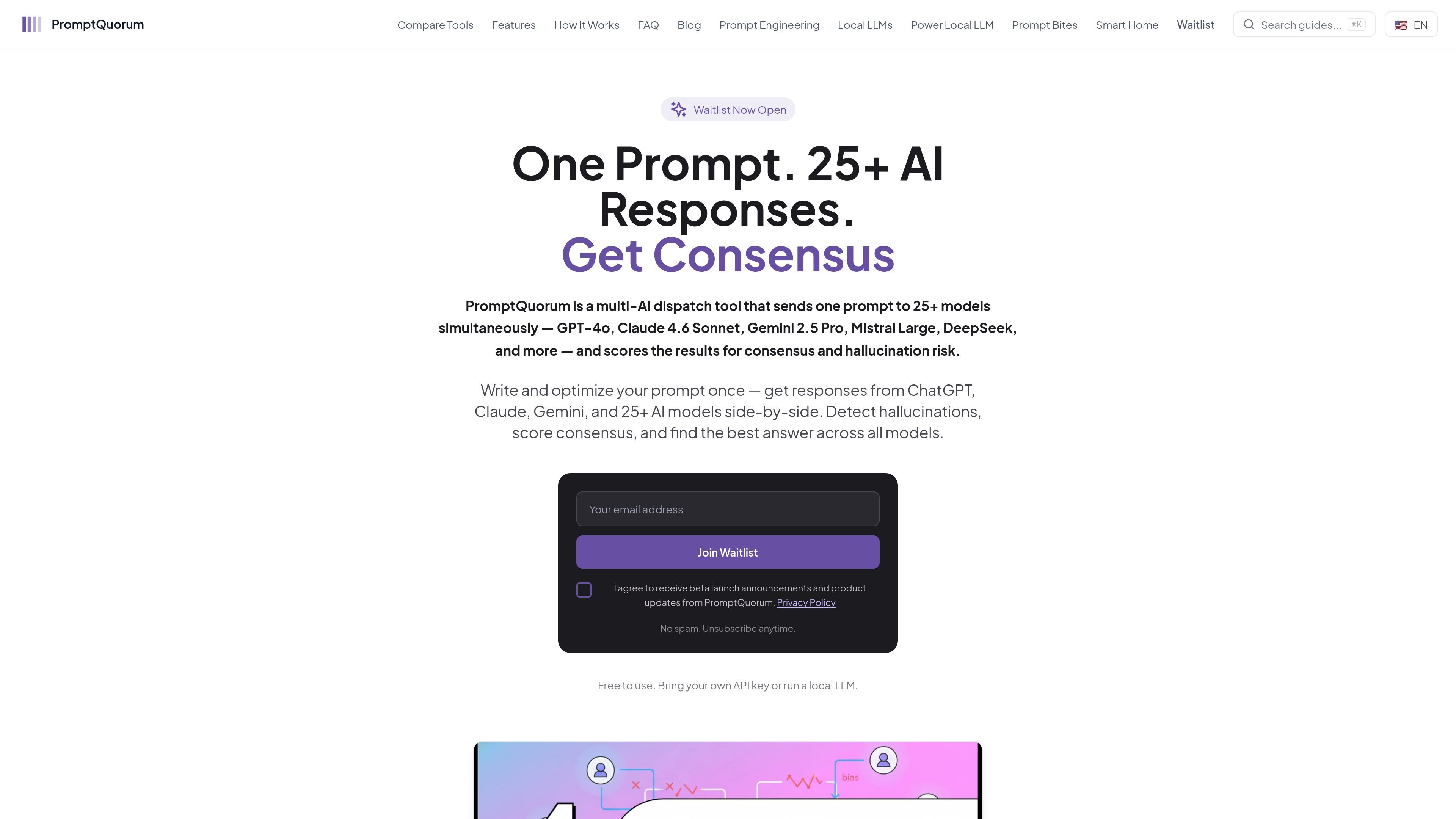
PromptQuorum is a multi-AI prompt optimization and comparison tool that helps you write, refine, dispatch, and evaluate prompts across 25+ models. It is built around a browser-based workflow that keeps prompts and API keys under your control while you compare model outputs side by side.
The product’s core purpose is to make it easier to find the best answer for a task by combining prompt frameworks, iterative refinement, parallel model dispatch, and quorum analysis. The site positions it for users who want to check factual consistency, surface contradictions, and identify where a single model may be less reliable than a group of models.
Start from one of 9 built-in frameworks, including CRAFT, CO-STAR, RISEN, TRACE, APE, SPECS, Google Prompt, RTF, and Single Prompt Line, or use custom framework slots when you need a different structure.
Apply 8 one-click refinement types such as make concise, expand detail, break into steps, increase specificity, simplify, add quality controls, multi-expert consultation, and compress to essence.
Send the same prompt to 25+ AI services at once, with a mix of auto-dispatch destinations and copy-paste destinations, so responses can be compared side by side.
Review responses with 13 quorum analysis types, including consensus summary, contradiction detection, hallucination detection, confidence scoring, best answer selection, and weighted merge.
Keep prompts and API keys in the browser, use your own API key or local LLMs, and avoid sending secrets to PromptQuorum servers.
Export results in multiple formats, including TXT, MD, JSON, CSV, HTML, and PDF, with download handled as a ZIP archive.
Compare several model outputs for the same prompt when you need to see which answer is most consistent or complete before using it.
Refine a prompt with frameworks and one-click transformations when you want clearer instructions, better structure, or a tighter output shape.
Check whether claims are echoed across multiple models, especially when you want to spot contradictions or likely hallucinations in a response set.
Use local LLMs or your own API keys when privacy or data control matters more than convenience, especially for sensitive prompts.
Export multi-model results for review, handoff, or archiving when you need outputs in text, markdown, JSON, CSV, HTML, or PDF.
Yes. PromptQuorum is described as free to use. The site says you can bring your own API key, use a local LLM, or try a limited free backend service for prompt optimization on a test basis.
PromptQuorum is designed to keep data under your control. The site says API keys stay in browser localStorage and are never transmitted to PromptQuorum servers, and you can also run it locally with tools such as Ollama or LM Studio.
PromptQuorum dispatches prompts to 25+ cloud providers, including GPT-4o, Claude, Gemini, Mistral, DeepSeek, Grok, and others, and it also supports local LLMs such as Ollama, LM Studio, Jan AI, and GPT4All.
The site says PromptQuorum starts with desktop apps for Mac and Windows, followed by a web application and later mobile solutions.
It is aimed at the full prompt lifecycle: writing with built-in frameworks, refining prompts, dispatching to multiple models, and analyzing the results for consensus and hallucination risk.

Grok 4.7 is an xAI model for software development and knowledge work, including extended coding tasks and professional analysis. It is available through Grok Build, Cursor, the Grok API, and other developer platforms, with token pricing starting at $2 per million input tokens and $6 per million output tokens.

AakarDev AI helps teams manage AI provider access, project-level setups, logs, and analytics from one dashboard. It supports BYOK workflows and lists providers including OpenAI, Google Gemini, Anthropic, Groq, Mistral AI, and Perplexity AI.

BookAI ti consente di chattare con i tuoi libri utilizzando l'IA semplicemente fornendo il titolo e l'autore.

Skills Janitor is a GitHub-hosted set of slash commands for auditing, tracking, and managing Claude Code and OpenAI Codex skills. It helps users find duplicates, broken links, and unused skills, then clean them up with self-contained commands.

FeelFish is a PC client for AI-assisted novel writing, designed to help fiction writers plan characters and settings, draft and revise long-form content, and manage story context. It includes a free tier and paid plans, with support for multiple large-model providers.

Benchspan is an AI agent security platform that discovers agents, blocks prompt injection and data exfiltration in real time, and supports pre-launch red teaming. It is aimed at teams running agents in production and includes Python and TypeScript SDKs.