
Inline embed in one script tag
Users can embed a rating form with one script tag and a container element. The page says the form renders inline in the app without extra backend work or configuration.

Qabit is an embedded AI response evaluation tool that lets teams rate outputs with a structured rubric and store the results. It is built for developers and product teams that need repeatable feedback on chatbots, agents, RAG, and other AI features.
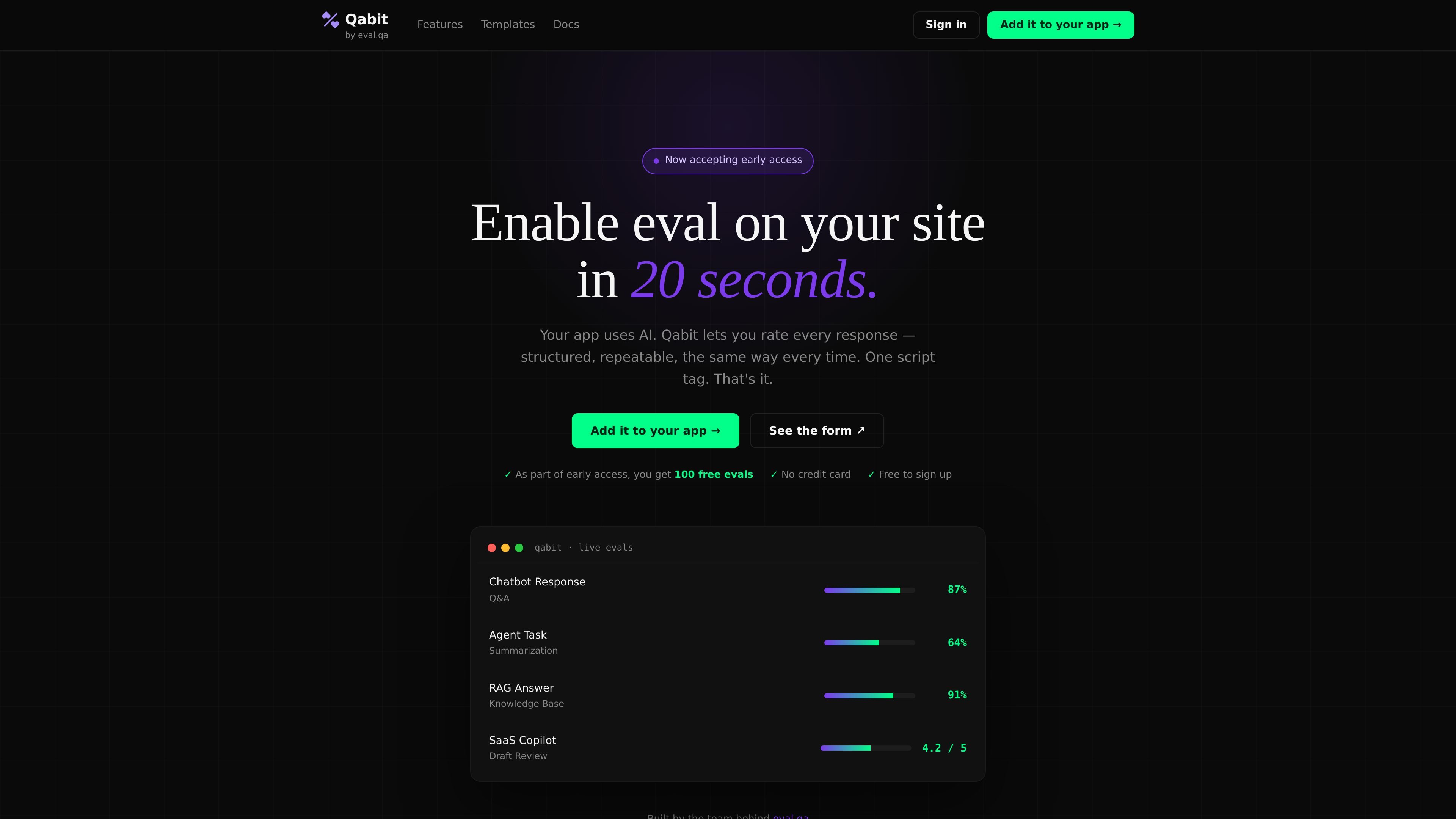
Qabit is a structured AI response evaluation tool from EvalQA. It is designed to let teams rate individual AI outputs inside their product, using a consistent rubric that is stored and compared over time.
The source describes a lightweight embed flow: one script tag, one form container, and a suite key. Responses can be rated inline or through a modal launcher, and submissions are recorded in a dashboard so teams can review scores, templates, who rated, and when.
Users can embed a rating form with one script tag and a container element. The page says the form renders inline in the app without extra backend work or configuration.
Qabit uses a structured 1–5 rubric so teams can collect comparable scores instead of untracked feedback or one-off judgments.
The product stores each response rating and exposes it in a dashboard with scores, templates, rater identity, and timestamps.
The console page documents multiple ways to launch the form, including a modal button, a custom trigger, and a manual API call.
Six built-in templates cover foundation models, agents, RAG, robotics, SaaS features, and end-user feedback, with a Universal template for cases that do not fit neatly.
The console documentation shows support for rater attribution through an optional rater ID and notes that submissions can be tied to a signed-in user or left anonymous.
Add a rating form directly inside a chatbot, copilot, or agent experience so reviewers can score each response as it is produced.
Track quality for AI features such as recommendations, search, or assistant panels where output needs a consistent human judgment record.
Use the built-in templates to evaluate retrieval quality, foundation-model output, or tool-use behavior without building a form from scratch.
Let a team compare scores over time by storing who rated a response and when it was rated, making it easier to spot regressions.
Use the console’s custom trigger or modal mode when you want users or reviewers to open the evaluation form only after completing a task.
Qabit is designed for AI agents, AI-powered SaaS features, and other AI outputs such as chatbots, RAG systems, writing tools, and recommendations. The source also describes support for qualitative knowledge work and says its six templates cover common AI use cases.
Qabit combines a structured 1–5 rating form with stored submissions so teams can compare results over time instead of relying on one-off checks or gut feel. The source positions it against ad hoc evaluation and says every eval is tracked in a dashboard.
The page shows an embed flow with one script tag and one element. The form can render inline in an app, and the console documentation also describes a modal launcher and a direct API path for manual embedding.
Qabit says one form submission counts as one eval, whether it is a quick rating or a fuller audit. The pricing page states that early access includes 100 free evals with no credit card.
The source does not list a public limit on team size. It does describe self-serve access, dashboard tracking, and support for authenticated or anonymous raters, which suggests it can be used by individual reviewers or teams.

ByteAsk is a terminal-first AI coding agent for C and C++ that edits repositories and verifies changes with the real compiler, debugger, sanitizers, and tests before showing a diff. It offers a free tier plus paid plans, with editor connectors and zero-retention handling described in the source.

Manta AI is an autonomous web app testing tool for teams that want to map application behavior, catch regressions, and generate tests without writing scripts or maintaining selectors. It works from a URL and supports plain-English test flows, run results with screenshots, and scheduled or deployment-triggered checks.

CreateOS Sandbox is an isolated compute environment for running code and agent workloads inside Firecracker micro-VMs. It is designed for workflows that need machine-level isolation, private networking between sandboxes, and programmatic control through SDK, CLI, or MCP.

hob is an independent workspace for coding agents that keeps agent sessions, terminals, history, and follow-up work organized around the tools and providers you already use. It is aimed at developers who want local control over routing, history, and workspace structure rather than a bundled model stack.

Ably Chat is a chat API platform for building custom realtime chat applications. It supports room-based messaging, typing indicators, presence, reactions, and message updates, with usage-based pricing options for different deployment stages.

SonOf connects to your repo and PM tool, audits the codebase and surrounding product context, and turns approved work into shipped tickets with senior engineering review. It is aimed at founders and engineering leaders who need backlog help without hiring a full team immediately.