
Description-based creation
Start a module by describing an idea in text rather than building every scene from scratch.

Quigo is a learning-module creation tool that turns written descriptions, documents, and links into playable, choice-based experiences. It supports text and video modules, with template and blank-canvas starting options.
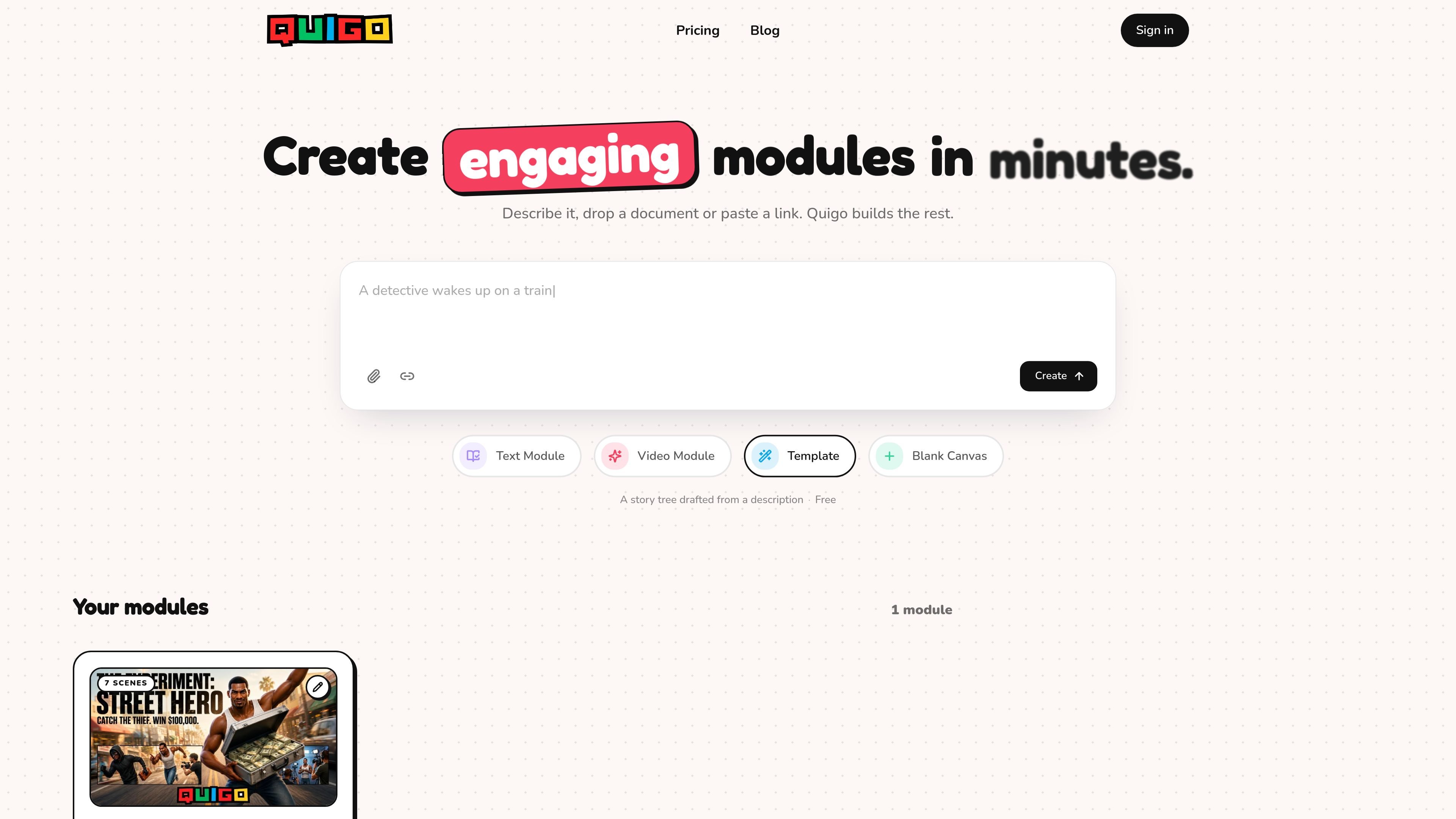
Quigo is a learning-module creation tool that turns descriptions, documents, and pasted links into playable, choice-based experiences. Its stated purpose is to reduce the work involved in converting source material or an initial idea into an interactive module.
The product supports text and video modules and presents multiple starting points, including templates and a blank canvas. The available site content does not specify the full authoring workflow, publishing destinations, integrations, or branching controls, so those details should be confirmed before evaluation.
Start a module by describing an idea in text rather than building every scene from scratch.
Use a document as source material for generating a learning module.
Paste a link to provide source content for module creation.
Create text-based learning modules for presenting written material in an interactive format.
Create video-based modules, extending the available format beyond text.
The interface presents template and blank-canvas entry points, allowing users to begin from a prepared structure or an empty starting point.
Turn a written idea or reference document into an interactive learning module instead of distributing the material as static text alone.
Use video as the basis for a learning experience when the source material is better suited to recorded instruction.
Provide a link as the starting point for transforming existing online source material into a choice-based module.
Begin with a template when a predefined structure is useful, or use the blank canvas when the module needs a more open-ended starting point.
Quigo starts from a written description, a document, or a pasted link. It can then generate a learning module from that input.
Quigo supports text modules and video modules. The home page also shows template and blank-canvas starting options.
The product is designed to turn source material and ideas into playable, choice-based learning experiences. Specific publishing, sharing, and delivery options are not stated on the available pages.
The available site text does not provide pricing amounts, plan limits, billing cadence, or team-usage details. A free offering is referenced on the home page, but its scope is not specified.

TubeKit turns public YouTube videos and playlists into AI-powered tools that creators can customize and share. It is free to try and requires no signup for the initial workflow.

BeFreed is a personalized audio learning app that turns books and other knowledge sources into narrated listening experiences. It helps people learn on demand through interactive audio, voice selection, and built-in learning tools.

ChessWoodie is a chess tactics training app based on the Woodpecker Method. It helps players build pattern recognition through repeated puzzle cycles, track speed and accuracy, and review missed tactics from their own games.

AGINE Academy — игровая онлайн-академия для практического освоения Claude в работе, творческих задачах и автоматизации. Подходит тем, кто хочет начать с бесплатного урока и учиться на реальных миссиях без опыта в разработке.

One More Thing is a micro-learning platform that presents learning content one card at a time. It is intended for people who want to learn in short, incremental sessions, although the available source does not specify subjects or plan details.

Padel Chess is a web-based learning platform for improving padel tactical skills through puzzle-based practice. It helps players work on positioning, shot selection, and decision-making in realistic court scenarios.