
Autonomous exploration of user journeys
Replay QA starts by exploring the application instead of waiting for predefined test flows. It maps pages and user journeys on its own, using the app much like a new QA hire would.

Replay QA for Teams is an autonomous QA tool that explores your app, runs browser-based checks, and returns root-caused bug reports with suggested fixes. It is built for teams shipping fast-changing or agent-written code and can feed findings back into GitHub and issue trackers.
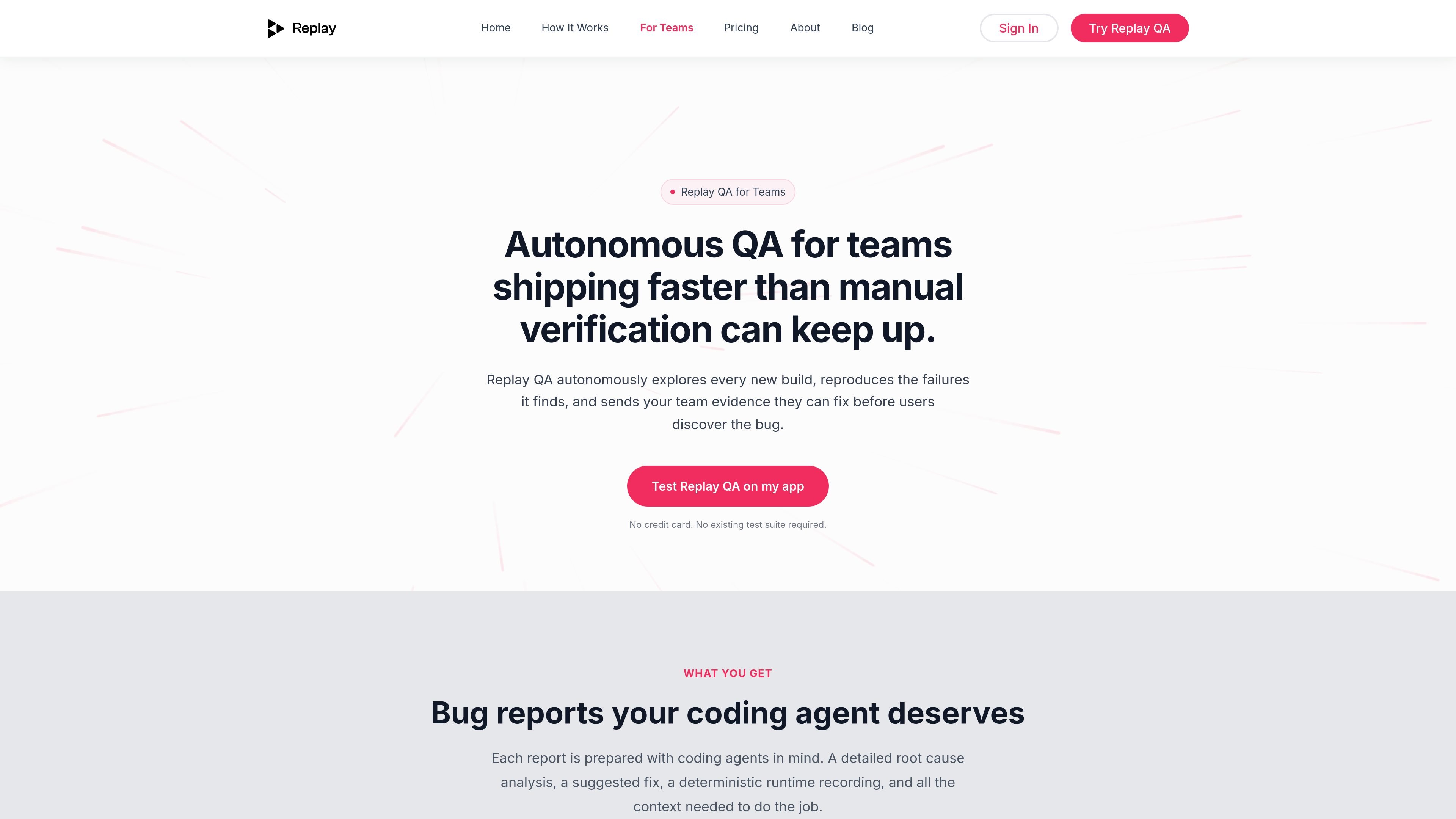
Replay QA for Teams is an autonomous QA product for software teams that ship code faster than manual verification can keep up. It starts from a live URL or GitHub repo, explores the app, runs journeys in a browser, and returns bug reports with root cause analysis and suggested fixes.
The product is positioned for teams working on agent-written or frequently changing code. It does not require a test suite to get started, and it can run on every push to main, every pull request, or both. Findings can be delivered back into GitHub and common issue trackers so teams can review and act on them where they already work.
Replay QA starts by exploring the application instead of waiting for predefined test flows. It maps pages and user journeys on its own, using the app much like a new QA hire would.
It runs mapped journeys in parallel inside a Chromium browser and records each session deterministically, capturing DOM mutations, network calls, and JavaScript frames for later review.
For failed tests, the system time-travels through the recordings to identify what broke and why. The resulting report includes root cause analysis rather than just a failure signal.
Bug reports include a video of the failure, annotated screenshots, a root cause explanation, and a suggested fix that can be pasted into a coding agent.
The system can comment on pull requests and file issues into GitHub Issues, Linear, Jira, or another webhook endpoint, so findings show up in existing workflows.
Projects can be set to run on pushes to main, on pull requests, or both, and the team can invite collaborators to read reports and watch recordings without needing a seat license.
Teams can connect a repository and let Replay QA run on every push to main, every pull request, or both. This is useful when you want automated verification tied to code changes without adding a separate test-maintenance burden.
If you are not ready to connect a repo, you can point Replay QA at a staging or production URL and watch it discover journeys and report issues from a live app.
Teams using GitHub, Jira, Linear, or another webhook-capable tracker can route findings into the tools they already use, keeping bug reports near the work item and the code diff.
Designers, PMs, contractors, and other collaborators can review reports and recordings without a seat license, making it easier to share evidence across the team.
When bugs are found in fast-moving or agent-written code, the report gives a root cause and suggested fix that can be handed directly to a coding agent or engineer for implementation.
Replay QA connects through a GitHub authentication flow. During setup, you install the Replay QA GitHub app, choose which repositories it can monitor, and decide which events trigger new runs, such as pushes to main or new pull requests.
Yes. The page says Replay QA can test against your preview or staging environment, and it can also be pointed at a staging or production URL if you are not ready to connect a repo.
When Replay QA is connected to GitHub, reports can be posted as comments on pull requests and filed into GitHub Issues, Linear, Jira, or any endpoint that accepts a webhook.
No. The source says no test suite is required, and you can start with a live URL or connect a GitHub repo without writing or maintaining tests.
Replay QA reports issues it finds and can suggest a fix, but the source does not say that it applies code changes automatically.

ByteAsk is a terminal-first AI coding agent for C and C++ that edits repositories and verifies changes with the real compiler, debugger, sanitizers, and tests before showing a diff. It offers a free tier plus paid plans, with editor connectors and zero-retention handling described in the source.

Manta AI is an autonomous web app testing tool for teams that want to map application behavior, catch regressions, and generate tests without writing scripts or maintaining selectors. It works from a URL and supports plain-English test flows, run results with screenshots, and scheduled or deployment-triggered checks.

CreateOS Sandbox is an isolated compute environment for running code and agent workloads inside Firecracker micro-VMs. It is designed for workflows that need machine-level isolation, private networking between sandboxes, and programmatic control through SDK, CLI, or MCP.

hob is an independent workspace for coding agents that keeps agent sessions, terminals, history, and follow-up work organized around the tools and providers you already use. It is aimed at developers who want local control over routing, history, and workspace structure rather than a bundled model stack.

SonOf connects to your repo and PM tool, audits the codebase and surrounding product context, and turns approved work into shipped tickets with senior engineering review. It is aimed at founders and engineering leaders who need backlog help without hiring a full team immediately.

Ghost è un assistente AI da terminale per chattare, generare codice ed eseguire task da riga di comando. Include modelli gratuiti, supporta Linux, macOS e Windows, ed è open source.