
Signed-in browser automation
Run tasks in a Chrome extension on the page and account session you already use, such as filling forms, updating records, or extracting page data.

Retriever AI is an AI browser agent for Chrome and Cloud that carries out tasks across the open web and signed-in sites, then returns results such as tables, datasets, structured JSON, or source-linked answers. It supports browser, Cloud, API, MCP, CLI, and SDK workflows for research, extraction, and recurring automation.
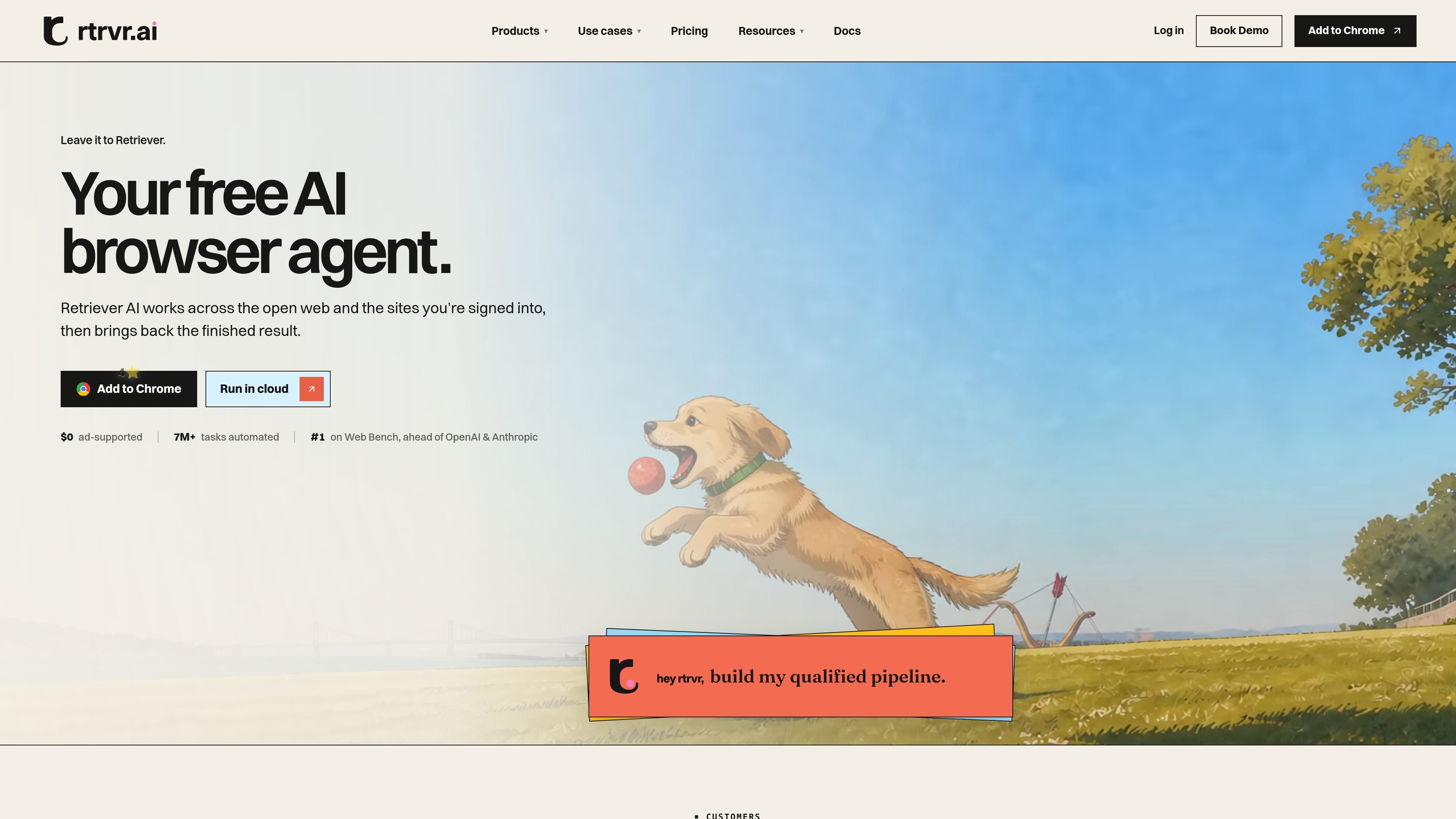
Retriever AI is an AI browser agent for Chrome, Cloud, and programmatic workflows. It works across the open web and sites where the user is already signed in, carrying out a requested task and returning a finished result rather than only a list of pages to inspect.
Users can describe an outcome such as extracting listings into a sheet, researching and ranking prospects with source links, or updating forms and systems. The task can start in the browser, run in a Cloud browser, or be called from an app, coding agent, terminal, or MCP client.
Run tasks in a Chrome extension on the page and account session you already use, such as filling forms, updating records, or extracting page data.
Move work to a separate Cloud browser and keep recurring jobs running without leaving a browser tab open.
Call the same browser agent from an application, CLI, SDK, or MCP client, with API examples supporting structured results such as JSON.
Ask for an outcome rather than writing selectors or scripts; the agent can traverse relevant pages and return tables, datasets, or answers with source links when requested.
Save successful processes as reusable workflows and use triggers or webhooks to start work in response to events, page changes, or notifications.
Choose Retriever AI credits, an external provider such as ChatGPT or Claude, an API key, or a local model according to the workflow.
Give Retriever AI an attendee list or other event source, identify relevant people, enrich the records, and prepare outreach-oriented results. The site demonstrates email and LinkedIn follow-up as an example workflow.
Collect listings or other repeated page records into a sheet or dataset, retaining source links where required. This suits research tasks that would otherwise require manual copying across many pages.
Use a signed-in browser session to update forms, back-office records, or connected systems while continuing other work in separate tabs.
Run recurring monitoring, reports, prospecting, or follow-up in Cloud on a schedule, or start a job from a webhook, notification, or page change.
Embed browser work in a product or agent by calling Retriever AI from an API, MCP client, CLI, or SDK and consuming the returned result in downstream workflows.
Retriever AI can be used in its Chrome extension on the page where you are signed in, in a separate Cloud browser, or through its API, MCP connection, CLI, and SDK documentation paths.
Free Mode supports interactive tasks started in the Chrome extension or Cloud dashboard with supported AI models and Cloud browser time. It has sponsored cards and a daily fair-use allowance; new accounts also receive 100 one-time welcome credits for paid usage.
Paid plans add ad-free runs and features such as schedules, triggers, webhooks, cookie sync, and Chrome control through API or MCP. API and WhatsApp runs use credits for the resources they consume.
A task begins with a goal and, where relevant, a page or starting URL. Retriever AI plans the route, performs the browser work, and returns the requested result; API examples show structured JSON output, while other workflows can return tables or datasets with source links.
Users can choose supported Retriever AI models, ChatGPT, Claude, an API key, or a local model. Using an external provider can avoid Retriever AI model-credit charges, although Cloud resources and other managed services may still consume credits.

AgentMail is an email inbox API for AI agents that lets developers create, send, receive, and search messages through REST APIs and SDKs. It supports agent workflows such as threaded replies, verification, customer support, scheduling, and inbox-based approvals.

Lasso is an ecommerce product data platform for enriching catalog records, processing supplier files, generating product content, and monitoring competitors. It combines a web app with a REST API, SDK, and MCP server for teams and developers.

CreateOS Sandbox is an isolated compute environment for running code and agent workloads inside Firecracker micro-VMs. It is designed for workflows that need machine-level isolation, private networking between sandboxes, and programmatic control through SDK, CLI, or MCP.

GitBot is a local browser-based workspace for creating reusable coding bots powered by Claude Code, Codex, or OpenCode. It helps developers run those agents across repository folders with persistent threads and configurable permissions.

Codex Plugins bundle reusable skills, app integrations, and MCP servers into workflows you can install in the Codex app or use from Codex CLI. They help extend Codex with connected-service tasks, reusable instructions, and shared team workflows.

Botacts is a web directory for finding AI bots and agents you can contact by phone, email, SMS, WhatsApp, Telegram, or Signal. It also lets creators suggest bots for manual review before publication.