
Integrated Japanese business data foundation
Because it brings together EDINET, gBizINFO, the corporate number registry, and corporate website information, you can check multiple sources at once by entering a company name.

Saturn is a Japanese business data platform that combines EDINET, gBizINFO, the corporate number registry, and corporate website data. It helps teams automate spreadsheet-based workflows and expose the same structured data to APIs, MCP, and AI agents.
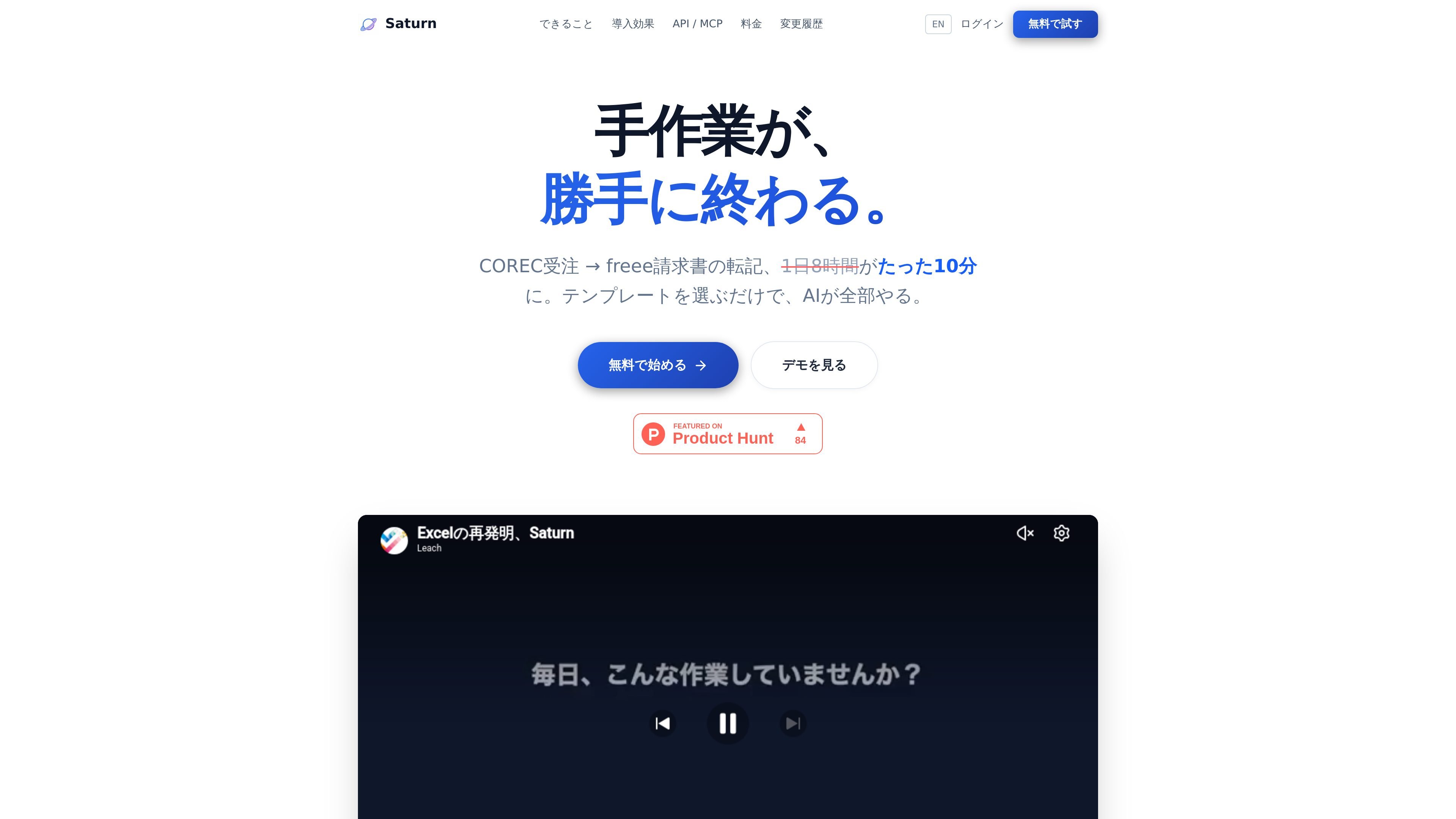
Saturn is a Japanese business data platform that combines EDINET, gBizINFO, the corporate number registry, and structured corporate website data. It presents that information in an Excel-like spreadsheet interface so teams can define business workflows by arranging columns and running templates rather than building each step from scratch.
The product is designed to move work from manual research and transfer tasks into repeatable workflows. The site shows examples such as COREC order data being matched to freee invoices, corporate research, follow-up email generation, resume screening, and other back-office and sales operations. For developers, Saturn also exposes the data through a REST API, MCP Server, and Webhooks so AI agents and internal tools can consume the same structured source.
Because it brings together EDINET, gBizINFO, the corporate number registry, and corporate website information, you can check multiple sources at once by entering a company name.
Define business flows by arranging table columns from left to right, then automate the steps in order from template selection to data retrieval, matching, and transfer.
Prepare data for sales materials based on securities reports and executive information, including identifying decision makers and creating company-specific letters or proposals.
Access company data from internal tools and AI agents through REST API, MCP Server, and Webhooks.
Connect with external services such as Gmail, Outlook, freee, COREC, Slack, Teams, Zoho CRM, and Google Sheets to automate transfer and notifications.
Start with ready-made templates for accounting, sales, recruiting, inquiry handling, marketing, forms, and notifications.
Turn COREC order data into freee invoices by matching customer data, transferring line items, and reducing manual re-entry in accounting workflows.
Collect EDINET, gBizINFO, and website data for a target company to build a structured research sheet for sales outreach or account preparation.
Generate follow-up letters or proposals using company data, including role-relevant details such as decision-maker information when available from filings.
Screen resumes or application emails by routing documents into an AI-assisted first-pass review workflow for hiring teams.
Use REST API or MCP from Claude Desktop or other AI agents to read rows, enrich records, and keep internal tools aligned with the same structured data source.
Saturn is a Japanese business data platform that combines EDINET, gBizINFO, the corporate number registry, and website data, then exposes the results through a spreadsheet-style interface and API/MCP access.
The source shows EDINET documents and XBRL financial data, gBizINFO business information, the corporate number registry, and structured corporate website data. It also mentions in-development sources such as Wantedly/YouTrust and PR TIMES/patents.
The pricing page offers a 14-day free trial, with no initial fee. The trial is described as fully free, and cancellation is stated as possible at any time.
Saturn is built around an Excel-like spreadsheet UI. Users choose a template, arrange columns, and let the workflow run step by step; the source also says the MCP server can be used from Claude Desktop and AI agents.
The page does not provide detailed security documentation in the collected text, so only limited confirmation is available from the source. It does mention a 99.9% uptime figure on the homepage.

CreateOS Sandbox is an isolated compute environment for running code and agent workloads inside Firecracker micro-VMs. It is designed for workflows that need machine-level isolation, private networking between sandboxes, and programmatic control through SDK, CLI, or MCP.

Codex Plugins bundle reusable skills, app integrations, and MCP servers into workflows you can install in the Codex app or use from Codex CLI. They help extend Codex with connected-service tasks, reusable instructions, and shared team workflows.

Wallie is an open-source AI streamer that watches your screen, hears chat, and generates live commentary in a configurable persona. It runs locally on your machine with your own keys and is aimed at faceless content, autonomous streams, and real-time reactions.

AakarDev AI helps teams manage AI provider access, project-level setups, logs, and analytics from one dashboard. It supports BYOK workflows and lists providers including OpenAI, Google Gemini, Anthropic, Groq, Mistral AI, and Perplexity AI.

Whirr is a quiet macOS menu bar app that mirrors Claude Code activity to your notch. It helps Mac users glance at agent progress without keeping a terminal window open.

AgentMail is an email inbox API for AI agents that lets developers create, send, receive, and search messages through REST APIs and SDKs. It supports agent workflows such as threaded replies, verification, customer support, scheduling, and inbox-based approvals.