
Context-aware drafting
Use the current page, editable field, selected text, selected browser tabs, and available session context as explicit inputs instead of moving the task to a separate chat.

ShroomPen is a Chrome/Chromium browser writing assistant that drafts, rewrites, fixes, and translates text inside browser pages using page, field, tab, and session context selected by the user. It suits support, inbox, form, proposal, and other practical browser-based writing workflows.
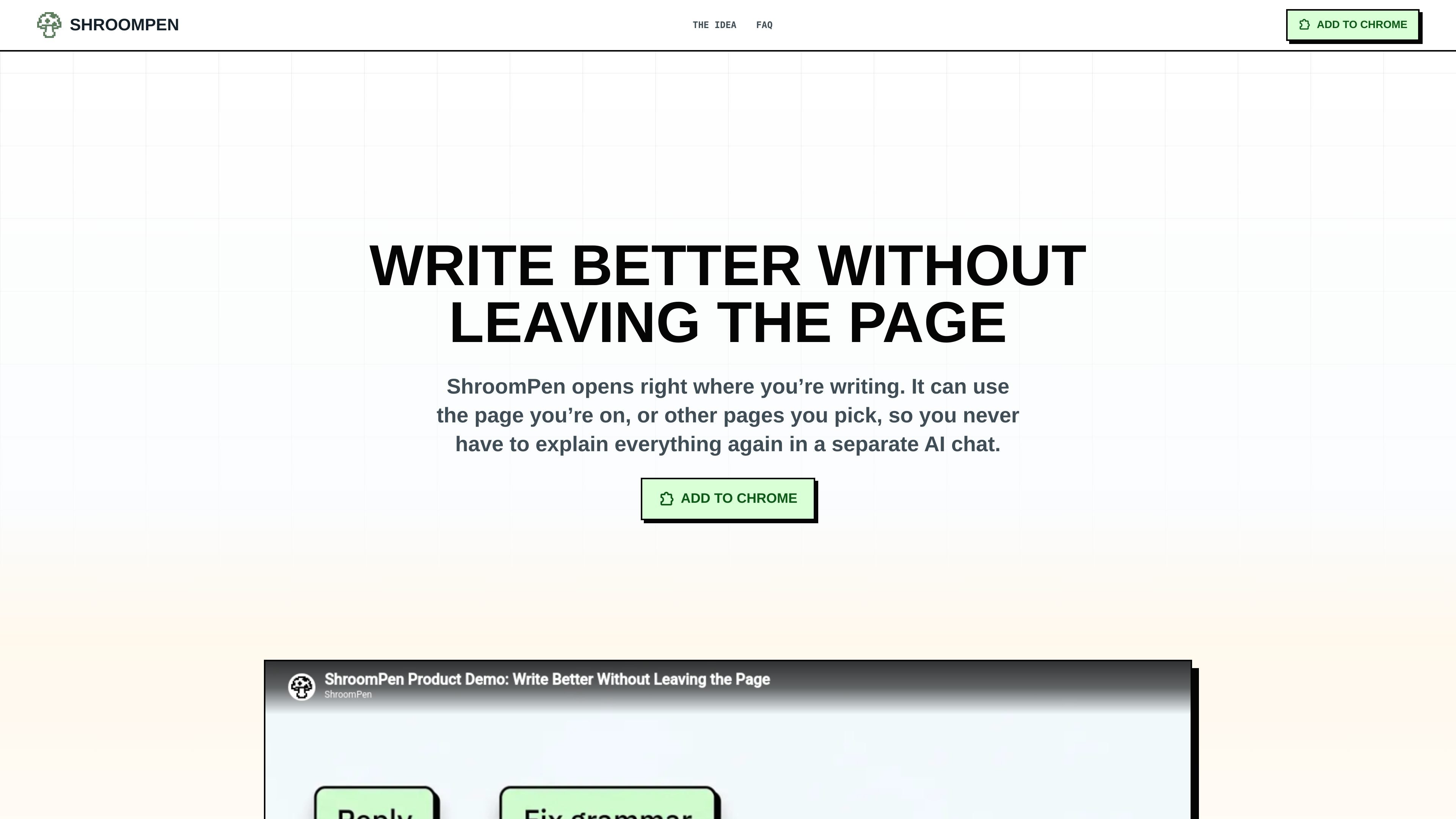
ShroomPen is a Chrome/Chromium browser writing assistant for drafting and refining text directly in the page where the work happens. It can use the active page, the focused editable field, selected text, selected browser tabs, and available session context when the user explicitly enables those sources.
The extension is intended for practical, fact-dependent writing such as support replies, billing answers, forms, proposals, and other browser-based work. It presents output for review before insertion and sends generation requests directly to the AI provider endpoint configured by the user, rather than requiring a ShroomPen account or using a ShroomPen-hosted model.
Use the current page, editable field, selected text, selected browser tabs, and available session context as explicit inputs instead of moving the task to a separate chat.
Generate a response to the message or request in front of you, using a rough note as the brief and selected sources for supporting facts.
Apply focused transformations to the text in a field: Reply, Rewrite, Fix Grammar, or Translate. Translate lets you choose the target language.
Review the generated result in ShroomPen before deciding whether to edit, copy, insert, or replace the text in the page.
Choose OpenRouter, OpenAI, Anthropic, Gemini, an OpenAI-compatible endpoint, or a loopback local-model endpoint rather than using a ShroomPen-hosted model.
Keep provider settings, prompts, notes, workspaces, and related working data in browser storage, with no required ShroomPen account, hosted model, extension telemetry, ads, or application backend.
Select the conversation page and relevant order or delivery tabs, then use Reply to draft a customer response with the available details included.
Turn a rough note into a clearer answer while keeping the work inside an inbox, helpdesk, or other browser-based communication tool.
Select proposal drafts, notes, documentation, or CRM pages as sources when preparing a fact-based response or business document in a browser editor.
Use Rewrite or Fix Grammar on text already in a form, CMS, or document when the goal is clarity, natural phrasing, spelling, or punctuation rather than a new answer.
Choose a target language to translate only the selected text, making the workflow suitable for multilingual replies and form responses.
Install the Chrome extension, then connect OpenRouter or enter a key for OpenAI, Anthropic, Gemini, or an OpenAI-compatible endpoint. ShroomPen does not require a ShroomPen account or hosted model.
Open ShroomPen with Ctrl+Q, from the Chrome toolbar, or from the page context menu. Choose the current page, selected text, editable field, selected tabs, or other available session context, then select an action.
The result appears in ShroomPen for review first. You can edit, copy, insert, or replace text explicitly; the tool does not change the field automatically.
It is designed for normal websites such as inboxes, CMSs, support tools, and browser-based documents. It stays off Chrome-restricted pages, file URLs, settings, and the extension store, and availability can also depend on Chrome site-access settings.
Generation requests go directly from the extension to the provider endpoint configured by the user. Current-page and tab text are read only when those sources are enabled, and the extension is designed to exclude passwords, payment fields, one-time passcodes, and other sensitive inputs.

Rubriq 是一款面向科研写作的 AI 学术论文润色与翻译工具,支持个人订阅、机构方案和论文查重相关服务。它帮助研究人员在上传稿件后快速生成带修订痕迹的可审阅文档。

Goldfish is an AI memory app for macOS that helps you reply, write, summarize, and continue using the context already on your Mac. It stores memory locally and writes in your tone.

ProWritingAid is a writing assistant for storytellers that offers grammar checking, style editing, paraphrasing, and story analysis inside popular writing apps. It includes a free plan, paid tiers, and tools for chapter critique, manuscript review, and collaborative editing.

SpeakoFlow is a free, open-source desktop voice-to-text app for Windows, macOS, and Linux. It supports dictation into any app, voice-driven writing with Flow, cleanup, translation, and a screen-aware assistant.

Paperpal 是一款面向学术写作的 AI 工具,提供文献阅读、语言润色、引用、查重、AI 检测和投稿前检查。它适合需要在英文论文和学术材料上进行写作、修改与合规自检的学生、研究人员和教师。

Sanota is an app that turns spoken memories, reflections, and interviews into clear written stories. It supports personal storytelling, family history, and shared memories, with guided prompts and subscription pricing.