
Microphone slap detection
Detects a slap through the microphone and plays a sound response. The page notes that, in the real app, you can slap your desk or laptop lid instead of clicking the preview.

SlapWindows is a Windows desktop app that reacts with sound when it detects a slap through the microphone. It supports Windows 10/11, includes multiple sound packs, and offers custom audio upload.
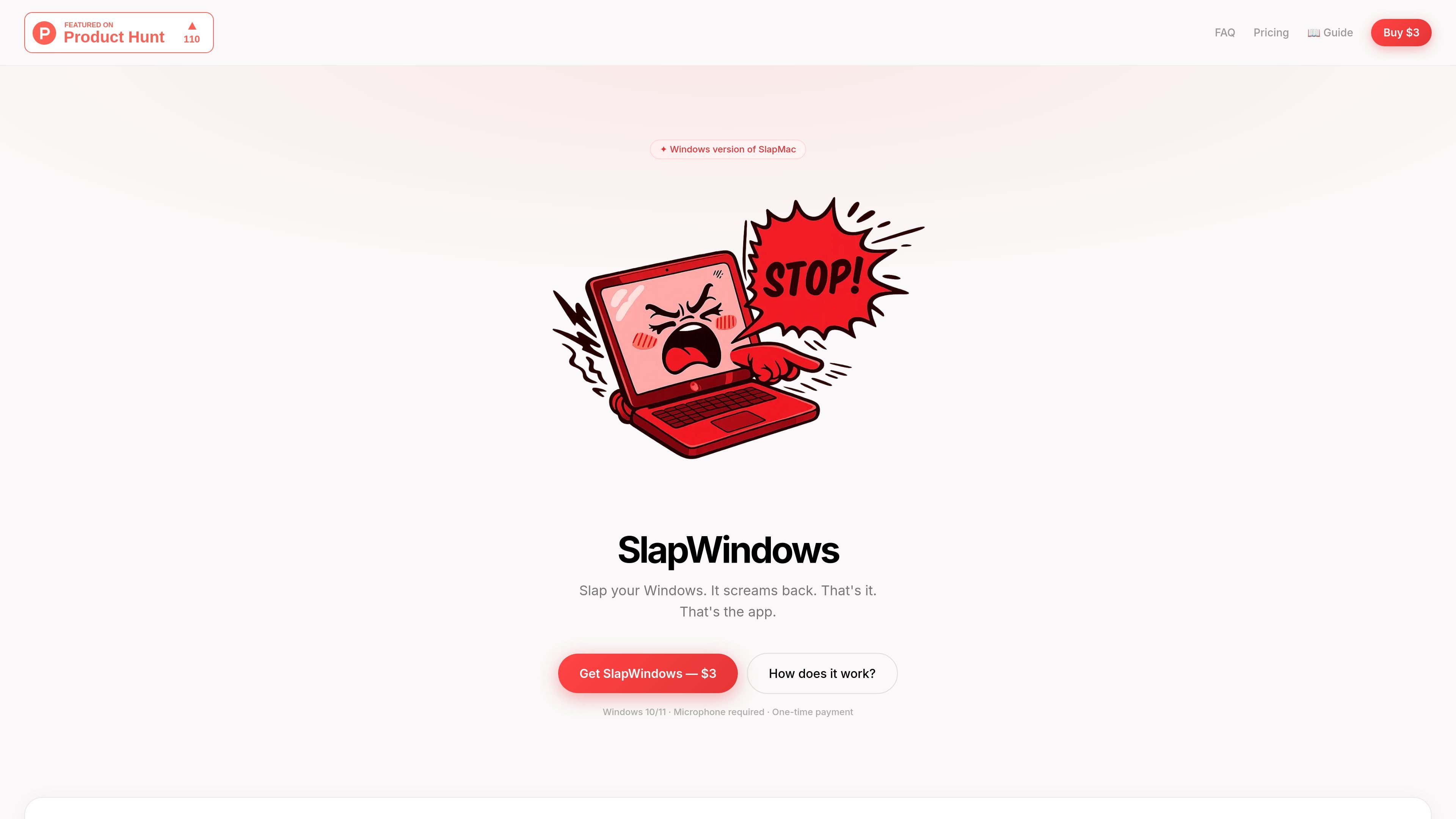
SlapWindows is a Windows app that makes a laptop react with sound when it detects a slap. The product page positions it as a Windows version of SlapMac and says it uses the microphone to detect the action.
The app is listed for Windows 10 and 11 and requires a microphone. The site also describes a one-time purchase with lifetime updates, license delivery by email, and a price of $3.
Detects a slap through the microphone and plays a sound response. The page notes that, in the real app, you can slap your desk or laptop lid instead of clicking the preview.
Runs without a dock icon and stays in the system tray, so it can sit in the background while you work.
Includes a USB Sound Pack mode that reacts when a USB device is plugged in or removed.
Supports custom sound upload using your own MP3 or WAV file, then letting you select the Custom pack when you slap the laptop.
Offers 12 voice packs, including Combo Hit, Male, Fart, Gentleman, Yamete, Goat, Angry, Metal, Santa, Evil Laugh, and Robot.
Provides sample clips for the packs so users can preview the sounds before using them.
A user wants a novelty desktop app that reacts when they slap their desk or laptop lid and produces an audio response.
Someone wants to switch between several sound packs, preview them, and keep the app running quietly in the system tray.
A user wants to personalize the experience by uploading an MP3 or WAV file and using that as the slap response.
A user wants another trigger besides slap detection and uses the USB Sound Pack mode to react to device plug and unplug events.
It is intended for Windows 10 and 11. The page also says a microphone is required.
The page presents it as a one-time purchase with lifetime access and license delivery by email.
The site says you can use your own MP3 or WAV file through the Custom Sound Upload feature.
The page lists a USB Sound Pack mode that reacts when a USB device is connected or disconnected.
The FAQ section asks about refunds and says all sales are final.

Keeby is a macOS menu bar app that adds mechanical keyboard sounds to typing, with spatial audio, a reactive visualizer, and switch profile controls. It is a one-time purchase and runs fully offline with no data collection.

CAMB.AI Streams dubs live audio in multiple languages in real time for broadcasts on platforms like YouTube, Twitch, and X. It plugs into existing live workflows using common streaming protocols and avoids a post-production step.

LALAL.AI is an AI audio processing platform for stem separation, voice cleanup, and voice transformation. It supports browser-based upload, preview, and download workflows for audio and video files, plus premium and enterprise options.

Optimo is a free, open-source CLI for optimizing and converting images and videos with format-specific commands built on ImageMagick and FFmpeg. It helps developers prepare web assets, batch process media, and automate compression from the shell or a Node.js script.

Kits AI is an AI music production platform for voice cloning, vocal generation, and vocal processing. It offers a Free plan, paid tiers, and a Windows desktop app for producers and creators working with studio-style audio workflows.

MacYaps è un'app per la barra menu di macOS che riproduce clip audio divertenti quando accadono eventi di sistema. Include voci integrate, upload audio personalizzati e licenza a vita.