
Drag-and-drop editing with real-time preview
Build and edit a resume with drag-and-drop controls while seeing updates immediately in the preview pane.

SwiftCV is a browser-based resume builder for creating and exporting professional resumes with templates, drag-and-drop editing, real-time preview, and PDF output. It is aimed at job seekers who want a quick way to format and update resumes across devices.
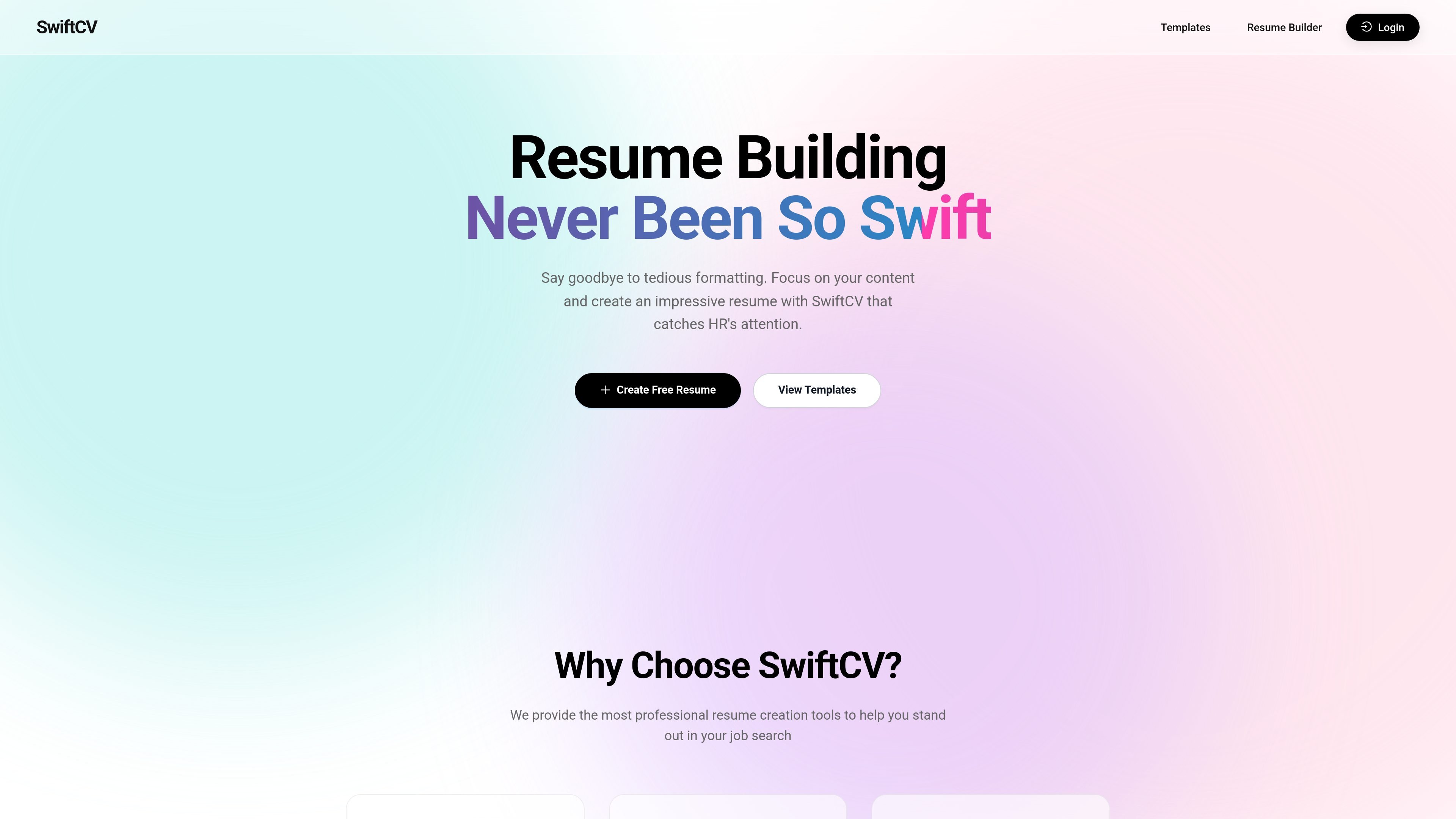
SwiftCV is an online resume builder for creating professional resumes in the browser. Its homepage positions the product around fast editing, template-based design, and a workflow that reduces manual formatting so users can focus on content.
The product combines drag-and-drop editing, real-time preview, template selection, customization controls, and export options. It also states that resumes are stored securely in the cloud and can be accessed across devices, including PC, tablet, and mobile.
Build and edit a resume with drag-and-drop controls while seeing updates immediately in the preview pane.
Choose from a library of professionally designed templates intended for different industries and HR-style presentation.
Adjust fonts, colors, spacing, and similar layout details to make the resume fit your content and style.
Export resumes to multiple formats, with the homepage specifically calling out high-quality PDF output for sharing and printing.
Store resume data in the cloud with encryption and access it across devices with multi-device sync.
Use the tool in a browser on PC, tablet, or mobile without installing desktop software.
Use SwiftCV when you need to assemble a polished resume quickly and want to avoid manual formatting work.
Use the template library and customization controls to adapt a resume for a specific role or industry.
Use the browser-based editor on different devices when you want to keep working away from a single desktop installation.
Use cloud storage and sync when you want to revisit and update the same resume over time without recreating it.
Use PDF export when you need a printable file or a version that can be shared with employers.
The homepage presents SwiftCV as an online resume creation tool that lets you build a resume in the browser, preview changes in real time, and export the result as a PDF.
Yes. The homepage includes a “Create Free Resume” call to action, but the site text does not provide plan details or limits, so the exact pricing structure is not shown here.
SwiftCV is designed for browser-based use and states that it works on PC, tablet, and mobile devices without installation.
The homepage says resumes can be exported to multiple formats, and specifically highlights high-quality PDF output for printing and display.

AIApply is a job application AI for jobseekers that helps generate tailored resumes and cover letters, auto-apply to matched roles, and prepare for interviews. The site also presents resume scanning, a job board, and live interview help.

TalentAid è una piattaforma AI di matching per offerte di lavoro: filtra annunci e consiglia ruoli in base a competenze, esperienza e obiettivi.

CVComp is an ATS resume scanner and resume builder that helps job seekers check keyword fit, fix formatting issues, and export updated resumes. It supports job-specific matching, live editing, and PDF or DOCX output.

Hire ID is a verification-first hiring platform for candidates and employers. It helps users verify identity, work history, and education, then share trusted profiles and build resumes from checked credentials.

Simplify is an AI job search platform that helps individual job seekers find matched roles, tailor resumes, autofill applications, build recruiter connections, and track submissions in one place. It also offers a Chrome extension for browser-based application autofill and tracking.

GetNextRole is an AI job application assistant for individual job seekers. It automates applications, helps improve resumes and cover letters, and supports interview prep and tracking.