Text2Test icon

Text2Test

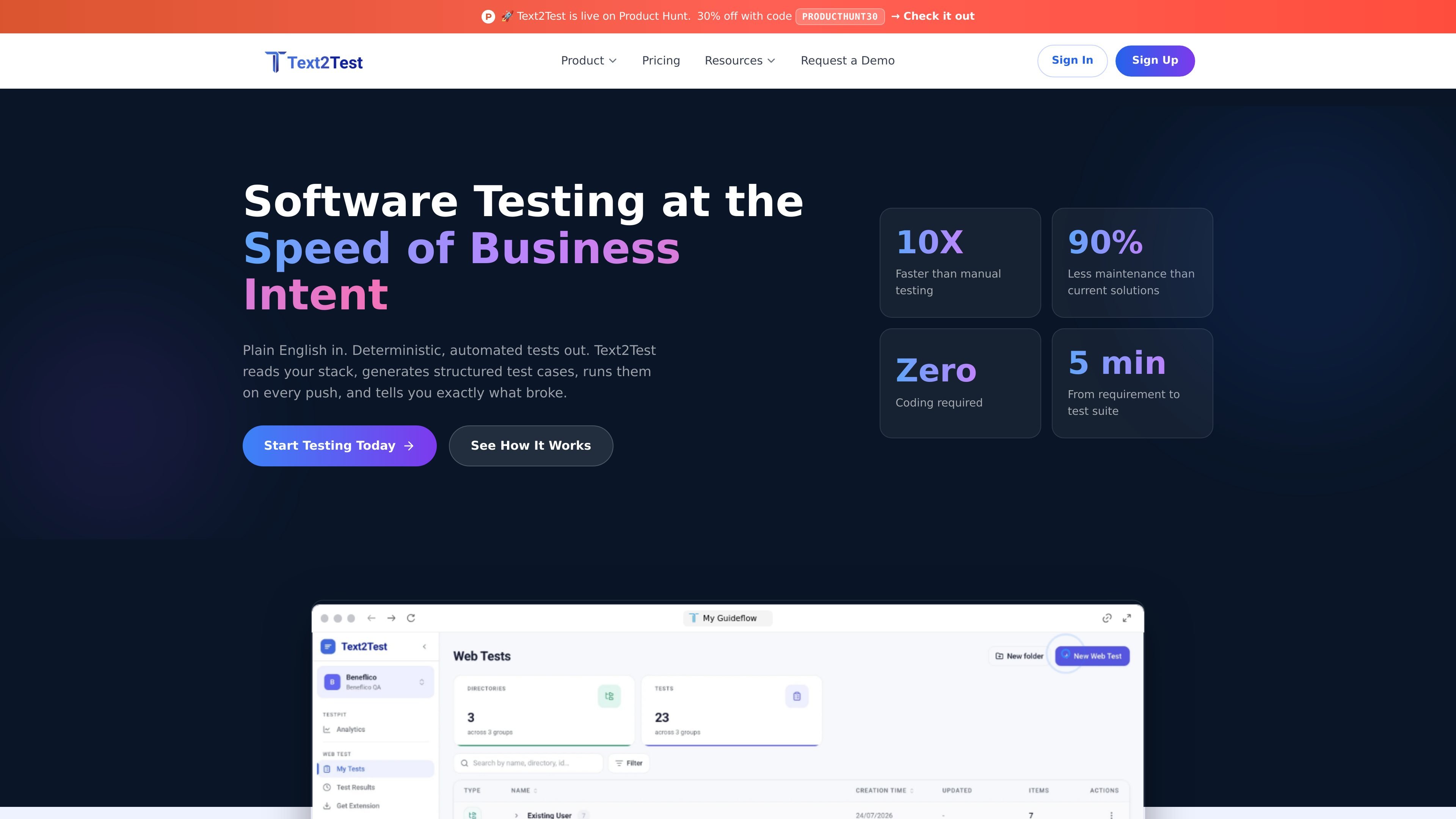
Text2Test is an AI-native software testing platform that generates structured test cases from plain text, design, code, and tickets, then runs them as web tests. It is aimed at teams that want to create and execute coverage from product sources without selector-heavy authoring.

Text2Test

AI-native test generation and execution

Text2Test is an AI-native software testing platform that turns product intent into executable web tests. It accepts plain text, design, code, and ticket sources through MCP, then generates structured test cases that can be run as plans and inspected step by step when they fail.

The product is built around a five-part workflow: connect sources, generate prioritized tests, mix different step types inside a single test case, run plans on demand or from CI/CD, and drill into failures with inline errors and replay. The site positions this as a way to reduce manual test authoring and keep coverage aligned with changing product sources.

Core capabilities

Plain-text test case generation

Generate structured, prioritized test cases from plain text requirements without writing selectors or DOM-based steps. The product positions this as stable because the test is tied to product behavior rather than page structure.

AI Autopilot execution

Hand a test instruction to an LLM that reads the screen, reasons through the flow, and adapts when the UI changes. This is aimed at flows where fixed scripts are brittle or where the next step depends on what is on screen.

Mixed sequence testing

Combine plain-text steps, autopilot, script injection, visual verification, and HTTP requests inside one test case. This lets a single sequence cover UI actions, API state setup, and visual checks.

Planned execution and reruns

Bundle tests into plans and run them on demand, on a schedule, in parallel, or from CI/CD. The homepage also shows browser matrix support per plan and the ability to rerun failed tests only.

Drillable failure analysis

Inspect failed runs with inline error snippets, screenshots, and video, then drill into the exact step that broke. The site also mentions opening a Jira ticket from a failed step.

Reusable test assets

Use reusable data sources and HTTP requests across plans and test cases, including uploaded CSV, XLS, JSON, or XML files. The product also lists element tags as a coming-soon capability for stable references.

Practical ways teams use Text2Test

  • Turn requirements into test cases

    Use Text2Test Native when a requirement is written in plain language and you want it turned into structured coverage without creating selectors or templates first. This fits teams that keep product intent in tickets or written specs and want a test suite quickly.

  • Handle exploratory or state-dependent flows

    Use Autopilot for flows where the next step depends on what is visible on screen, such as branching checkout paths, password resets, or multi-step wizards. The LLM-based flow can reason through changing UI states instead of following a rigid script.

  • Build end-to-end checks across UI and API

    Use mixed sequences when one test needs to combine UI actions, API setup, visual verification, and a scripted step in a single sequence. The source pages show examples of starting with plain text, setting state with an HTTP request, and finishing with another execution mode.

  • Run regression plans continuously

    Use plans and directories to organize suites for scheduled runs, parallel execution, or CI/CD triggers. This is suited to teams that want repeatable checks on every push and a single place to review failures.

  • Investigate and hand off failures

    Use drillable results after a failing run to see the exact step, error snippet, screenshot, and video, then rerun only the failed tests. This supports debugging and handoff to issue tracking, including Jira from the failed step.

Pros and Cons

Pros

  • Generates test cases from plain text and source systems instead of requiring selector-heavy authoring.
  • Supports multiple step types in one test case, including scripts, visual checks, and HTTP requests.
  • Runs tests as plans with on-demand, scheduled, parallel, and CI-triggered execution options.
  • Provides step-level failure details with screenshots, video, and inline error snippets for debugging.
  • Offers clear pricing tiers with published monthly limits and support response times.

Cons

  • The source pages do not fully document every integration or which connectors are still coming soon.
  • Some features are presented as plan-specific or coming soon, so the exact available set may vary by tier.
  • The public pages emphasize browser and web testing; broader non-web automation support is not clearly detailed.

FAQ

What is Text2Test?

Text2Test is an AI-native software testing platform that generates structured test cases from plain text, design, code, and tickets, then runs them as automated web tests.

Do I need to know code or scripting to use it?

The source pages show plain-text test creation, but do not specify a required programming language or scripting knowledge for the main workflow. The positioning emphasizes no selectors and no DOM knowledge for Text2Test Native, and plain-text input for Autopilot.

How does Text2Test connect to product sources?

It connects through MCP to sources such as Figma, Jira, GitHub, and OpenAPI, with Claude Design also shown on the homepage; some sources are noted as coming soon.

How does execution and failure reporting work?

Text2Test groups test cases into plans and can run them on demand, on a schedule, in parallel, or from CI/CD. Failed runs surface per-test and per-step details, including inline error snippets and drill-down to the broken step.

How is Text2Test priced?

The pricing page shows paid plans for Starter, Grow, Pro, and Custom. The listed plans include different monthly test-case limits, parallel runs, support response times, and added integrations or onboarding on higher tiers.

Quick Facts

Category
AI-native software testing platform
Primary platform
Web test automation
Source sources
MCP-connected design, ticket, code, and API inputs
Supported inputs
Plain text, Jira tickets, Figma designs, GitHub code, OpenAPI specs, and HTTP requests
Execution model
Test cases are grouped into plans and can run on demand, on a schedule, in parallel, or from CI/CD
Pricing
Paid plans are listed: Starter, Grow, Pro, and Custom

Alternative a Text2Test

ByteAsk icon

ByteAsk

ByteAsk is a terminal-first AI coding agent for C and C++ that edits repositories and verifies changes with the real compiler, debugger, sanitizers, and tests before showing a diff. It offers a free tier plus paid plans, with editor connectors and zero-retention handling described in the source.

Manta AI icon

Manta AI

Manta AI is an autonomous web app testing tool for teams that want to map application behavior, catch regressions, and generate tests without writing scripts or maintaining selectors. It works from a URL and supports plain-English test flows, run results with screenshots, and scheduled or deployment-triggered checks.

CreateOS Sandbox icon

CreateOS Sandbox

CreateOS Sandbox is an isolated compute environment for running code and agent workloads inside Firecracker micro-VMs. It is designed for workflows that need machine-level isolation, private networking between sandboxes, and programmatic control through SDK, CLI, or MCP.

hob icon

hob

hob is an independent workspace for coding agents that keeps agent sessions, terminals, history, and follow-up work organized around the tools and providers you already use. It is aimed at developers who want local control over routing, history, and workspace structure rather than a bundled model stack.

Ably Chat icon

Ably Chat

Ably Chat is a chat API platform for building custom realtime chat applications. It supports room-based messaging, typing indicators, presence, reactions, and message updates, with usage-based pricing options for different deployment stages.

SonOf icon

SonOf

SonOf connects to your repo and PM tool, audits the codebase and surrounding product context, and turns approved work into shipped tickets with senior engineering review. It is aimed at founders and engineering leaders who need backlog help without hiring a full team immediately.