
Room boom scan
A short bass sweep and the Mac's microphone identify the frequency the room exaggerates. Users can instead locate it by ear and fine-tune it across the bass range.

Unboom is a Mac app that detects the bass frequency a room exaggerates and applies a narrow cut to that resonance on connected speakers. It is designed for producers, podcasters, and listeners who want more consistent speaker monitoring without changing headphones or other outputs.
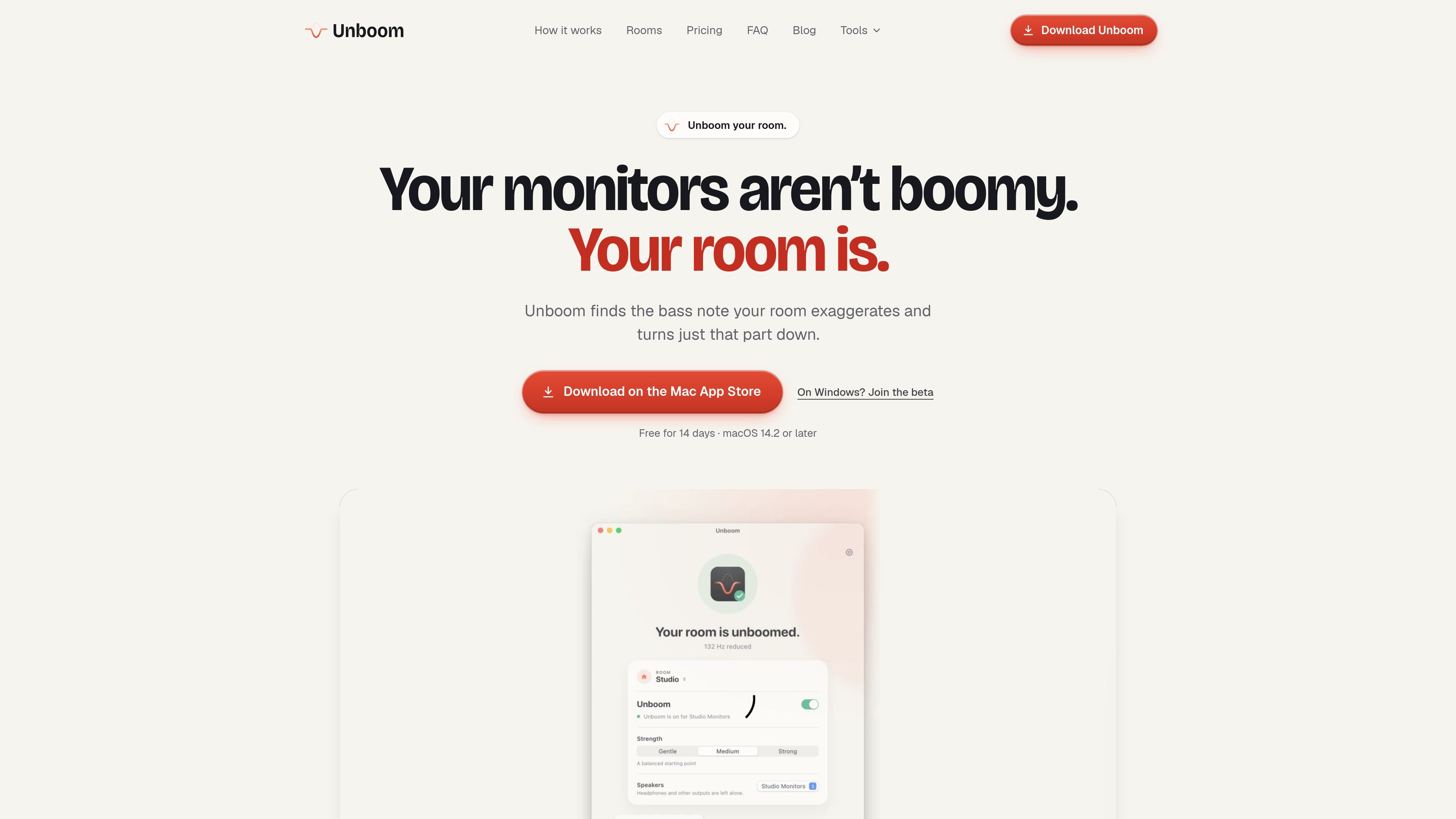
Unboom is a Mac room-bass correction app for speakers in rooms that exaggerate particular low frequencies. It scans the listening position with a short bass sweep, identifies the room’s prominent resonance, and applies a narrow cut to that frequency rather than boosting other parts of the signal.
The app can correct system audio through the menu bar and can also provide room correction inside supported digital audio workstations through its Audio Unit plug-in. It is intended for monitoring music, podcasts, and other media in real rooms, with separate profiles for different rooms and speaker setups.
A short bass sweep and the Mac's microphone identify the frequency the room exaggerates. Users can instead locate it by ear and fine-tune it across the bass range.
Unboom applies a narrow cut to the detected resonance and offers Gentle, Medium, and Strong correction levels. It does not boost frequencies or alter the mids and highs.
The menu-bar app corrects audio system-wide for the configured speakers, while headphones and other outputs remain untouched. Turning it off restores normal Mac audio.
Separate profiles retain a room's speakers and correction settings. Unboom can switch profiles when the configured speakers become the Mac's active output, with recalibration available after a speaker move.
The Audio Unit plug-in brings the correction into supported DAWs, including Logic Pro, GarageBand, MainStage, Ableton Live, FL Studio, REAPER, and LUNA. In REAPER, it can be placed in Monitoring FX.
The scan uses quiet, fading test tones, and audio is processed in real time on the Mac. The product states that measurements and audio are not recorded, saved, or sent.
Scan a monitoring position and reduce the room resonance that makes kick drums or bass lines sound larger than they are. Separate room profiles help when working between a studio and another listening space.
Use the system-wide correction while recording, editing, or reviewing spoken-word material so low-frequency room buildup is less likely to mask the voice.
Keep the configured speakers more consistent for everyday music and video playback without applying the correction to headphones or unrelated outputs.
Add the Audio Unit to a supported DAW when system-wide correction does not reach the DAW. The plug-in follows the app’s room selection and on/off switch.
Unboom works on Mac with macOS 14.2 or later. Speakers must be connected directly to the Mac or through an audio interface. A built-in or connected microphone can be used for the automatic scan, but you can also identify the boom by ear.
Sit where you normally listen, keep the speakers at a comfortable level, and run the short bass sweep. Unboom measures the room with the Mac's microphone, or you can press “That’s the boom” when the sweep sounds loudest. Setup takes about two minutes.
Unboom corrects the speakers selected for the room and leaves headphones and other outputs alone. Bluetooth speakers are supported, although a cable provides the most reliable result because Bluetooth can add delay or drop out.
The DAW plug-in is listed as Unboom: Room Correction and works with Logic Pro, GarageBand, MainStage, Ableton Live, FL Studio, REAPER, and LUNA. DAWs outside the supported list play without system correction, so they are not delayed.
Room scans and comparisons remain free. Mac-wide correction and DAW correction require the one-time unlock after the 14-day trial; there is no subscription or account requirement.

CAMB.AI Streams dubs live audio in multiple languages in real time for broadcasts on platforms like YouTube, Twitch, and X. It plugs into existing live workflows using common streaming protocols and avoids a post-production step.

LALAL.AI is an AI audio processing platform for stem separation, voice cleanup, and voice transformation. It supports browser-based upload, preview, and download workflows for audio and video files, plus premium and enterprise options.

Optimo is a free, open-source CLI for optimizing and converting images and videos with format-specific commands built on ImageMagick and FFmpeg. It helps developers prepare web assets, batch process media, and automate compression from the shell or a Node.js script.

Kits AI is an AI music production platform for voice cloning, vocal generation, and vocal processing. It offers a Free plan, paid tiers, and a Windows desktop app for producers and creators working with studio-style audio workflows.

Converleon is an offline file converter for Mac that handles images, video, audio, documents, PDFs, and archives without uploading files. It supports batch conversion, preset-based compression, and common workflows like HEIC to JPG, MOV to MP4, and HTML to PDF.

ElevenMusic is a web-based music platform for discovering tracks, remixing music, and creating original songs. It also supports prompt-led generation with mood tags and account-based saving for libraries, generations, and playlists.