
Browser companion
Nimbus is described as an AI-native browser companion, which suggests it works alongside web browsing rather than as a separate standalone app experience.

Nimbus is an AI-native browser companion that helps with web navigation, form filling, and data extraction. It is available for desktop use on Windows, with support also noted for macOS and Linux.
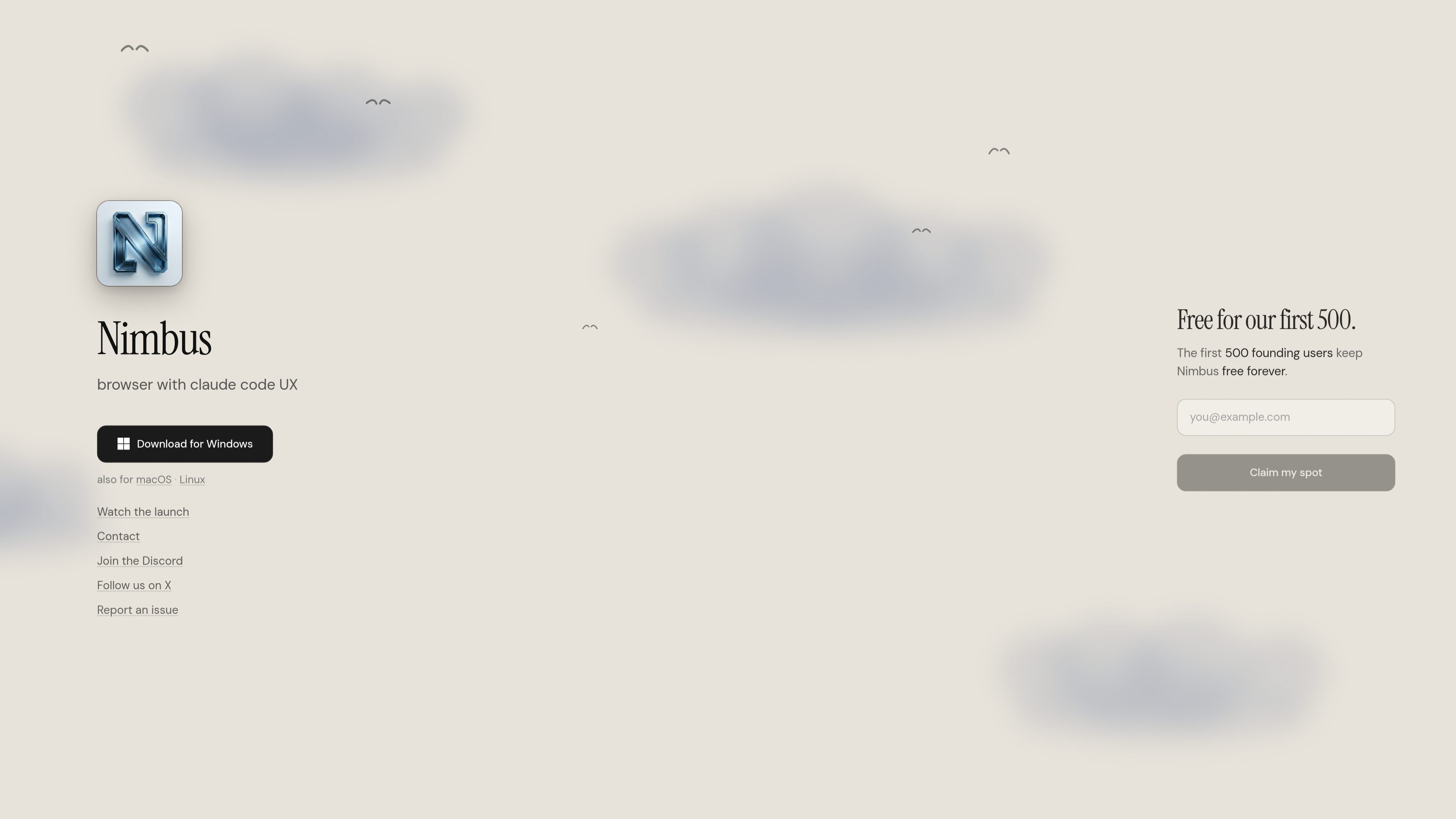
Nimbus is an AI-native browser companion for the web. It is positioned to help users navigate websites, fill out forms, and extract information so they can spend less time on routine web tasks and more time on decisions and review.
The homepage presents Nimbus as a downloadable desktop product, with availability noted for Windows and also for macOS and Linux. The page also highlights a founding-user offer, stating that the first 500 users can keep Nimbus free forever.
Nimbus is described as an AI-native browser companion, which suggests it works alongside web browsing rather than as a separate standalone app experience.
The product is designed to navigate pages on the web, helping users move through sites and complete tasks without manual step-by-step work.
Nimbus can fill forms, which makes it useful for repetitive web workflows where accuracy and speed matter.
Nimbus can extract data from web pages, making it easier to capture information for review or later use.
The homepage mentions a browser experience with Claude Code UX, indicating an interface shaped around a familiar AI-assisted workflow.
Download options are listed for Windows, with support also noted for macOS and Linux, making the product accessible across major desktop platforms.
Use Nimbus when you need help moving through web pages and completing multi-step browsing tasks without handling each interaction manually.
Use Nimbus for repetitive online forms where structured inputs need to be entered accurately and consistently.
Use Nimbus to pull information from web pages when you need to collect data for review, comparison, or follow-up work.
Use Nimbus as a desktop browser companion when you want an AI-assisted workflow on Windows, macOS, or Linux.
Nimbus is presented as an AI-native browser companion that helps with web navigation, form filling, and data extraction.
The homepage says Nimbus is available for Windows, with support also listed for macOS and Linux.
The homepage invites users to download the product and also includes links for Discord, X, and reporting issues.
The pricing page at the provided URL returns “Not found,” so the available page text does not confirm plans, limits, or paid tiers.

Mindcase is a web data API and console for extracting structured data from websites and major online platforms. It helps users retrieve clean rows of data through prompt or API access, with prepaid per-record billing.

Happenstance is an AI-powered network search tool for finding people, mutual connections, and warm introductions across connected accounts. It supports individual use, shared team groups, and developer workflows through API, MCP, Slack, and other integrations.

ClawEase is an AI business operator that captures requests across calls, email, SMS, WhatsApp, LINE, and web forms, then completes booking and service workflows in existing web systems. It is aimed at appointment-based businesses that need intake, follow-up, and execution without API changes.

VForms lets you place questionnaires directly inside YouTube videos so viewers answer in context instead of switching to a separate form. It is aimed at collecting feedback and insights through timestamped, embeddable video forms.

Octen is a search infrastructure product for AI applications that need live web context, structured answers, and retrieval tools for agents, copilots, and chatbots. It combines search, extraction, multimodal retrieval, and developer access paths such as API, SDKs, Skills, MCP, and CLI.

Skayle is a content and AI search visibility platform that researches topics before writing, publishes structured content to a CMS, and tracks whether brands are cited in AI search. It is aimed at teams that want one system for publishing, schema-rich content, and visibility monitoring.