
Video-to-video style conversion
Convert videos into a different visual style using nearly 20 style options, including anime, live action, Pixar-like looks, caricature, and more abstract transforms.

VMagic is a web-based AI video and image tool for style conversion, face swap, image effects, and short clip generation. It helps creators turn existing media into new formats or generate short videos from text and images.
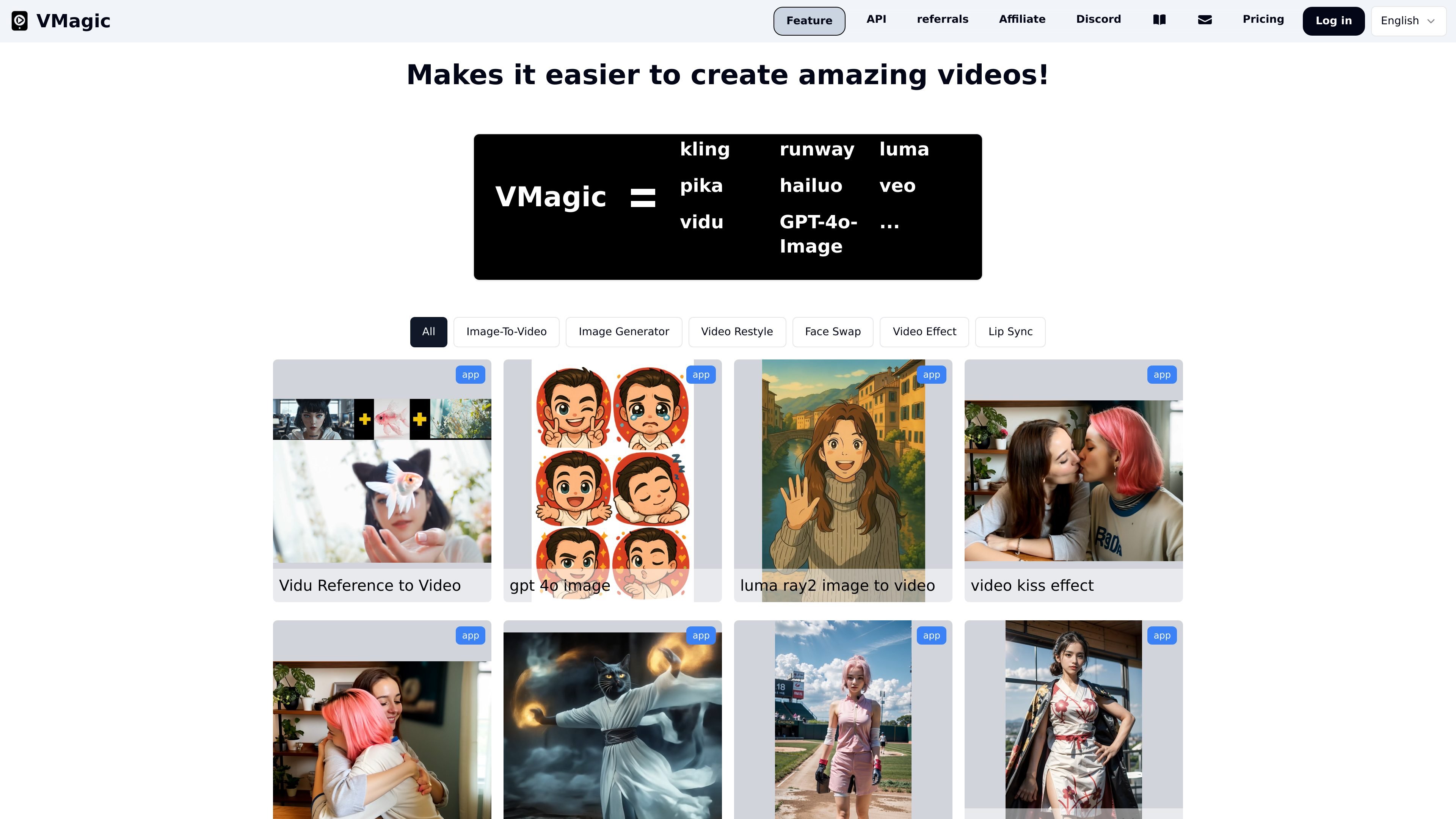
VMagic is an AI video and image creation site built around short-form generation and editing workflows. The public pages show tools for video-to-video style conversion, video face swap, image effects, text-to-video, and image-to-video generation.
The product’s main purpose is to let users transform existing media or generate new clips from prompts and images without leaving the site. The source emphasizes quick tasks such as selecting a style, uploading a video or image, choosing a time segment, and generating a short output.
Convert videos into a different visual style using nearly 20 style options, including anime, live action, Pixar-like looks, caricature, and more abstract transforms.
Swap the face in a video with a face from an uploaded image. The flow supports uploading a video, uploading a source face image, choosing a time segment, and generating the result.
Change the appearance of a video using image-based effect presets such as Squish, Hodouken, Cakeify, Gun Shooting, Crush, and Deflate.
Turn text prompts into short generated videos. The site says the output is suited to storytelling, marketing, or creative work and can generate 5- or 10-second clips.
Convert static images into short videos with motion. The site describes this as a way to add natural movement and produce 5- or 10-second clips from still images.
A credits-based workflow is used across tools, and the pricing page shows that some edit modes support relax queue on higher plans.
Creators can convert a dancing clip, sports clip, or meme into anime, Pixar-like, live-action, or abstract styles when they want a different visual tone for sharing.
Users can replace a face in a video by uploading a source clip and a face image, then choosing the segment they want to generate for a face-swap result.
Marketers or storytellers can turn short text prompts into generated clips for social posts, concept tests, or quick visual drafts.
People working from still images can add motion to a photo to make a short animated clip without starting from a full video recording.
Users can apply image effects such as Squish or Cakeify to create playful edits for social content or visual experiments.
Yes. The pricing page says you can try VMagic for free, and the homepage FAQ asks about free use and paid subscription benefits. The source does not spell out every free-tier limit, so it is safest to treat free access as available but limited.
The pricing page states that paid plans provide monthly credits, and some plans add support for relax mode with unlimited usage on video restyle and face swap. The source does not list every feature difference beyond those plan notes.
Relax queue is mentioned on the site as an option for supported pro plans, but the source does not provide a full technical explanation. Based on the pricing and tool pages, it appears to be a queue mode that can run certain edits without using credits.
The site lists questions about subscription renewal in its FAQ, but the collected text does not include the full answer. The safest inference is that subscriptions renew on their billing cycle unless cancelled, but this is not explicitly detailed in the source.
VMagic appears to target people who want to create or transform short videos and images with AI, including creators working with face swap, video style transfer, video effects, and text-to-video workflows.

Official HeyGen API documentation for building AI avatar videos, translations, lipsync, and interactive video-agent sessions. It supports direct API use plus MCP and CLI-style workflows for developers and AI agents.

艺映AI is a free AI video creation tool for generating video from text, images, or existing footage. It is positioned for short-form social content, promotional clips, and stylized AI video projects.

Coursebox AI Training Video Generator creates training videos from scripts, slides, or avatar-based setups. It is aimed at course authors and teams that want to produce training content without filming equipment or manual editing.

Vizard Agent is a web-based AI video creation tool that can generate finished videos from footage or from a prompt with no source material. It offers templates and a blank-project workflow for tasks like ads, explainers, and other video formats.

Wallie is an open-source AI streamer that watches your screen, hears chat, and generates live commentary in a configurable persona. It runs locally on your machine with your own keys and is aimed at faceless content, autonomous streams, and real-time reactions.

VIDEOAI.ME is an AI video generator for making spokesperson-style videos, ads, explainers, and social content from a script. It is aimed at founders, marketers, agencies, and creators who want to produce videos without filming.