
Multiple connection methods
Connect with standard SSH, Mosh, Tailscale SSH, or Cloudflare Tunnel SSH from one app instead of switching between tools.
VVTerm is a native SSH terminal and SFTP client for iPhone, iPad, and Mac. It supports standard SSH, Mosh, Tailscale SSH, and Cloudflare Tunnel SSH, with iCloud sync and Keychain-based credential storage.
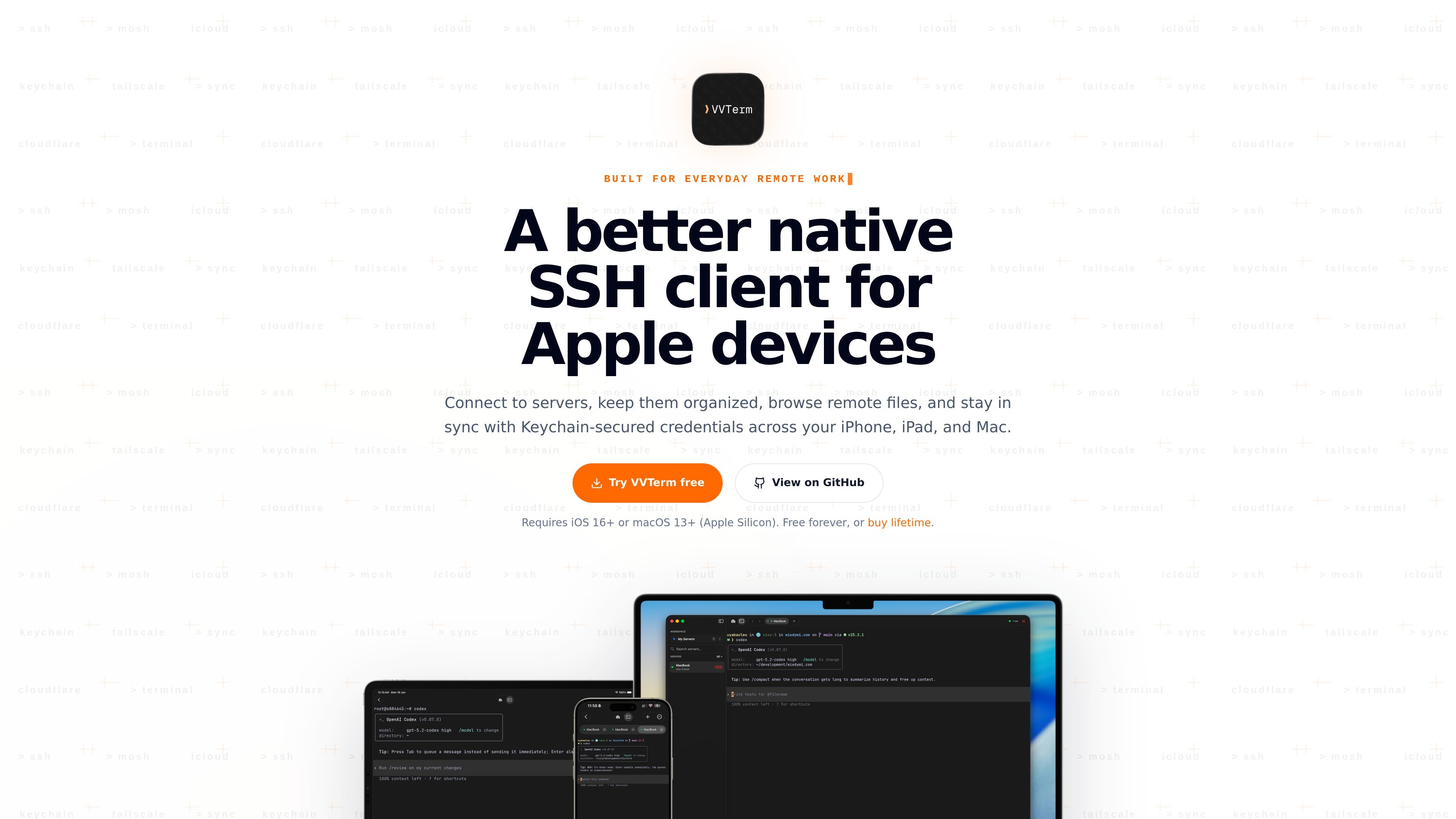
VVTerm is a native SSH terminal and SFTP client for iPhone, iPad, and Mac. It is built for people who manage servers from Apple devices and want a single app for terminal access, file browsing, and credential handling.
The app supports standard SSH as well as Mosh, Tailscale SSH, and Cloudflare Tunnel SSH. It also syncs server metadata through iCloud, stores passwords and SSH keys in Apple Keychain, and offers a built-in SFTP workflow for browsing, previewing, transferring, and editing remote files.
Connect with standard SSH, Mosh, Tailscale SSH, or Cloudflare Tunnel SSH from one app instead of switching between tools.
Use a built-in SFTP Files view to browse remote folders, transfer files, create directories, rename or move items, and manage POSIX permissions on supported servers.
Preview text, image, and video files inline, and edit supported text files in place while working remotely.
Keep server metadata synced through iCloud while credentials remain protected in Apple Keychain, with iCloud Keychain support when enabled.
Use the app across iPhone, iPad, and Mac, with iOS keyboard controls for terminal navigation and Apple Silicon Mac support.
Connect to Linux or Unix servers from an iPhone, iPad, or Mac when you need a native terminal on Apple devices.
Browse remote directories, upload or download files, and adjust permissions without opening a separate file-transfer app.
Keep the same server list and credential setup available across devices by syncing metadata through iCloud.
Use the app for side projects, homelabs, small production systems, and remote AI or automation hosts when you are away from your desk.
Use Mosh, Tailscale SSH, or Cloudflare Tunnel SSH when a standard SSH path is not the only option available.
VVTerm is an SSH terminal app for iPhone, iPad, and Mac. It also includes built-in SFTP file browsing for supported servers.
Server configurations sync through iCloud across your Apple devices. Passwords and SSH keys are stored in Apple Keychain, and they can sync through iCloud Keychain when enabled.
VVTerm supports standard SSH, Mosh, Tailscale SSH, and Cloudflare Tunnel SSH.
Yes. VVTerm works on iPhone, iPad, and Mac, and the iOS version includes a keyboard toolbar with Esc, Tab, Ctrl, and arrow keys.
Free includes 1 workspace, 3 servers, and 1 connection tab. Pro unlocks unlimited workspaces, servers, simultaneous connections, and custom environments.
Refunds are handled by Apple through the App Store.
iOS 16+ is required on iPhone and iPad, and macOS 13+ is required on Apple Silicon Macs. Intel Macs are not supported.
Yes. VVTerm includes a built-in SFTP Files view for browsing folders, uploading and downloading files, creating folders, renaming or moving items, previewing text, image, and video files, editing supported text files, and adjusting POSIX permissions on supported servers.

MyIndieSpace is a public profile and product portfolio platform for indie hackers and makers building in public. Create one shareable space for your identity, links, products, progress, and optional revenue snapshots.

iSard is a GPS activity tracker for running, hiking, walking, cycling, and other outdoor workouts. It combines live route metrics, Apple Watch support, offline maps, GPX import, 3D route replays, and customizable activity cards.

Behavly is a user re-engagement and product analytics platform that tracks website behavior, identifies at-risk or inactive users, and generates personalized follow-up emails. It helps product, growth, and customer teams act on user activity and measure who returns.

Little Love in a Box lets people create interactive digital care packages containing messages, photos, bouquets, music, and surprise items. Packages are shared through a permanent link or QR code that recipients can open on a phone, tablet, or computer.

Grok Bot Marketplace is a public directory of handpicked templates for specialized Grok Bots across work, development, research, and personal tasks. Users can choose bots with different inputs, integrations, outputs, and approval workflows based on the template.

locktfin is a native focus timer for macOS 14 or later, built for founders and other users who want to connect timed work sessions with optional goals, projects, and local history. It works locally on the Mac and can optionally expose selected read-only focus data to compatible assistants.