
Portal-connected system context
Connect Xirp to Portal so the environment can surface system context tied to services, ownership, dependencies, and architectural decisions during a coding session.

Xirp is an agentic development environment from Spotify that connects AI coding sessions to Portal context such as services, ownership, dependencies, and architectural decisions. It is designed for engineering teams that want agents to work with institutional knowledge instead of isolated prompts.
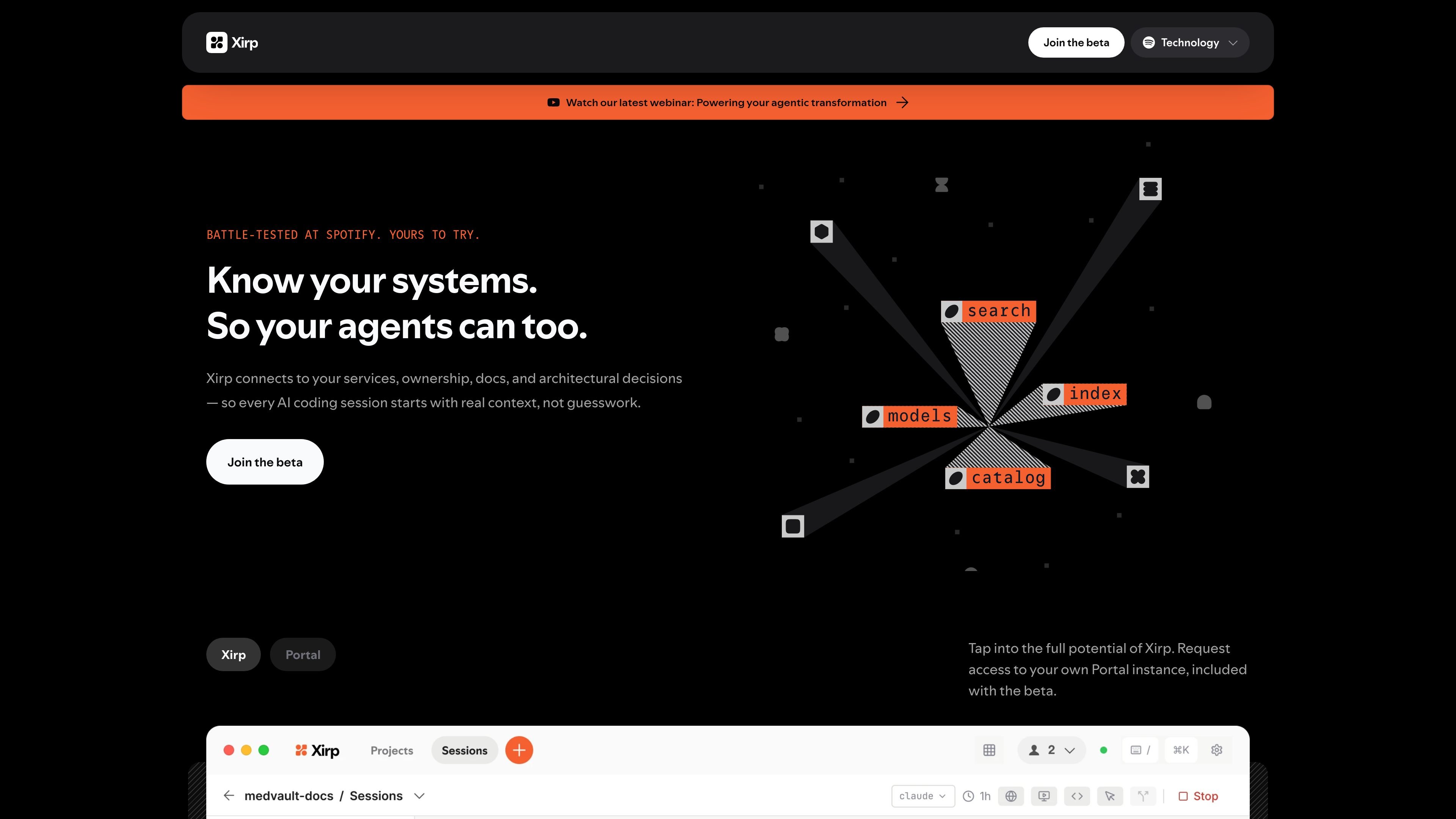
Xirp is an agentic development environment from Spotify that is designed to give AI coding sessions the same kind of system context a human engineer would rely on. Rather than treating each prompt as an isolated task, it connects to Portal so the session can reference services, ownership, dependencies, and architectural decisions.
The product is aimed at teams that want AI tools to work inside an organization’s real operating context. Xirp describes itself as a retrieval problem solver for institutional knowledge, with Workspace for shared session context and documentation that is generated as part of the development flow.
Connect Xirp to Portal so the environment can surface system context tied to services, ownership, dependencies, and architectural decisions during a coding session.
Starts each session with the surrounding system, not just the file in view, so agents can understand who owns upstream components and what depends on them.
Workspace keeps work items, sessions, and docs together in one shared context layer for engineers and agents.
Turns the output of coding sessions into living documentation that stays current and can be reused later.
Supports Claude, Gemini, and Codex, letting teams switch models without losing accumulated context.
Can be run locally or remotely, giving teams an option to choose how sessions are executed.
A new engineer can use Xirp to start a coding session with system context instead of searching across old docs, chat threads, or tribal knowledge.
An engineer working on a change can see the surrounding service ownership, dependencies, and design decisions before making edits, which helps reduce guesswork during implementation.
When someone needs to understand why a system was built a certain way, Xirp can surface architectural decisions in the same environment used for development.
Teams can keep session context and generated documentation in Workspace so the next person or agent working on the system can build on what was already captured.
Teams that want to compare model behavior can switch between Claude, Gemini, and Codex while keeping the same organizational context.
Xirp is an agentic development environment that connects to Portal so coding sessions can use system context such as services, ownership, dependencies, and architectural decisions.
The site says Xirp works with Claude, Gemini, and Codex, and that you can run sessions locally or remotely without losing context.
Xirp centers on context retrieval and session memory. It captures knowledge from coding sessions, turns it into documentation, and feeds that context into future sessions through Workspace and Portal.
The site promotes a beta and mentions requesting access to a Portal instance. The pricing page itself returns a 404, so public pricing details are not available from the source provided.

ByteAsk is a terminal-first AI coding agent for C and C++ that edits repositories and verifies changes with the real compiler, debugger, sanitizers, and tests before showing a diff. It offers a free tier plus paid plans, with editor connectors and zero-retention handling described in the source.

Ghost è un assistente AI da terminale per chattare, generare codice ed eseguire task da riga di comando. Include modelli gratuiti, supporta Linux, macOS e Windows, ed è open source.

Vi3ecode is a maintained development environment for working with AI coding agents. It keeps project context, terminal, Git, memory, flows, review, and communication connected around the agent you already use.

CreateOS Sandbox is an isolated compute environment for running code and agent workloads inside Firecracker micro-VMs. It is designed for workflows that need machine-level isolation, private networking between sandboxes, and programmatic control through SDK, CLI, or MCP.

hob is an independent workspace for coding agents that keeps agent sessions, terminals, history, and follow-up work organized around the tools and providers you already use. It is aimed at developers who want local control over routing, history, and workspace structure rather than a bundled model stack.

Manta AI is an autonomous web app testing tool for teams that want to map application behavior, catch regressions, and generate tests without writing scripts or maintaining selectors. It works from a URL and supports plain-English test flows, run results with screenshots, and scheduled or deployment-triggered checks.