
Automatic Zoom
Zoomix tracks cursor movement and automatically applies zooms to key areas while you record, reducing the need for manual editing.

Zoomix is a Chrome extension for recording product demos and screen videos with automatic zoom, cursor tracking, and a timeline-based editor. It is free to install, requires no account to start, and exports locally stored recordings in MP4 format.
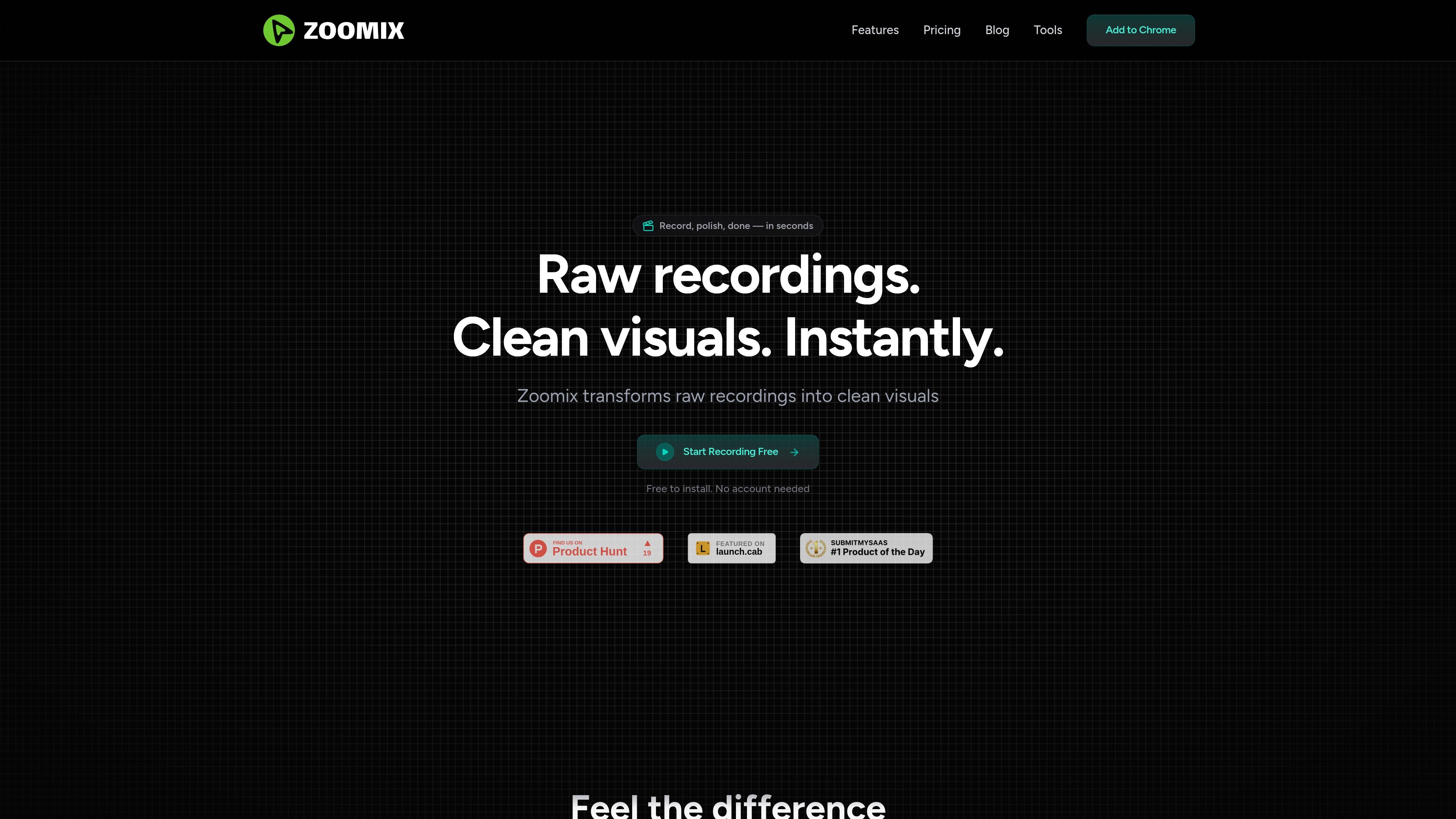
Zoomix is a Chrome extension for recording product demos and screen videos with built-in visual polish. It records screen activity and then applies automatic zoom, cursor tracking, smooth transitions, and background styling to help raw captures look more like edited demos.
The core workflow is simple: start recording, make edits in the timeline-based editor if needed, and export the result in HD. The product is positioned for creators who want to produce polished walkthroughs, onboarding clips, sales demos, or support videos without a traditional editing workflow.
Zoomix tracks cursor movement and automatically applies zooms to key areas while you record, reducing the need for manual editing.
A timeline-based editor lets you adjust zooms, padding, and other details after recording without switching tools.
Export recordings in HD quickly, with no extra setup required to share a finished demo.
Record screen, webcam, and cursor movements from the extension, then continue into the editing workflow automatically.
Exports are available in standard and HD quality, with the paid plan adding HD export, project history, and watermark removal.
The workflow is designed for browser use and is presented as a free Chrome extension with no account needed to get started.
Create polished product walkthroughs that use zooms and cursor focus to make feature explanations easier to follow.
Record onboarding videos that guide new users through a workflow with cleaner visuals than a raw screen capture.
Produce sales videos that present a product in a more refined format without sending footage to a separate editor.
Make tutorial clips for teaching software steps while keeping attention on the relevant part of the screen.
Capture support responses that explain fixes visually and can be shared quickly with customers.
Zoomix automatically tracks your cursor and zooms into key areas in real time, so the final recording looks more polished without manual keyframing.
Yes. The site says Zoomix works across websites and browser tabs, so it can be used to record screen activity in different web apps.
Recordings are stored locally on your device. The site states that Zoomix does not upload or access your recordings.
Zoomix supports exports in 480p, 720p, and 1080p, with output delivered in MP4 format and up to 60fps.
The site says it accepts major credit and debit cards, plus PayPal.

Zella is a screen recorder and on-device AI video editor for Mac and iPhone. It helps creators record screens or cameras, automatically clean up footage, add captions, reframe clips, and export videos without uploading the core project to the cloud.

Jupitrr Cut is a free iOS and Android teleprompter and recording app for scripted talking-head videos. It records scenes separately, lets users retake individual lines, trims pauses, and stitches the takes into a jump-cut video.

MeetStream is a meeting bot API for Zoom, Google Meet, Microsoft Teams, and Webex. It helps developers record, stream, and analyze meetings programmatically, with usage-based pricing and a $5 free credit to start.

Tavus is an AI video platform for building real-time, face-to-face agents, digital twins, and AI companions. It combines APIs, custom replicas, and multilingual conversational workflows for developers and teams.

HiringPartner.ai is an autonomous AI recruiting platform for sourcing, screening, and interviewing candidates 24/7. It supports ATS-connected workflows, bulk resume uploads, and reviewable interview outputs for hiring teams.

CAKIE is a Mac app for recording your screen and voice for an AI agent. It adds a transcript and screenshot highlights, then lets you copy a prompt and paste or attach the context in another AI app.