Aithor icon

Aithor

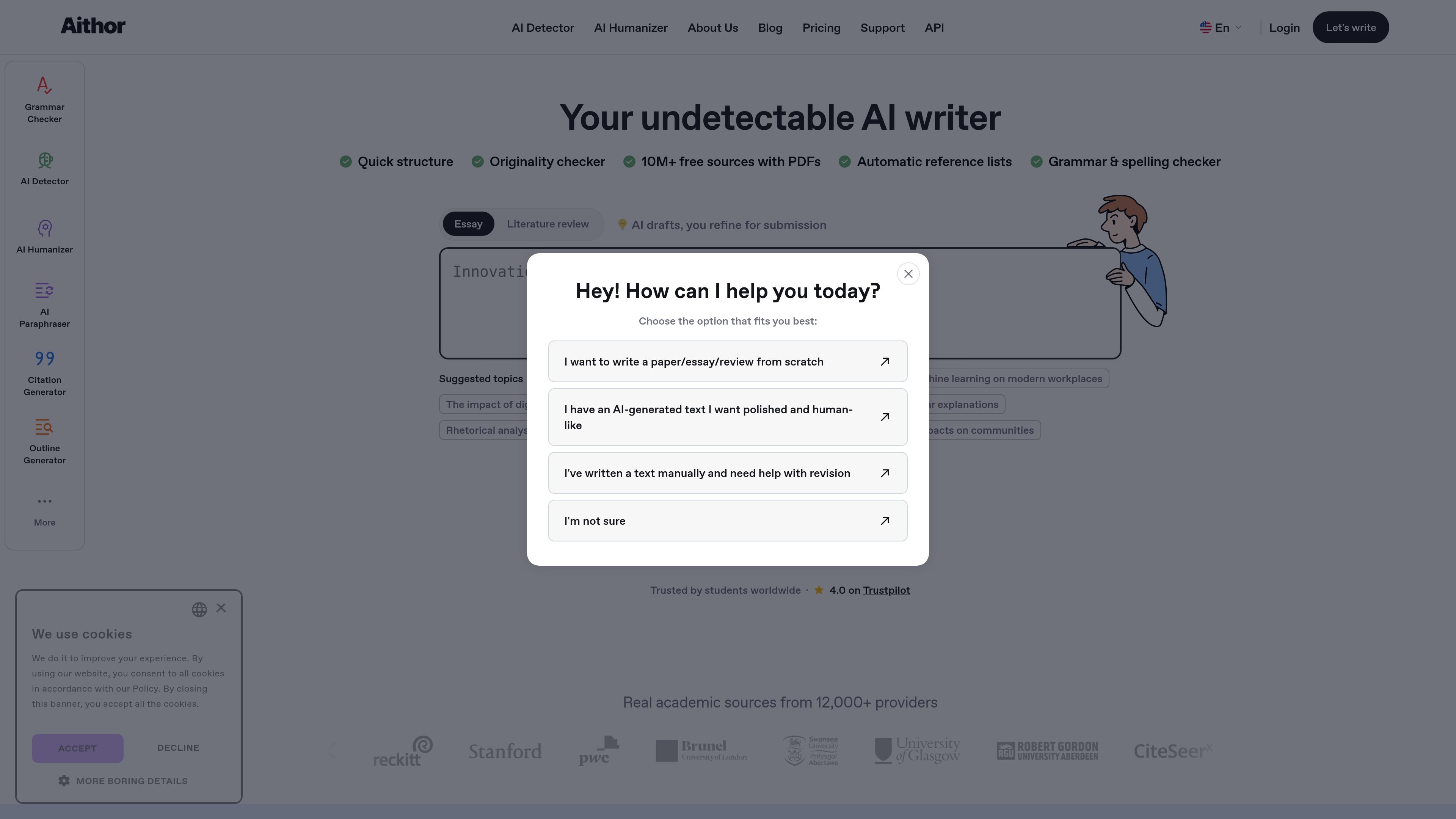
Aithor is a browser-based AI writing assistant for essays, research writing, paraphrasing, grammar checking, and citation formatting. It helps students and other writers draft, revise, and organize source-backed text without downloading software.

Aithor

AI writing assistant for academic and general writing

Aithor is a browser-based AI writing assistant focused on essays, research writing, and related academic tasks. The site positions it as an undetectable AI essay writer that helps users move from topic selection and source gathering to outlining, drafting, rewriting, and citation formatting.

Across the pages provided, Aithor combines several writing tools in one place: an AI draft assistant, grammar checker, paraphraser, citation generator, reference list builder, originality checker, AI detector, and AI humanizer. It also emphasizes access to academic sources, with claims of a 10M+ source database and real sources from 12,000+ providers.

Core capabilities

AI writing assistance

The homepage presents Aithor as an AI essay writer that helps generate drafts for essays, literature reviews, case studies, research, and creative writing while leaving the user in control of the final submission.

Academic source discovery

Aithor says it provides access to a 10M+ database and real academic sources from 12,000+ providers, with PDF access for supported sources.

Structure planning

The product can suggest sections, help create a logical flow, and support stronger structure for long-form writing.

Citation and reference formatting

Aithor offers citation generation and automatic reference list creation, with support for MLA, APA, Chicago, IEEE, and other common styles.

Grammar and style checking

The grammar checker scans for grammar, spelling, punctuation, and usage issues, then underlines mistakes and suggests corrected wording and style edits.

Paraphrasing and text refinement

The paraphraser rewrites text with adjusted sentence structure and vocabulary, and the site also positions Aithor as an AI detector and humanizer for text refinement workflows.

Practical ways to use Aithor

  • Academic drafting

    Use Aithor to move from a topic or prompt to an outline, then build a draft for an essay or literature review with source-backed structure and citations.

  • Proofreading and cleanup

    Paste a draft into the grammar checker to catch spelling, punctuation, usage, and style issues, then review the suggested corrections in the browser.

  • Paraphrasing and rewriting

    Run existing text through the paraphraser to reword sentences, improve clarity, adjust tone, or expand and shorten content without leaving the tool.

  • Research support

    Use the reference-finder and citation tools when building a research paper, case study, or report that needs formatted references and reliable academic sources.

  • Text refinement and originality review

    Use the AI humanizer and originality checker when refining AI-assisted text and checking whether the final version stays readable and personalized.

Pros and Cons

Pros

  • Combines drafting, rewriting, grammar checking, citation formatting, and reference management in one browser-based workflow.
  • Provides access to academic sources and PDF-backed references, which is useful for research-heavy writing.
  • Supports common citation styles, including APA, MLA, Chicago, and IEEE.
  • Offers no-sign-up access for the grammar checker and paraphraser pages, lowering the barrier to trying individual tools.

Cons

  • The pricing page at /pricing returns a 404 in the provided evidence, so pricing and plan details are not clearly published there.
  • Some claims on the homepage are broad, such as “undetectable” AI writing, but the provided pages do not show independent verification or detailed technical explanation.
  • The strongest evidence is for academic and writing-workflow tools; platform integrations and team features are not clearly documented in the sources provided.

FAQ

What is Aithor used for?

Aithor is an AI writing assistant for essays, research writing, paraphrasing, grammar checking, citation generation, and related academic workflows. It is presented as a browser-based tool with no download required.

Is Aithor free to use?

Yes. The grammar checker and paraphraser pages state that those tools are free to use without sign-up. The paraphraser page also notes a Pro version for advanced features and unlimited access, but no prices are shown on the site pages provided.

How does the workflow work?

Aithor’s tools are used directly in the browser. The grammar checker page says you paste text into the editor, run the check, and review suggested fixes, while the paraphraser page follows the same browser-based workflow.

What kinds of writing does Aithor support?

The site says Aithor can help with research, literature reviews, case studies, reports, and more. It also describes support for creative writing, though the strongest evidence on the site is for academic and research-oriented writing.

Does Aithor help with citations?

The site says Aithor supports citation generation in styles such as APA, MLA, IEEE, Chicago, and more. It also says users can build reference lists and access academic sources with PDF availability.

Quick Facts

Category
AI writing assistant
Primary focus
Essays, research writing, paraphrasing, and citations
Platform
Web browser
Source domain
aithor.com
Notable tools
Grammar checker, paraphraser, citation generator, AI detector, AI humanizer
Pricing page
The provided /pricing URL returns a 404 page

Aithorの代替品

Paperpal icon

Paperpal

Paperpal 是一款面向学术写作的 AI 工具,提供文献阅读、语言润色、引用、查重、AI 检测和投稿前检查。它适合需要在英文论文和学术材料上进行写作、修改与合规自检的学生、研究人员和教师。

Scite icon

Scite

Sciteは、論文の検索、引用文脈の確認、学術文献に基づく回答取得に役立つAI研究プラットフォームです。全文ソース、特許、関連研究資料を横断してエビデンスを評価できます。

Hype icon

Hype

Hypeは、カテゴリ・期間・スコア基準で急上昇中のYouTubeトピックを見つけるWebツール。クリエイターが注目のアイデアを素早く把握し、元動画を確認して次の企画を判断できます。

ProWritingAid icon

ProWritingAid

ProWritingAid is a writing assistant for storytellers that offers grammar checking, style editing, paraphrasing, and story analysis inside popular writing apps. It includes a free plan, paid tiers, and tools for chapter critique, manuscript review, and collaborative editing.

Sanota icon

Sanota

Sanota is an app that turns spoken memories, reflections, and interviews into clear written stories. It supports personal storytelling, family history, and shared memories, with guided prompts and subscription pricing.

VForms icon

VForms

VForms lets you place questionnaires directly inside YouTube videos so viewers answer in context instead of switching to a separate form. It is aimed at collecting feedback and insights through timestamped, embeddable video forms.