GranthOS icon

GranthOS

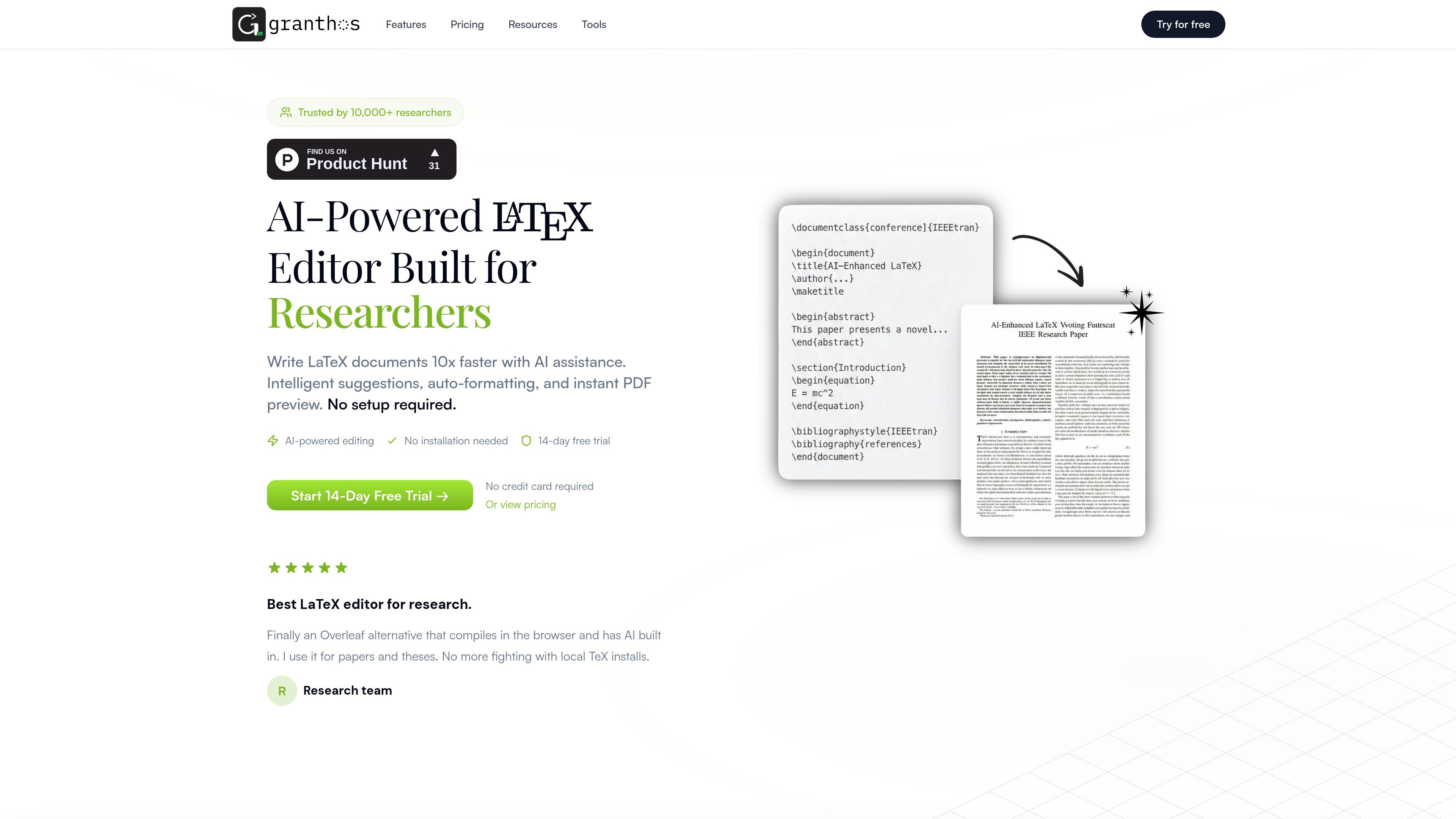
GranthOS is a browser-based AI LaTeX editor for researchers, students, and technical writers. It helps users draft, compile, and refine academic and technical documents without installing a local TeX setup.

GranthOS

What GranthOS is

GranthOS is a browser-based LaTeX editor for researchers, students, and technical writers. It combines online compilation with AI-assisted drafting, formatting, and document refinement so users can work on papers, theses, reports, slides, and related academic documents without a local TeX installation.

The product is positioned as an AI-first alternative to traditional LaTeX editors. The site highlights natural-language generation of templates and sections, equation and TikZ assistance, live PDF preview, and a large library of ready-to-use templates and conversion tools for common LaTeX workflows.

Core capabilities

AI draft and refine

Generate LaTeX structure, expand outlines, refine prose, and draft sections with AI instead of starting from a blank document.

AI for equations and TikZ

Describe equations or diagrams in plain language and get LaTeX for formulas, TikZ, and related technical notation.

Browser-based compilation

Edit and compile directly in the browser with real-time preview, so you can work without local TeX setup.

Template library

Start from more than 100 templates for papers, theses, Beamer slides, CVs, cover letters, lab reports, question papers, answer keys, rubrics, and schema formats.

Writing and conversion tools

Use built-in conversion and helper tools such as Math to LaTeX, citation generation, TikZ generation, Excel to table, and PDF or image to LaTeX.

Integrated authoring workflow

Move between writing, citation, and formatting tasks from the same site, including chat-to-edit workflows and cite-from-web support.

Typical ways to use GranthOS

  • Academic writing

    Draft journal articles, thesis chapters, and conference papers with AI help for structure, section writing, citations, and formatting while compiling in the browser.

  • Teaching and assessment content

    Create question papers, answer keys, rubrics, and exam variants from prompts using the site’s template and generation tools.

  • Academic document templates

    Build Beamer slides, academic CVs, cover letters, and lab reports from ready-made templates without starting from scratch.

  • Math and diagram workflows

    Generate equations, diagrams, and TikZ graphics from descriptions when you need technical notation or figures instead of manual syntax hunting.

  • Conversion and cleanup

    Convert source material such as images, PDFs, spreadsheets, or math into LaTeX tables and equations using the built-in conversion tools.

Pros and Cons

Pros

  • Works in the browser, so there is no local TeX setup required.
  • Combines editing and compilation with AI-assisted writing and refinement.
  • Covers common academic and technical outputs such as papers, theses, slides, CVs, question papers, and answer keys.
  • Includes dedicated tools for equations, citations, TikZ, and file-to-LaTeX conversions.
  • Offers a free trial path with no credit card required to start.

Cons

  • The public pages provided here do not confirm collaboration, Overleaf import, or offline use.
  • Pricing details beyond the trial prompt are not fully shown in the supplied source text.

FAQ

Do I need to install anything to use GranthOS?

GranthOS is a browser-based LaTeX editor, so you can start writing without installing a local TeX distribution. The site also presents it as an AI-powered alternative to Overleaf.

Is GranthOS free to try?

The pricing page shows a 14-day free trial and says no credit card is required to start. It also mentions a free start path and 25 AI edits weekly on the trial prompt.

What can GranthOS generate or convert?

The site says GranthOS compiles LaTeX in the browser and supports AI-assisted drafting, refinement, equations, TikZ, citations, and templates. It also lists tools such as Math to LaTeX, Citation Generator, TikZ Generator, and Excel to Table.

Can I collaborate with others or import Overleaf projects?

The public site asks whether it supports collaboration and importing Overleaf projects, but the rendered text provided here does not confirm either capability. Those workflows are mentioned as common questions rather than documented features.

What kinds of documents is GranthOS best suited for?

The site says GranthOS is designed for research papers, theses, reports, resumes, question papers, answer keys, and slides. That makes it suitable for academic and technical writing workflows rather than general word processing.

Quick Facts

Category
AI LaTeX editor
Platform
Web
Primary users
Researchers, students, and technical writers
Website
granthos.com
Pricing signal
14-day free trial; no credit card required to start
Core workflow
Write, compile, and refine LaTeX in the browser

GranthOSの代替品