
AI clip generation
Upload a video file or paste a YouTube link, then let Klap identify candidate moments and turn them into short clips for TikTok, Reels, and Shorts.

Klap is an AI video clipping platform that turns long videos into short-form posts for TikTok, Instagram Reels, and YouTube Shorts. It also offers a REST API for automating clipping, captions, reframing, and transcript workflows.
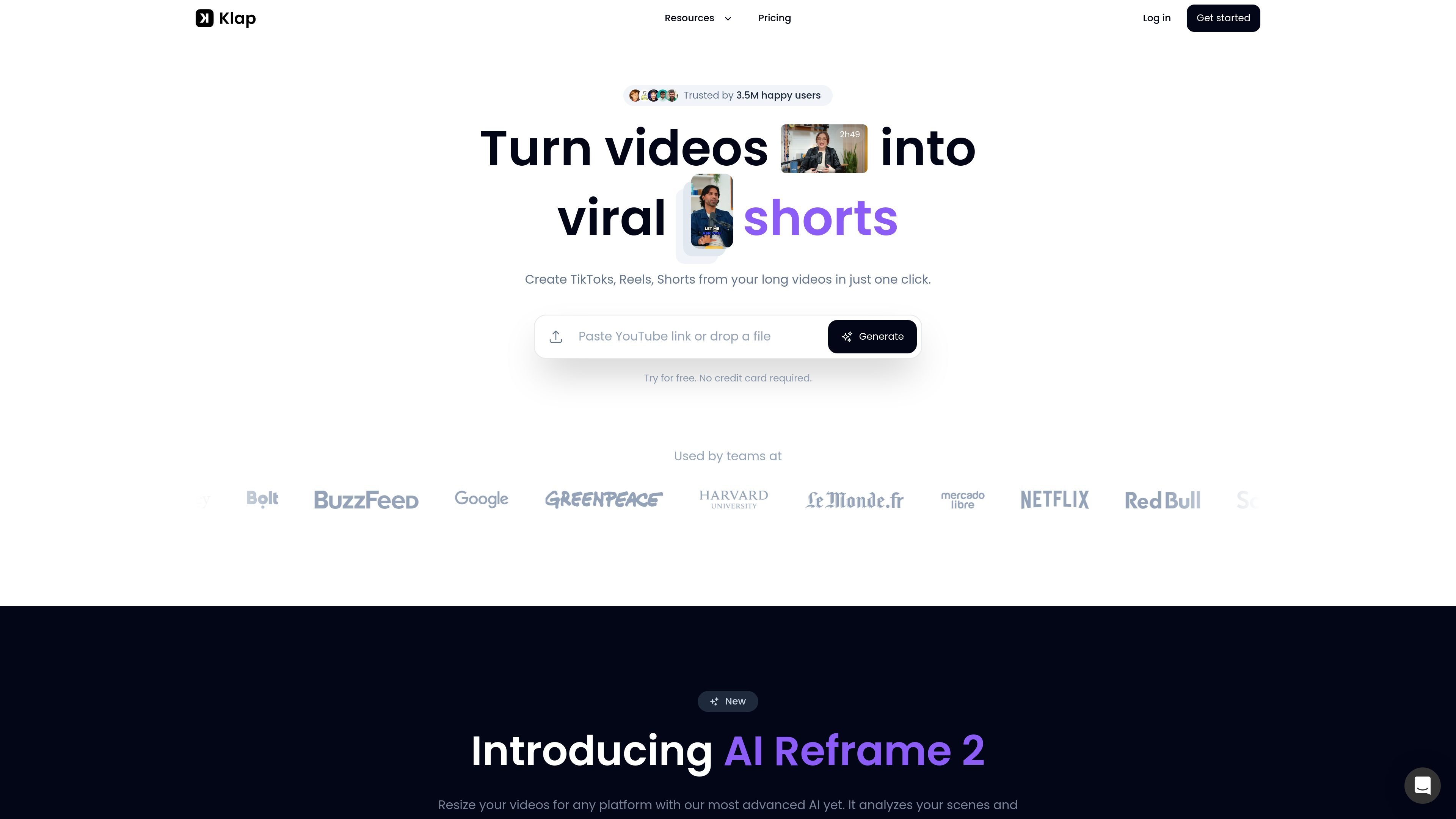
Klap is an AI video clipping tool that turns long-form videos into short-form posts for TikTok, Instagram Reels, and YouTube Shorts. The product focuses on taking existing footage, identifying strong moments, and packaging them for social publishing with captions, reframing, and export options.
The homepage positions Klap for creators and teams working with podcasts, webinars, interviews, trainings, product reviews, and similar speech-led videos. The site also offers a REST API for developers and product teams that want to automate clipping, captions, reframing, transcript extraction, or embedded editing inside their own workflows.
Upload a video file or paste a YouTube link, then let Klap identify candidate moments and turn them into short clips for TikTok, Reels, and Shorts.
Apply automatic reframing to adapt landscape footage for vertical formats and keep the main subject centered on mobile screens.
Add subtitles and captions designed to support short-form viewing, with customizable visual styling for branding.
Review a viral score for clips and use it as a signal for which outputs may be worth posting first.
Publish or schedule clips to supported social channels, including TikTok, YouTube, Instagram, and LinkedIn.
Use the Klap REST API to generate clips, captions, reframing, transcripts with timecodes, managed users, and embeds.
Turn a long YouTube video, webinar, or recorded talk into multiple short clips that can be posted across short-form channels.
Create social clips from podcast episodes or interviews, where speaker detection and captions help make the output easier to follow.
Prepare branded short videos for a marketing or social team by customizing fonts, colors, logos, framing, and export settings.
Automate clipping, captioning, reframing, and transcript extraction in a product or workflow using the Klap REST API.
Produce and publish clips in bulk for agencies, studios, or creators managing multiple videos and clients.
Klap lets you upload a video file or paste a YouTube link, then uses AI to identify strong segments, add captions, and reframe the result for short-form platforms.
The homepage says Klap works best for speaking-based videos such as podcasts, interviews, educational videos, product reviews, and trainings because its algorithm relies heavily on speech detection.
Klap says it edits and transcribes videos in 52 languages, while the API page says caption generation is available in over 100 languages.
Yes. The homepage says you can try Klap and create one video for free, and the pricing page lists paid plans for creators, teams, and API users.
The API page says Klap supports managed users and embeds, and that you can authenticate with an API key from the Klap account dashboard.

Clipo AI is an AI content repurposing platform that turns one video or podcast into clips, thumbnails, carousels, images, and written posts. It’s built for creators who want one workflow for editing, repurposing, and publishing long-form content.

Virvid is an AI shorts generator for creators and marketers who want to make faceless short-form videos for TikTok, Instagram Reels, and YouTube Shorts. It supports both manual video creation and automated daily posting workflows.

DeepMotionは、動画から3Dアニメーションを生成するAnimate 3Dと、テキストから動きを作るSayMotionを備えたWebベースのAIモーションキャプチャ&3Dアニメーションプラットフォームです。

Framesは、プレミアム端末フレームとテンプレートでInstagram・Twitter・Product HuntのローンチポスターやSNS販促素材をすばやく作成。無料で開始。

Optimo is a free, open-source CLI for optimizing and converting images and videos with format-specific commands built on ImageMagick and FFmpeg. It helps developers prepare web assets, batch process media, and automate compression from the shell or a Node.js script.

SocialEcho is an all-in-one social media AI workspace for publishing, engagement, listening, analytics, and automation across major networks. It is built for creators, brand teams, agencies, and businesses that want to manage multiple accounts from one system.