ProcessOn icon

ProcessOn

ProcessOn is an online diagramming and knowledge-sharing platform for creating mind maps, flowcharts, and related structured visuals. It supports AI-assisted generation, real-time collaboration, and team-oriented document workflows.

ProcessOn

Overview

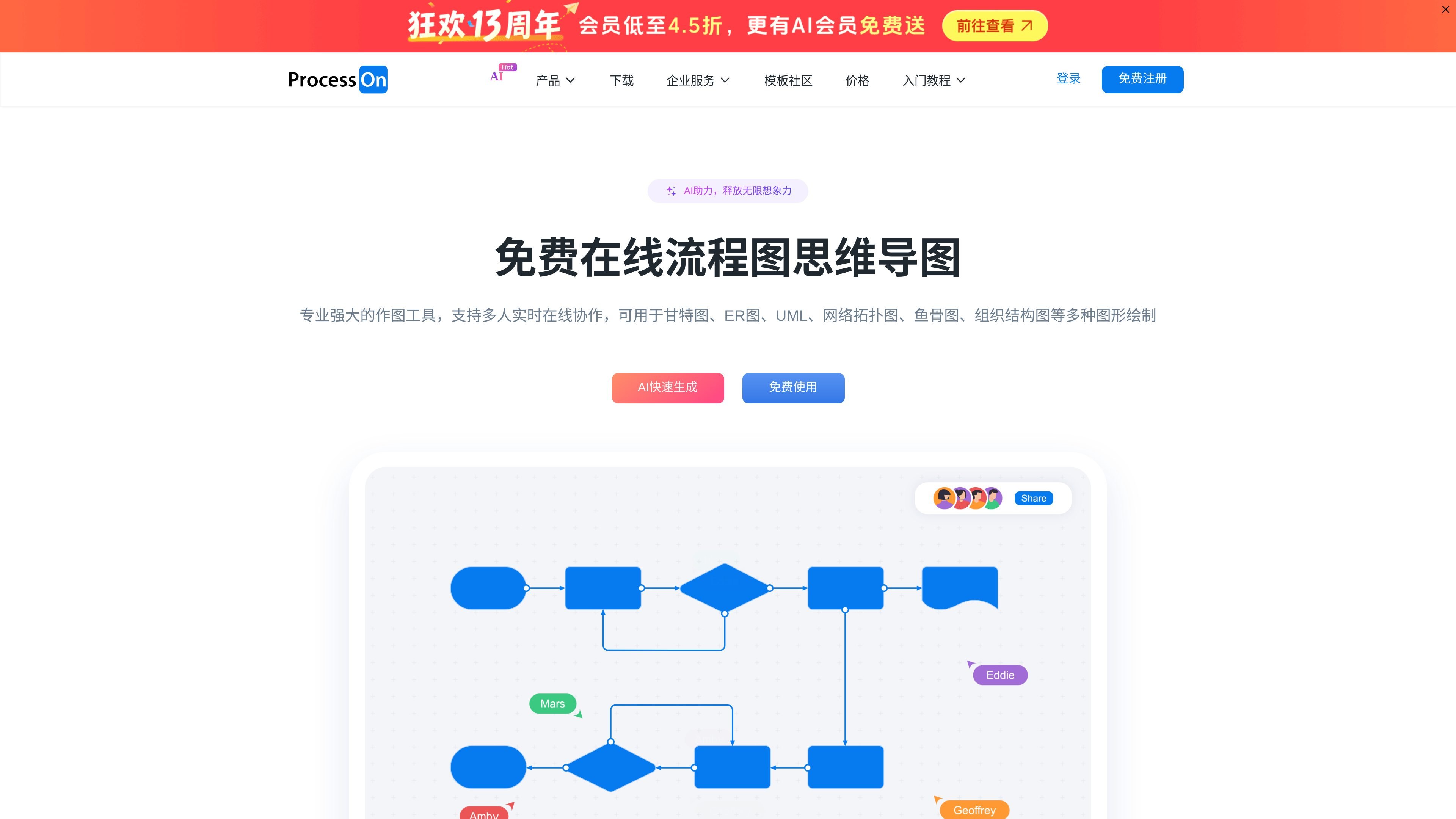
ProcessOn is an online diagramming tool and knowledge-sharing platform for creating mind maps, flowcharts, and other structured visuals. The site presents it as a browser-based workspace with AI-assisted generation, real-time collaboration, and template-driven learning.

Across the product and enterprise pages, ProcessOn is positioned for individual and team use: people can draft diagrams, switch between mind map and mind-note workflows, reuse templates, and share files in cloud-based team spaces with permissions and version tracking.

Core capabilities

AI-assisted diagram creation

Create mind maps and flowcharts online with AI quick generation, including prompt-based starting points for standard mind maps, meeting outlines, to-do lists, pros-and-cons lists, and SWOT analysis.

Multi-diagram support

Work with flowcharts, mind maps, mind notes, and a broader library of diagram types including swimlanes, ER diagrams, UML, BPMN, network topology, architecture diagrams, charts, tables, floor plans, and circuit diagrams.

Editing and formatting tools

Edit with common productivity features such as Markdown, LaTeX formulas, outline conversion, one-click beautification, theme styles, and custom visual styling.

Import and export compatibility

Export to VISIO, PDF, PNG, and SVG, and import VISIO and Mermaid files; the API page also describes conversion workflows for Visio, Draw.io, Xmind, Markdown, MindManager, and Excel.

Cloud collaboration and history

Collaborate in real time with multi-user editing, multi-device synchronization, cloud storage, and version history for rollback and file recovery.

Team-oriented controls

Organize team work with team spaces, permission management, team component libraries, member handoff, and admin visibility into usage and activity on enterprise plans.

Where ProcessOn fits

  • Planning and brainstorming

    Use ProcessOn to turn meeting notes, brainstorms, or project outlines into a structured mind map that can be shared and edited with others in real time.

  • Process and system documentation

    Build business process diagrams, swimlanes, BPMN workflows, or architecture views when you need clear visual documentation for operations or product work.

  • Team collaboration and knowledge management

    Create team spaces with permissions, component libraries, and version history for shared knowledge bases or cross-functional workspaces.

  • Template-driven creation

    Use templates and the knowledge community to start from examples, learn diagram conventions, and adapt existing layouts instead of starting from a blank page.

  • Embedded product workflows

    Integrate diagram editing into an application or business system through the API service, including embedded editing, preview, and format conversion.

Pros and Cons

Pros

  • Covers both mind maps and flowcharts in one online product.
  • Supports a wide range of diagram types beyond basic charting.
  • Offers real-time collaboration, cloud sync, and version history.
  • Includes template libraries and a knowledge community for learning and reuse.
  • Provides export and import paths that help fit existing document workflows.

Cons

  • The public sources do not show a full pricing breakdown or plan limits on the pages provided.
  • Some advanced enterprise capabilities such as private deployment and single sign-on are described for specific business offerings rather than the main consumer workflow.

FAQ

What platforms does ProcessOn support?

ProcessOn supports browser-based use and also provides a PC client, mini program, and mobile app. The site also lists team-entry options for enterprise platforms such as WeCom, Feishu, and DingTalk.

What file formats can ProcessOn work with?

The source shows support for exporting to VISIO, PDF, PNG, and SVG, and importing VISIO and Mermaid files. The API page also mentions additional format conversion capabilities such as Visio, Draw.io, Xmind, Markdown, MindManager, Excel, and output to image, SVG, or PDF.

Does ProcessOn support team collaboration?

ProcessOn’s source materials describe AI quick generation for mind maps, real-time multi-user collaboration, cloud storage, history version tracking, and team spaces with permissions and component libraries for organizational use.

What kind of help resources are available?

The support center includes guided help for registration, login, password reset, file management, flowchart editing, mind map editing, sharing, downloading, and template/community workflows. The product also emphasizes templates and a knowledge community for learning by example.

Who is ProcessOn best suited for?

The product is presented as a web-based diagramming and knowledge-sharing platform rather than a narrow single-purpose editor. It is designed for flowcharts, mind maps, notes, and other structured visual documents, so it is best suited to users who need those formats and collaborative editing.

Quick Facts

Category
Online diagramming and knowledge-sharing platform
Primary use
Mind maps, flowcharts, and related structured diagrams
Platform
Web, PC client, mini program, and app
Collaboration
Real-time multi-user editing with cloud storage
Source domain
processon.com
Enterprise options
Team space, private deployment, and API services

ProcessOnの代替品

Napkin AI icon

Napkin AI

Napkin AIは、テキストをプレゼン資料や文書、共有用コンテンツ向けの編集可能なビジュアルに変換します。テキスト起点で生成でき、共同編集にも対応。PPT、PNG、SVG、PDFで書き出せます。

Whimsical icon

Whimsical

Whimsical AI Mind Map generates editable mind maps from text prompts inside Whimsical. It helps individuals and teams brainstorm, summarize information, and organize ideas visually.

GitMind icon

GitMind

GitMind is an AI-powered mind mapping and diagramming workspace for turning text, files, webpages, images, audio, and video into structured summaries, diagrams, and visual notes. It supports web, desktop, mobile, and Chrome extension access, with a free tier and paid plans for heavier use.

Edraw.AI icon

Edraw.AI

Edraw.AIは、40以上のAIツールとさまざまなテンプレートを提供し、図、フローチャート、マインドマップなどの作成を効率化するAI駆動のビジュアルコラボレーションプラットフォームです。

AmyMind icon

AmyMind

AmyMind is a web-based AI mind map generator that converts text, Markdown, PDF, Word documents, Freemind files, and YouTube captions into structured diagrams. It includes export options, editing tools, and a free tier with a paid Pro plan for heavier use.

Beauty Diagram icon

Beauty Diagram

Beauty Diagram is an online Mermaid and PlantUML editor that live-previews text diagrams, beautifies their layout, and exports SVG or PNG. It also supports Pro draw.io workflows and integrations for Obsidian and VS Code-family editors.